Demo data note: Screenshots use representative demo data captured from a live environment. Some lists appear in an empty state where the demo tenant is unseeded, and add-on modules (such as Rental) appear only when enabled for the organization. Never use real customer or supplier records in a public demo.
How the commercial modules fit together
The commercial side of ColorsX74 ERP runs two end-to-end cycles and two relationship modules. Sales drives quote-to-cash: quotation → order → invoice → receipt, with returns and credit notes for exceptions. Purchase drives procure-to-pay: RFQ → purchase order → goods receipt → vendor bill, with three-way matching, returns, and debit notes. Contracts manages agreements through their lifecycle, and the Rental add-on manages physical assets that go out and come back. Customers and vendors are shared Contacts, so the same party can buy and sell without duplication. Everything posts into Accounting.
Sales — quote to cash
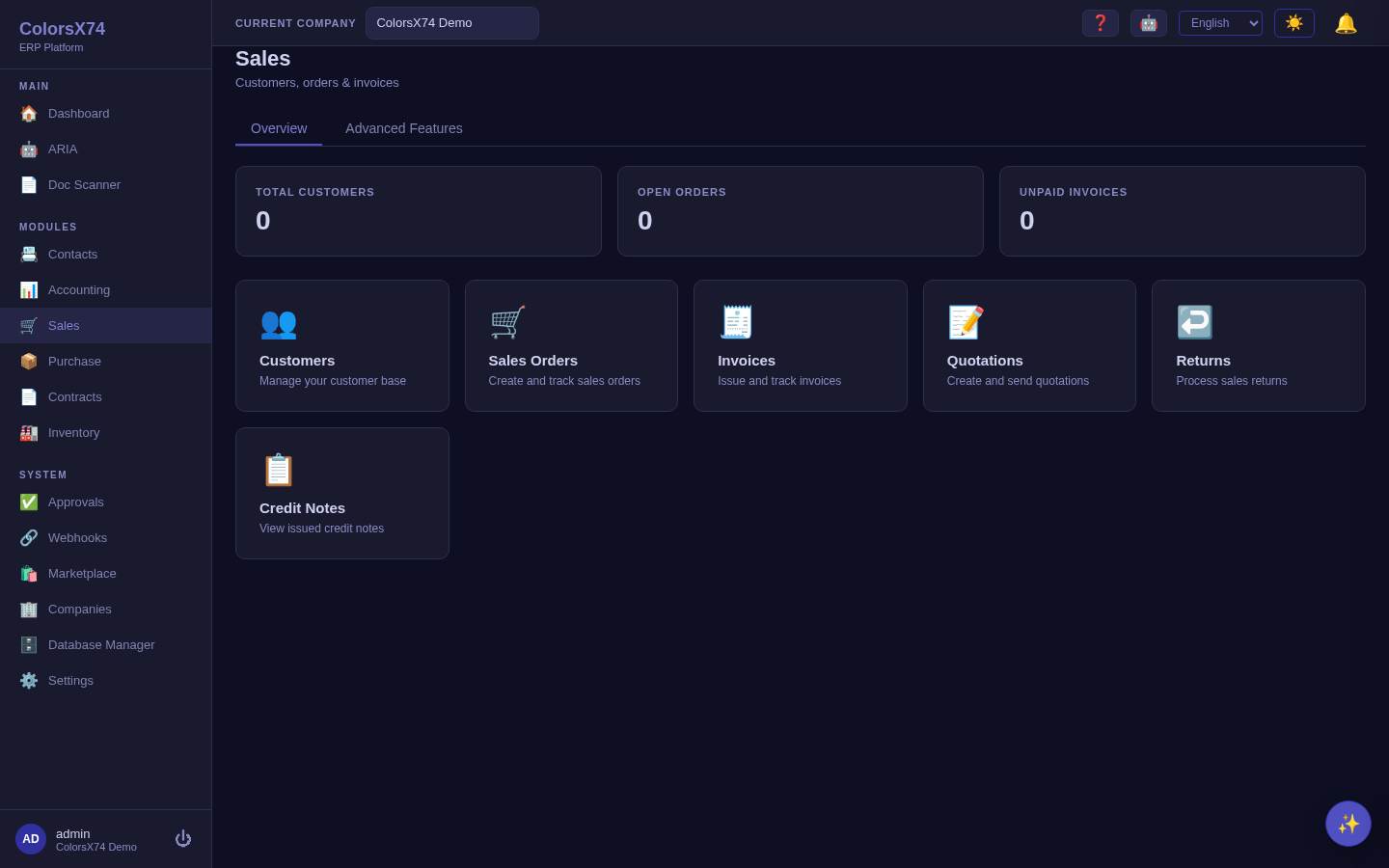
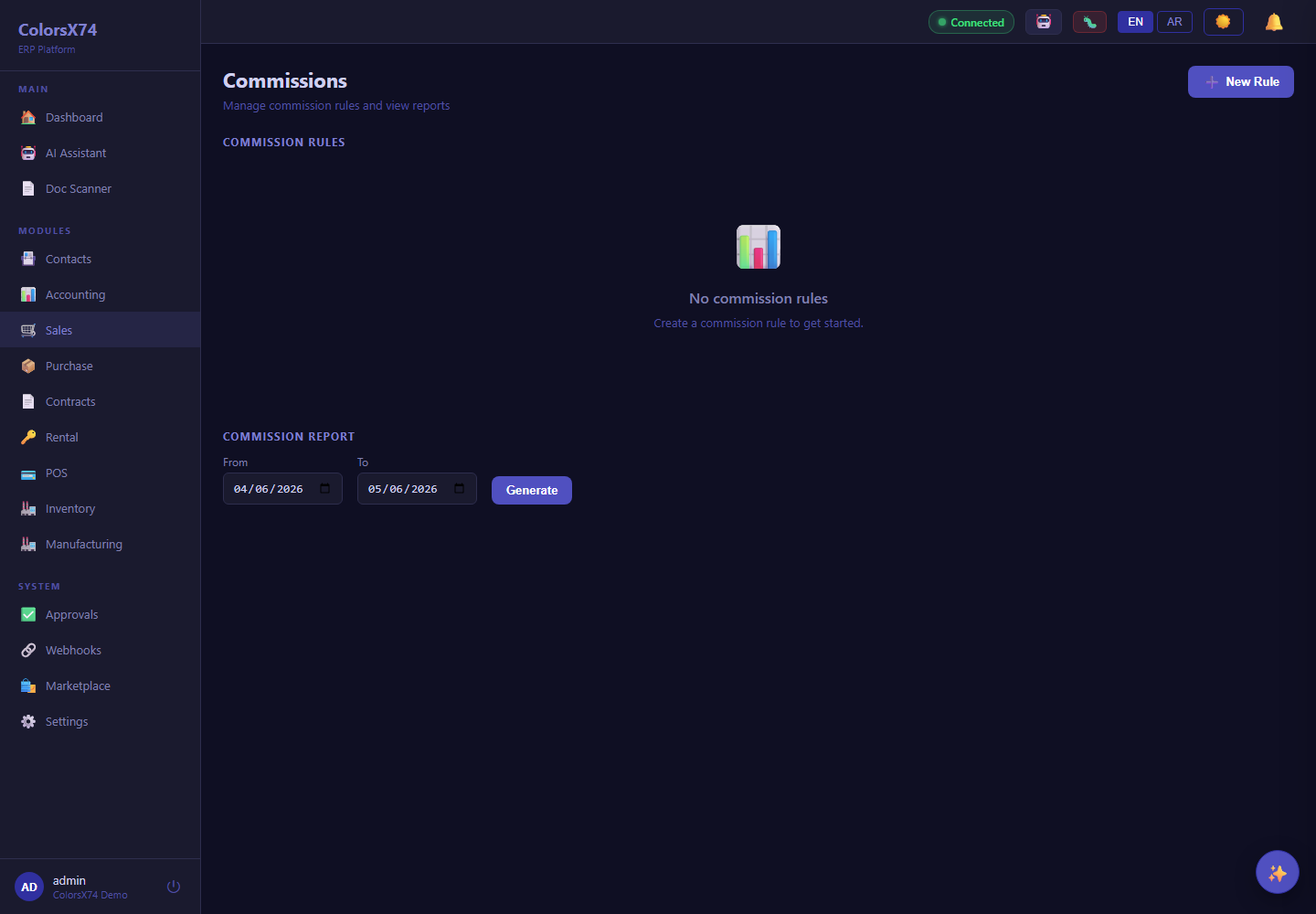
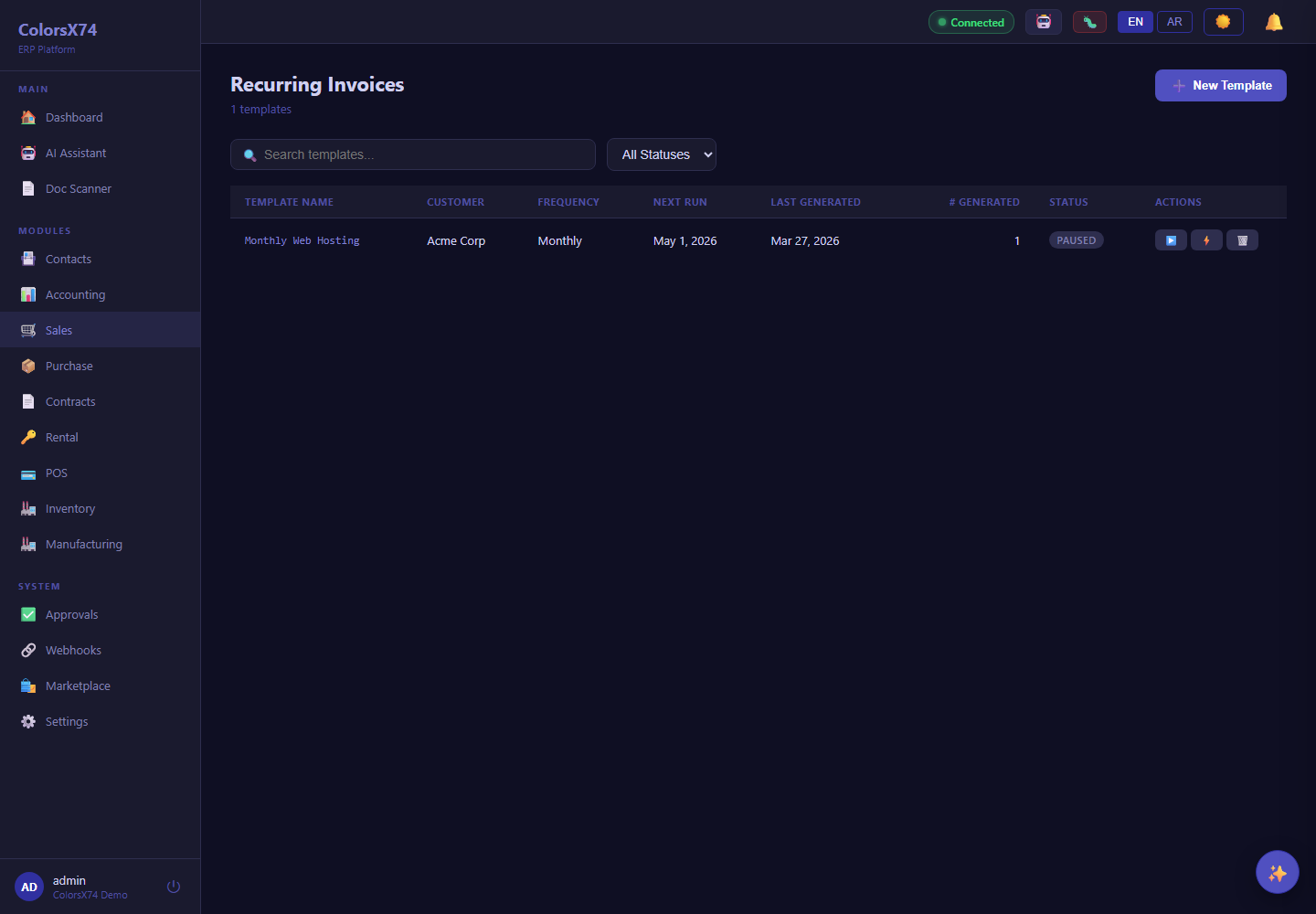
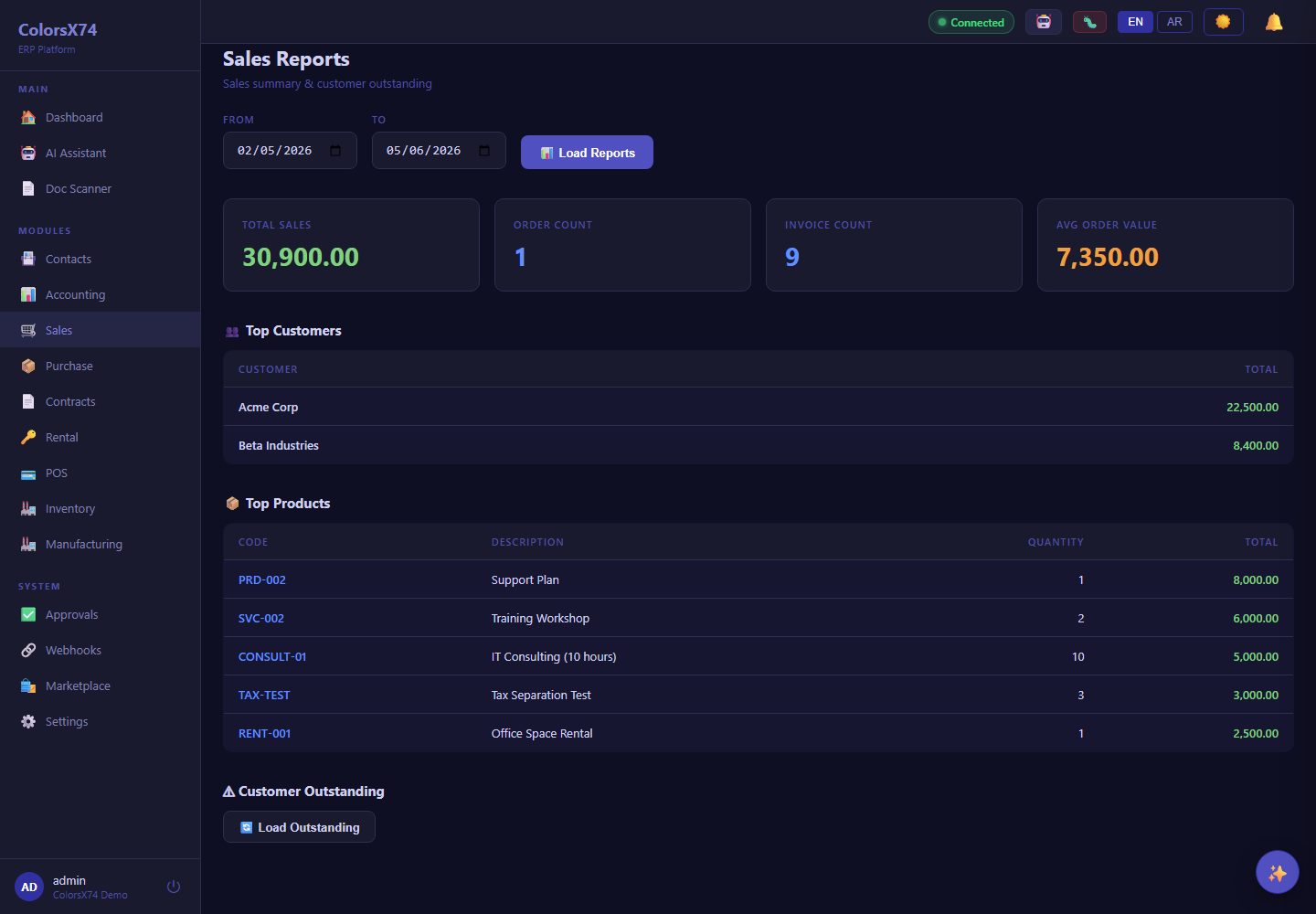
What it is. The Sales workspace is the customer revenue engine. From its home you reach Orders, Invoices, Quotations, Returns, and Credit Notes; advanced selling (commissions, recurring invoices, sales reports) lives behind the Advanced Features tab via the sales-advanced add-on.
How to use it — the happy path.
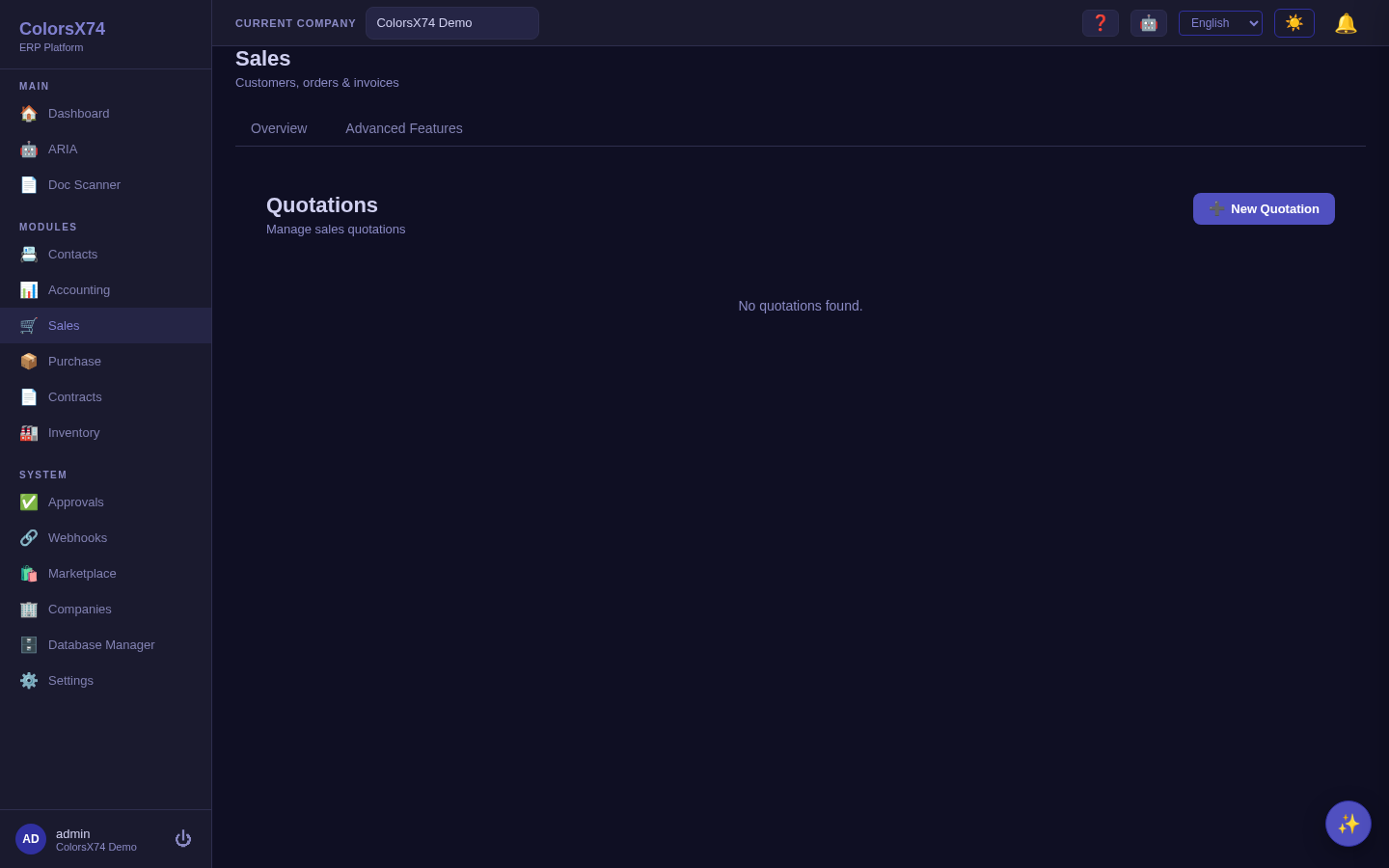
- Quotation. Create a quotation for a customer with priced lines; send it for acceptance.
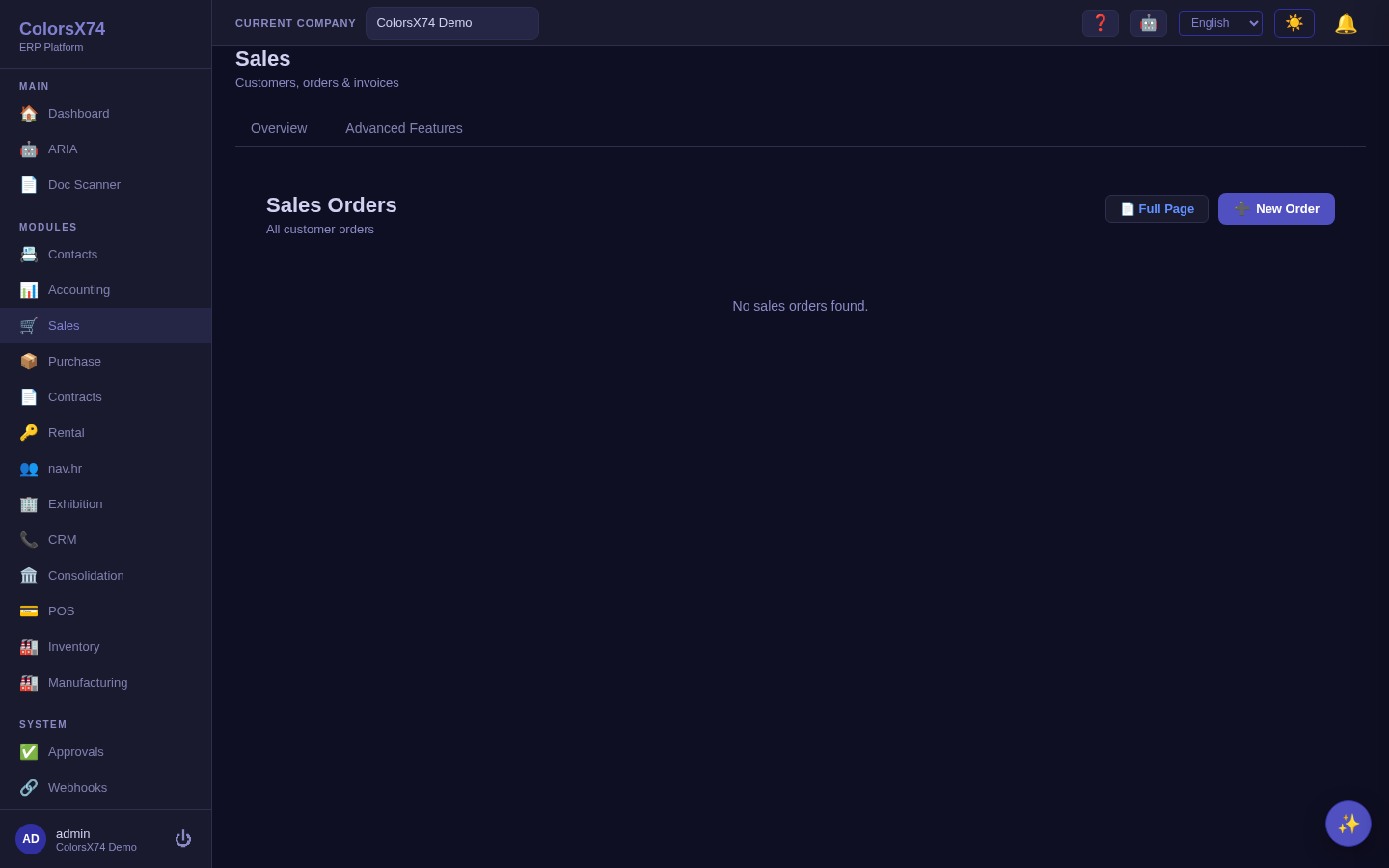
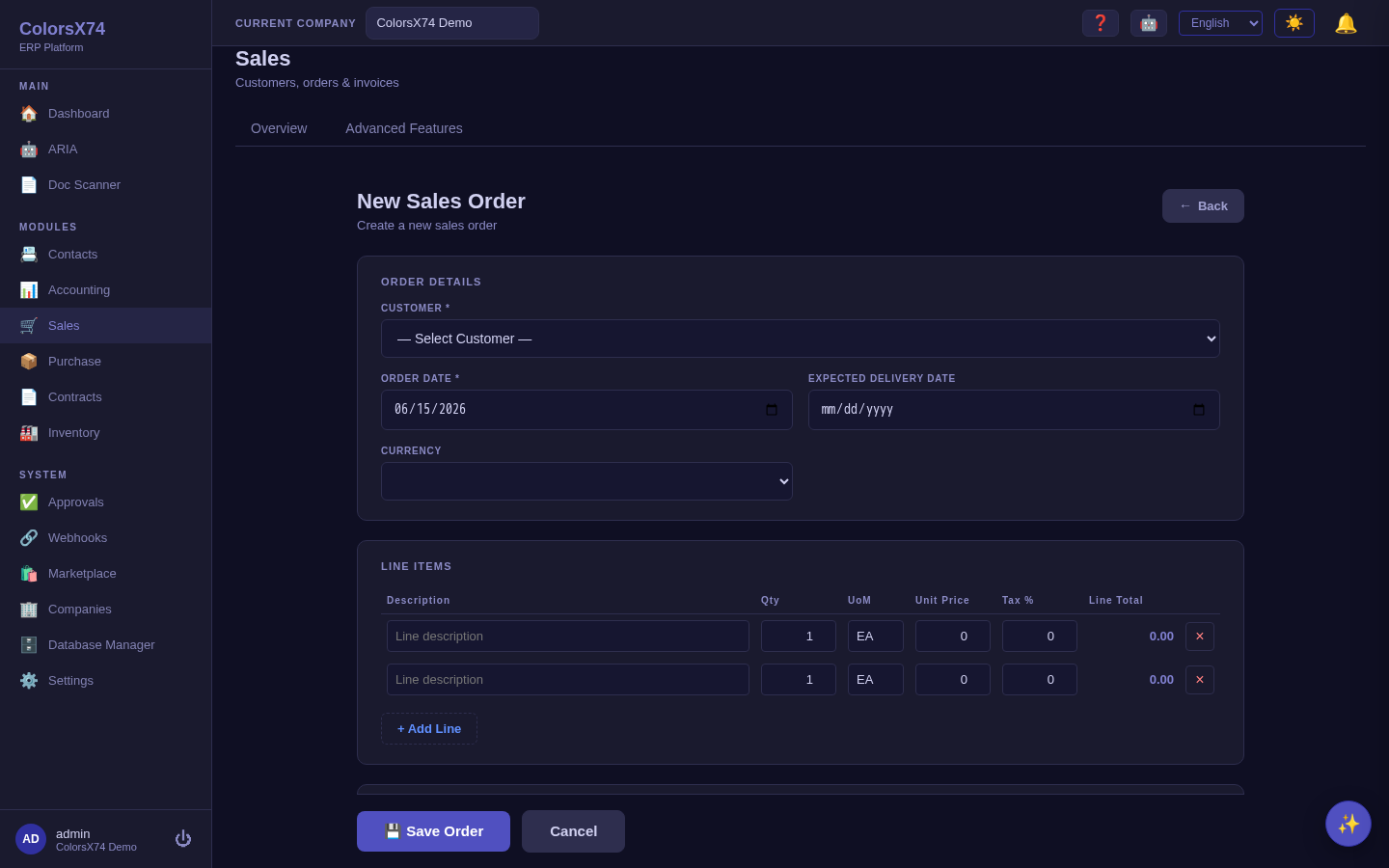
- Order. Convert the accepted quote to a sales order (or create an order directly with New Order), confirming quantities, prices, and delivery.
- Invoice. Raise the invoice from the order so it carries the same lines; issue it to the customer.
- Receipt. Record the customer payment against the invoice in Accounting → Payments to close the cycle.
Exceptions are first-class: use Returns when goods come back and Credit Notes to reduce or refund an invoice.
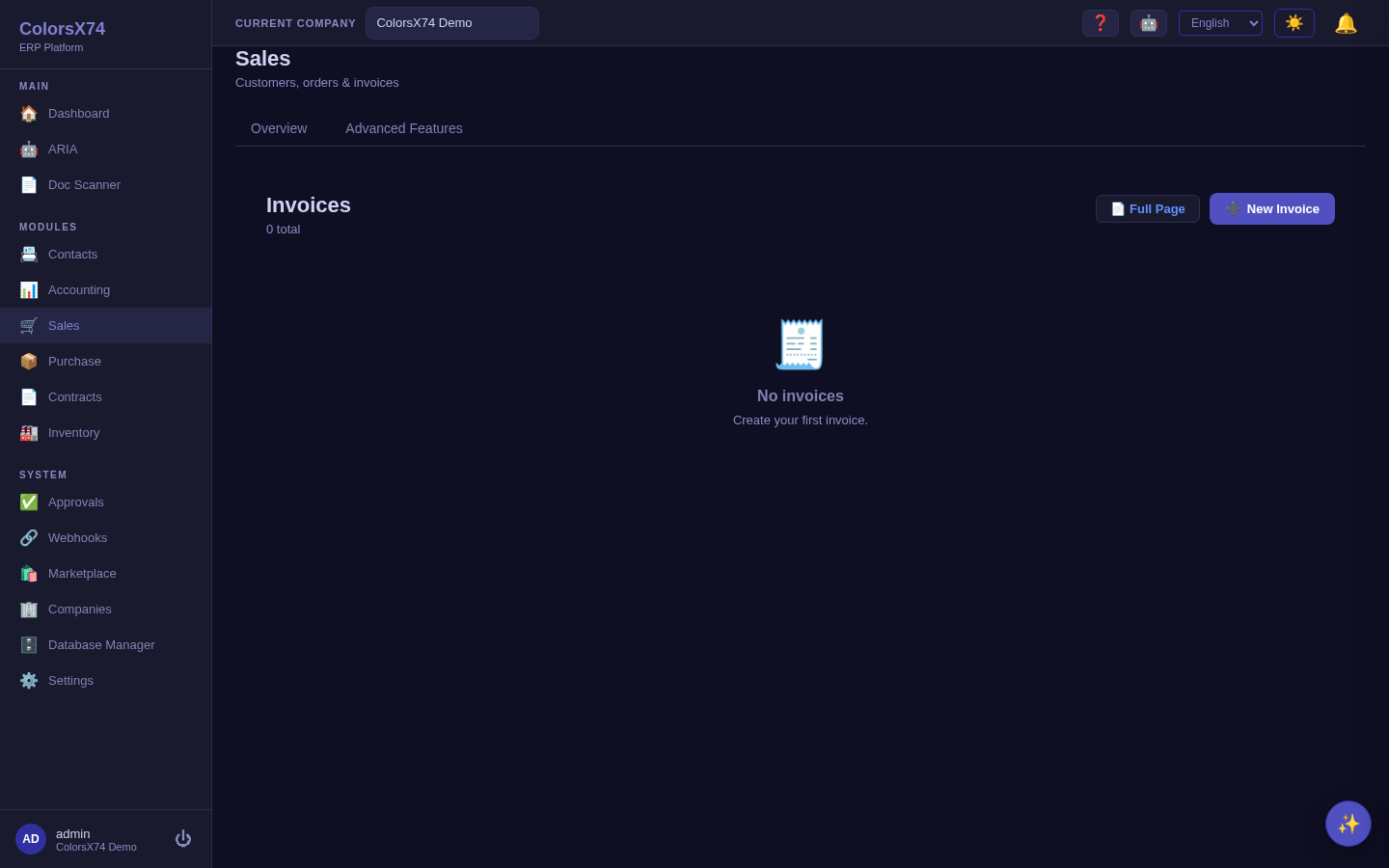
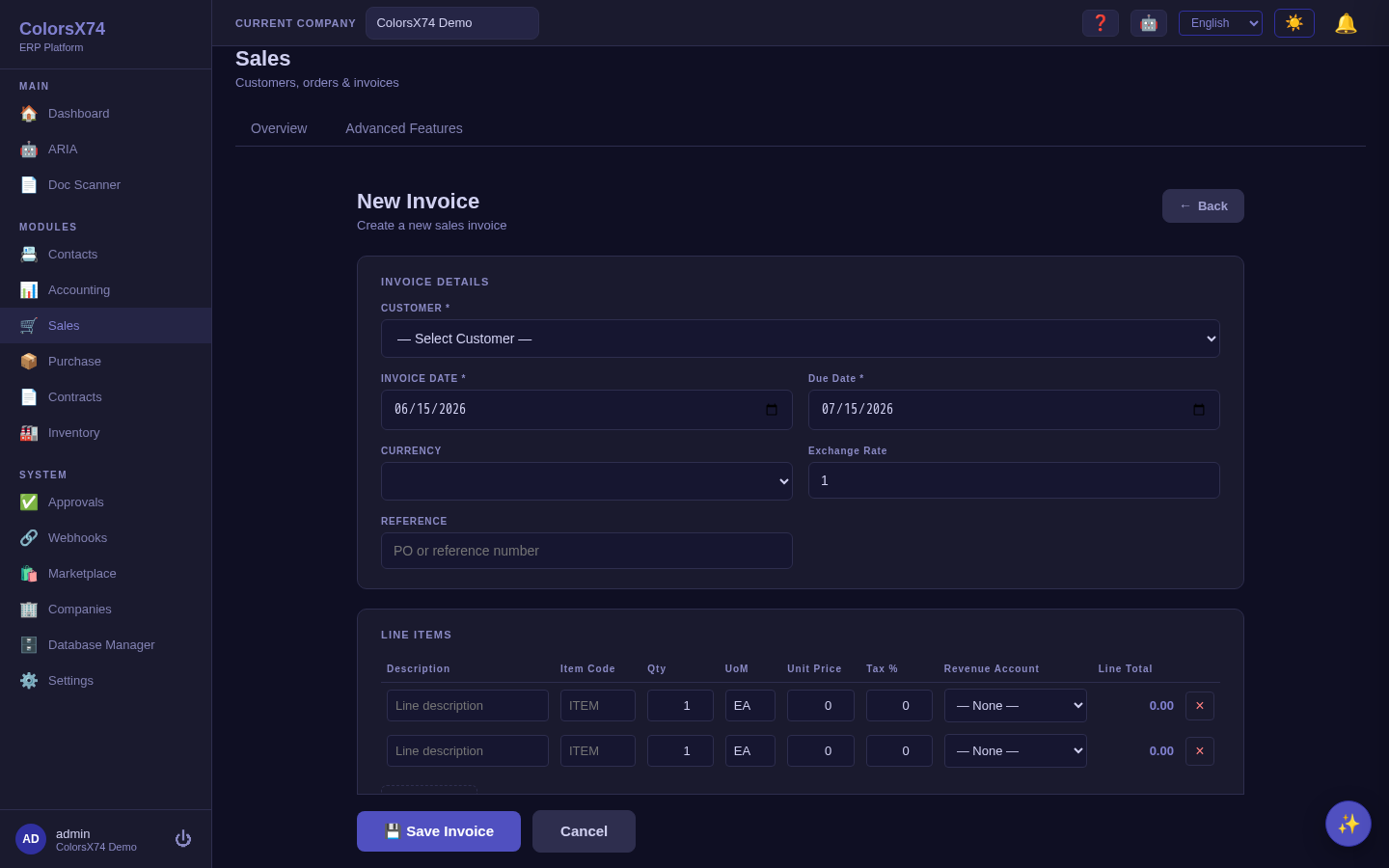
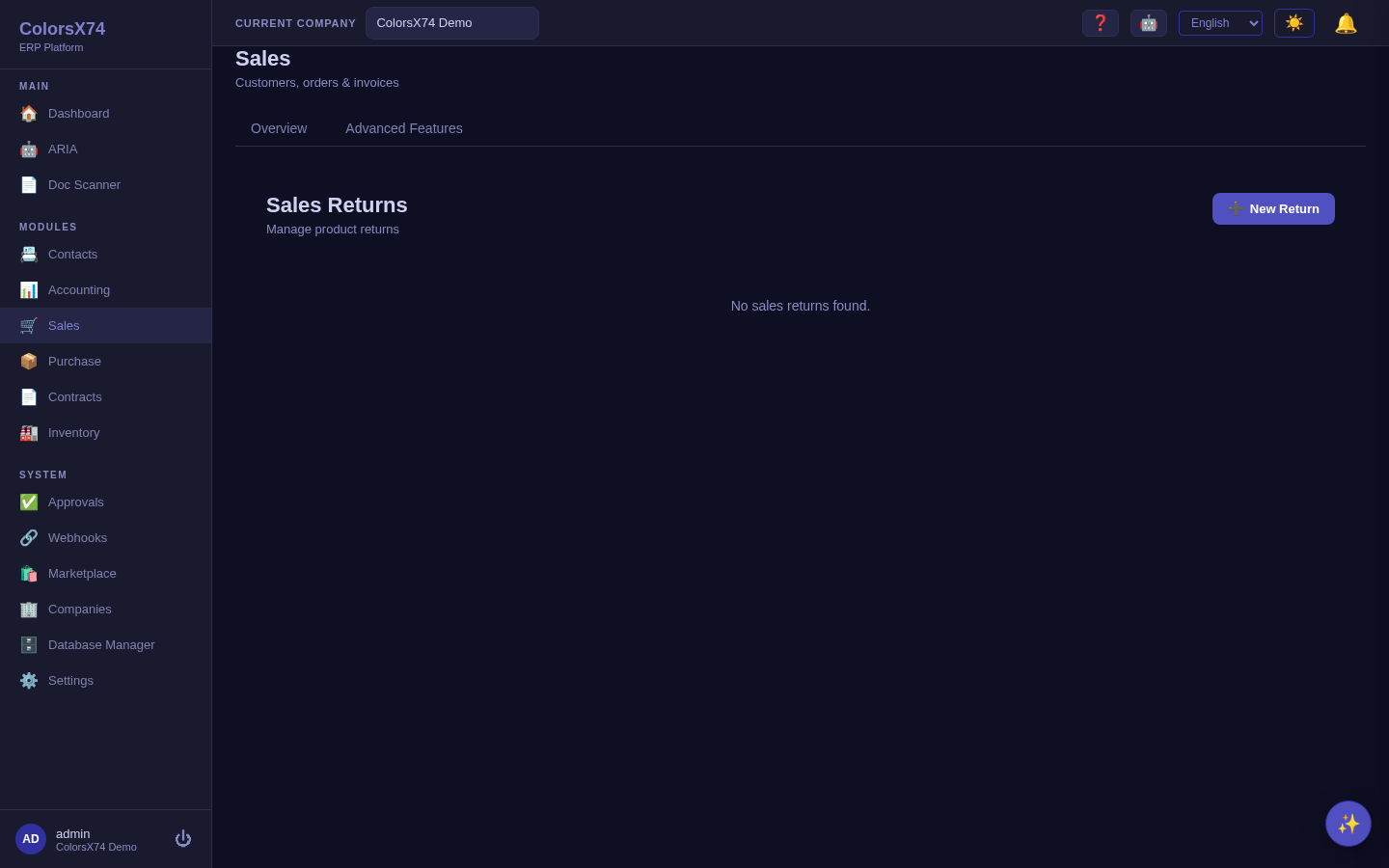
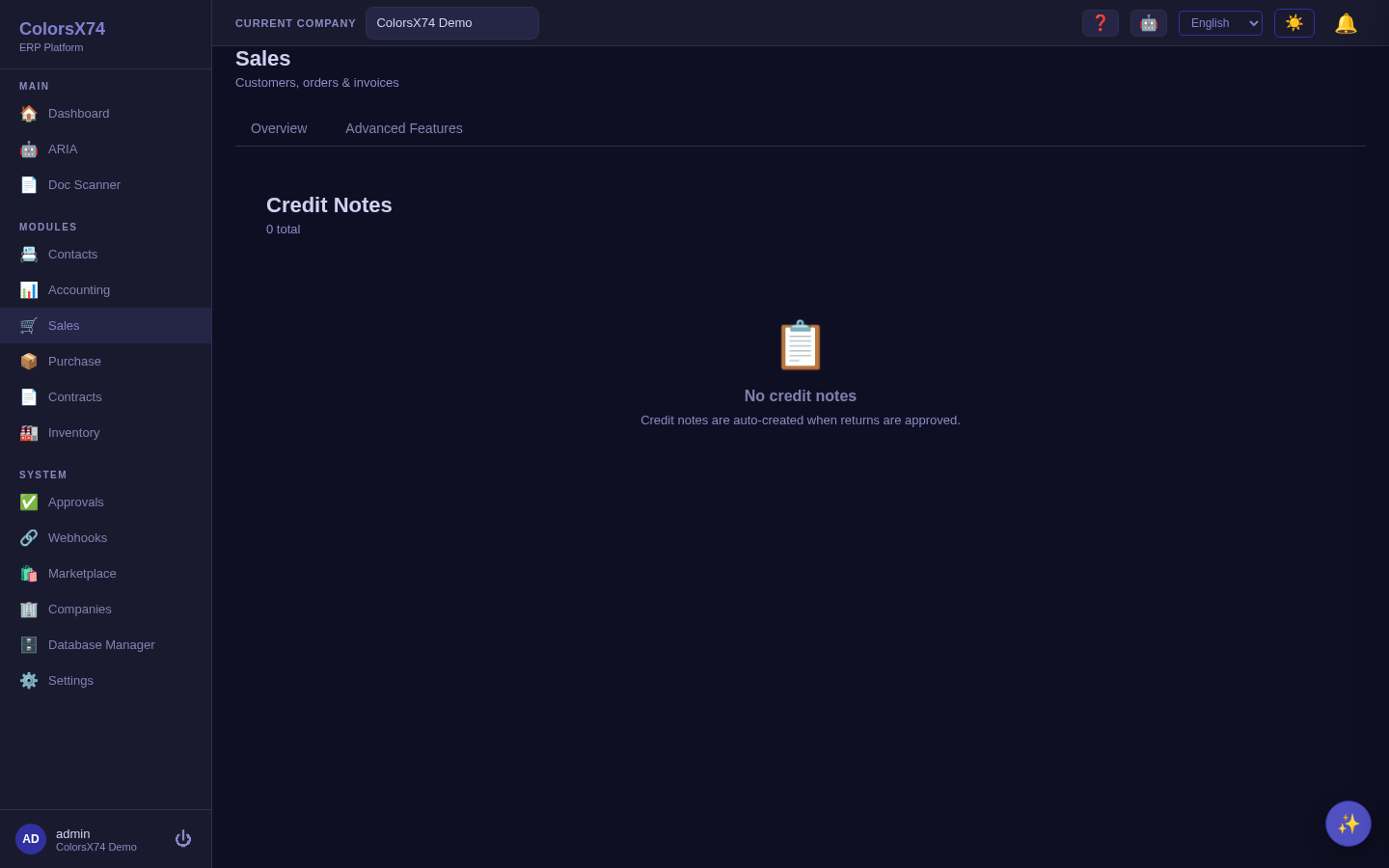
Use it wisely. Always start from a quotation or order rather than keying a standalone invoice — the link is what keeps revenue, fulfilment, and the audit trail consistent. Use returns and credit notes instead of editing or deleting issued invoices; an issued document should be corrected by a documented reversal, not quietly changed. Keep drafts as drafts until you genuinely intend to commit them.
Purchase — procure to pay
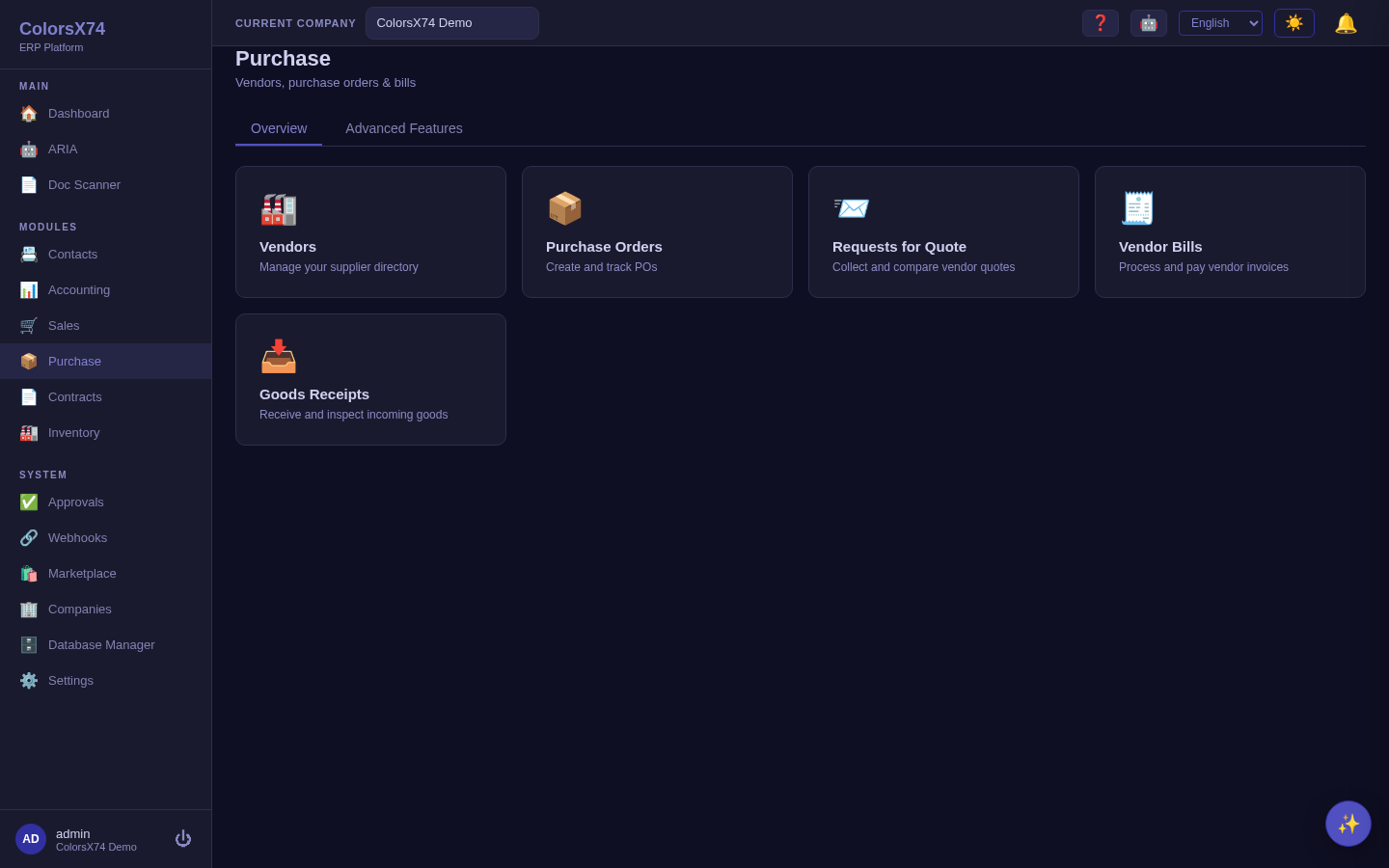
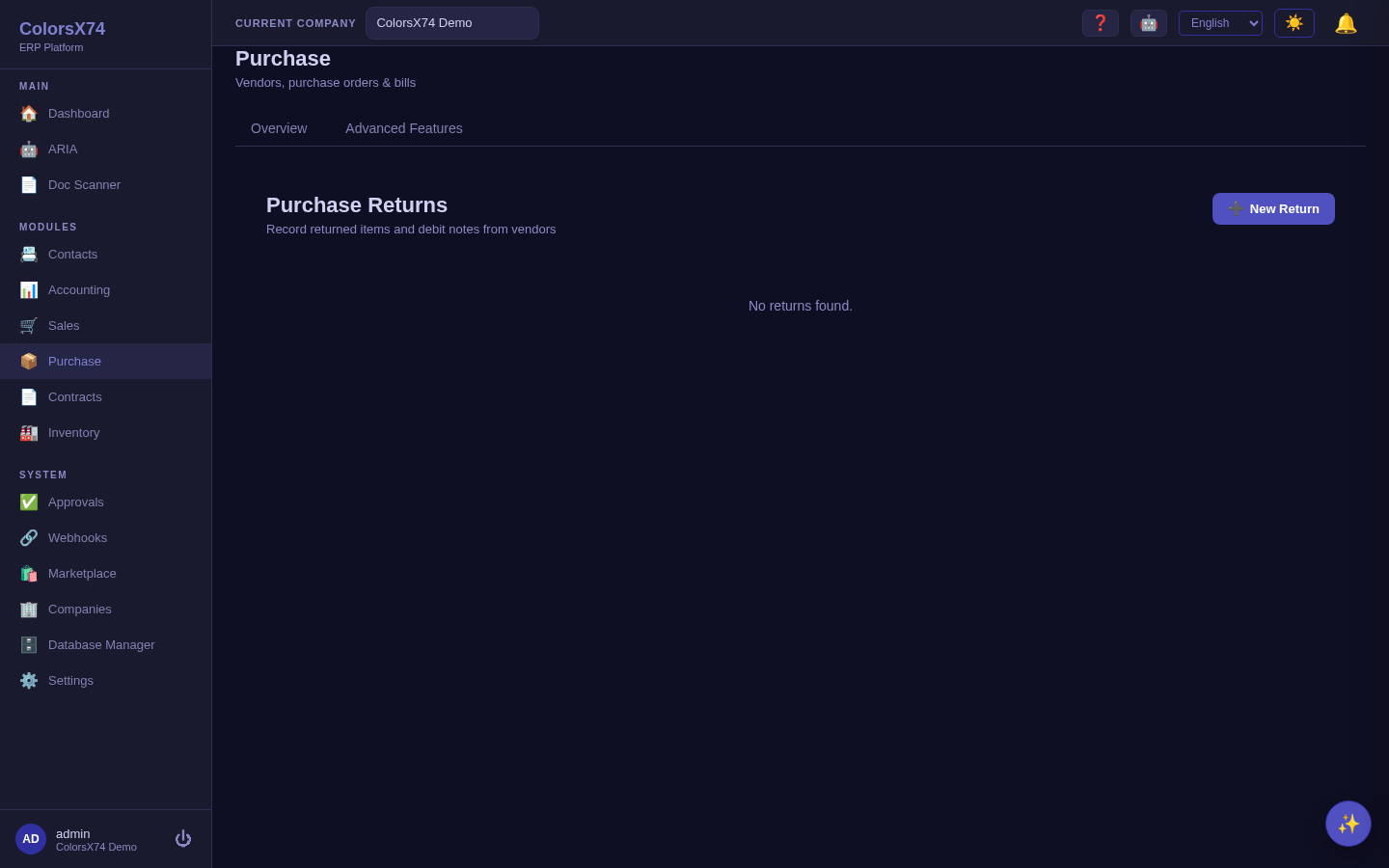
What it is. The Purchase workspace mirrors Sales for the buy side. From its home you reach Purchase Orders, Vendor Bills, RFQ, Receipts, Returns, and Debit Notes; advanced procurement (three-way match, vendor performance, recurring bills, purchase reports) is delivered by the purchase-advanced add-on under Advanced Features.
How to use it — the happy path.
- RFQ. Issue a request for quotation to compare suppliers before committing.
- Purchase Order. Convert the chosen quote (or use New Order) into a PO that commits price and quantity.
- Receipt. Record goods received against the PO so stock and the matching control update.
- Vendor Bill. Enter the supplier's bill and match it three ways — PO, receipt, and bill must agree before approval.
- Payment. Pay the approved bill from Accounting → Payments on its due date.
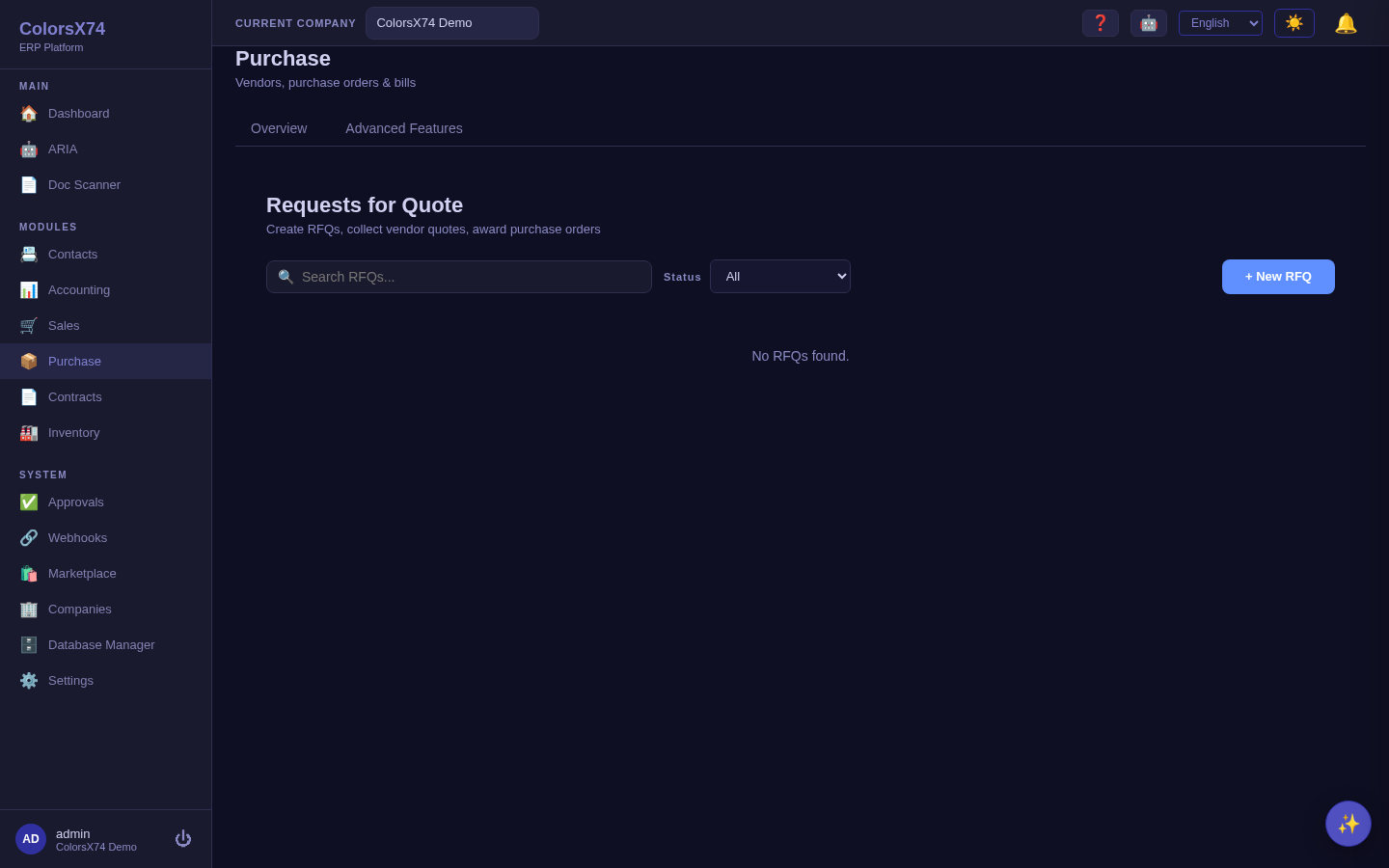
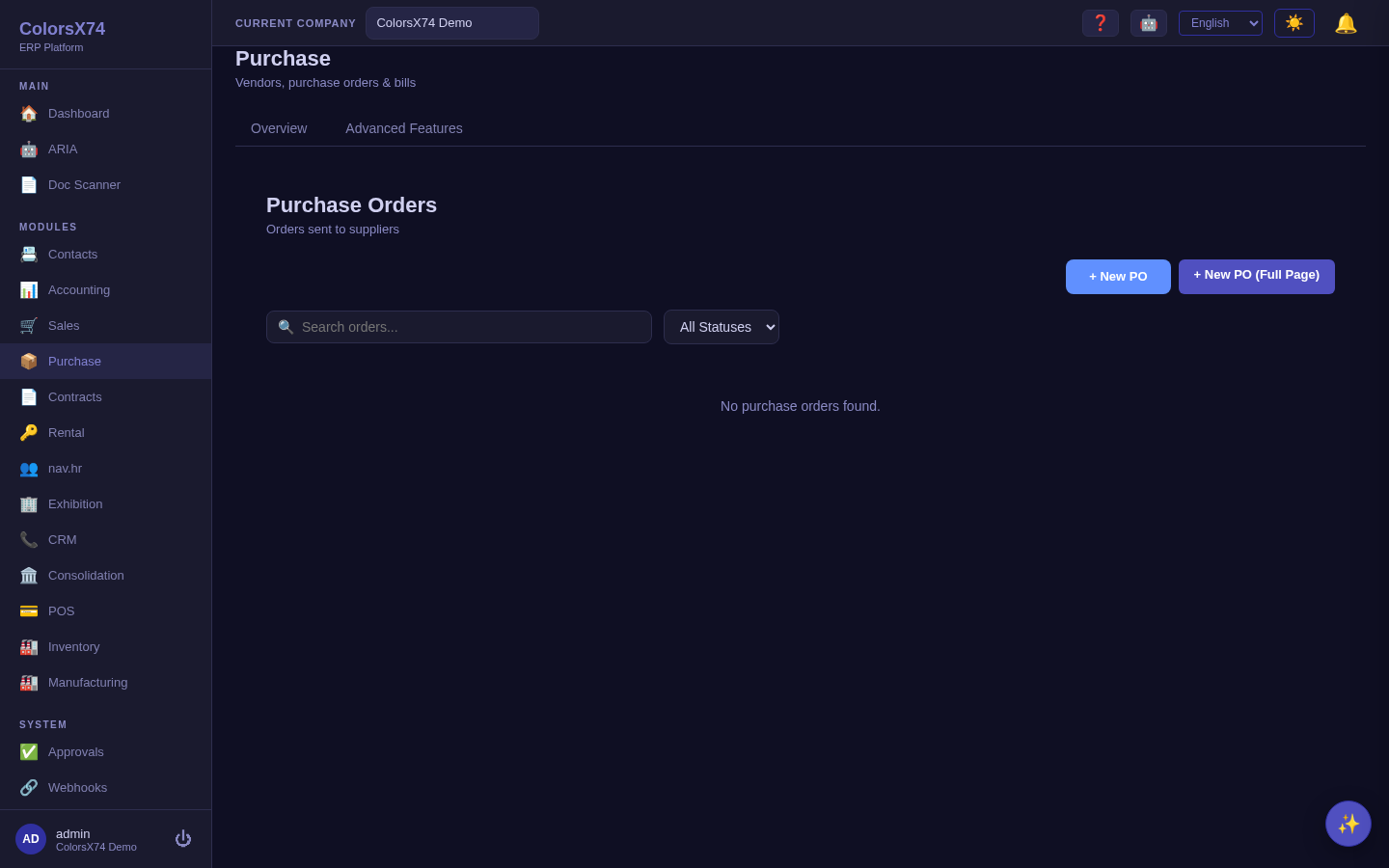
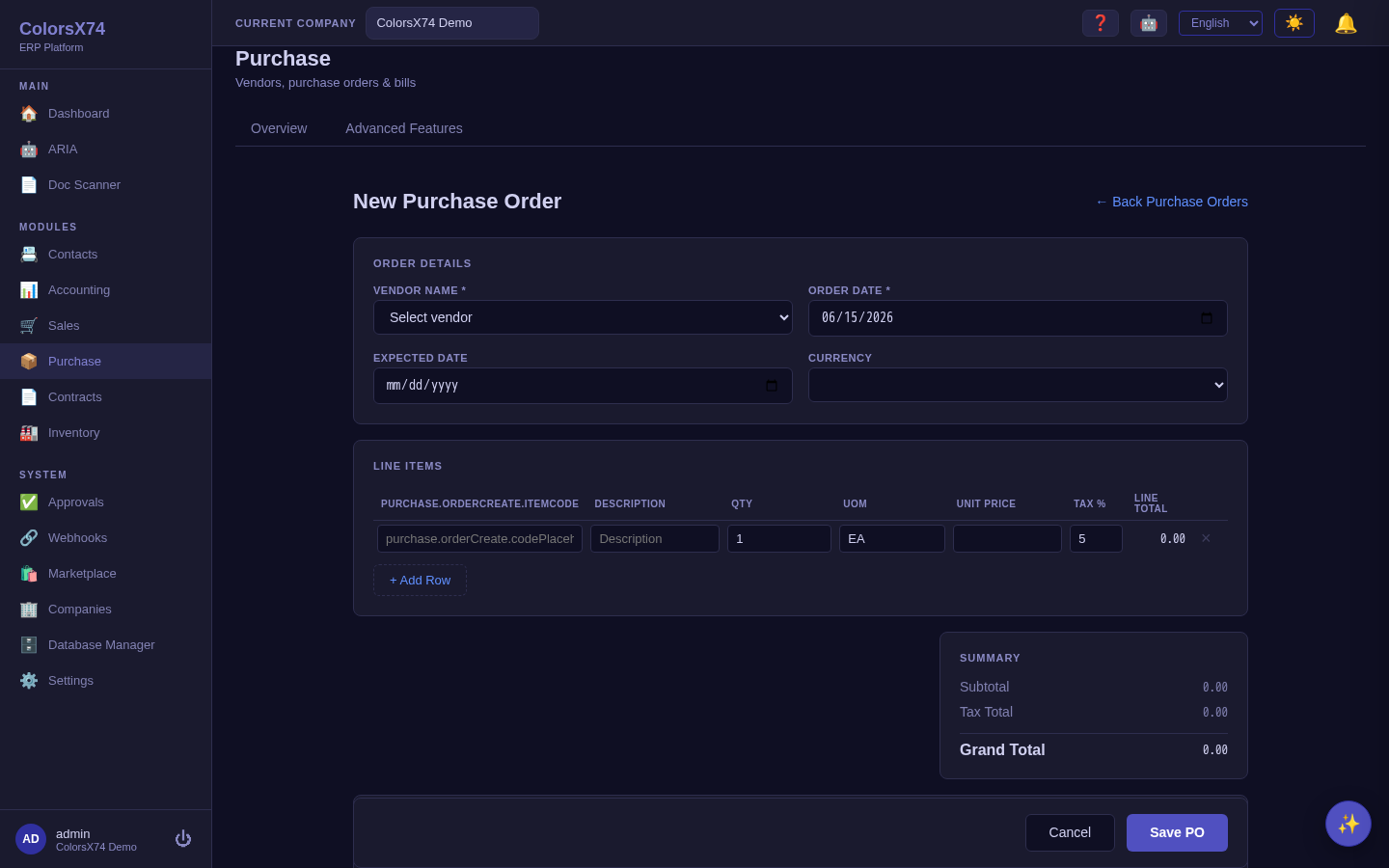
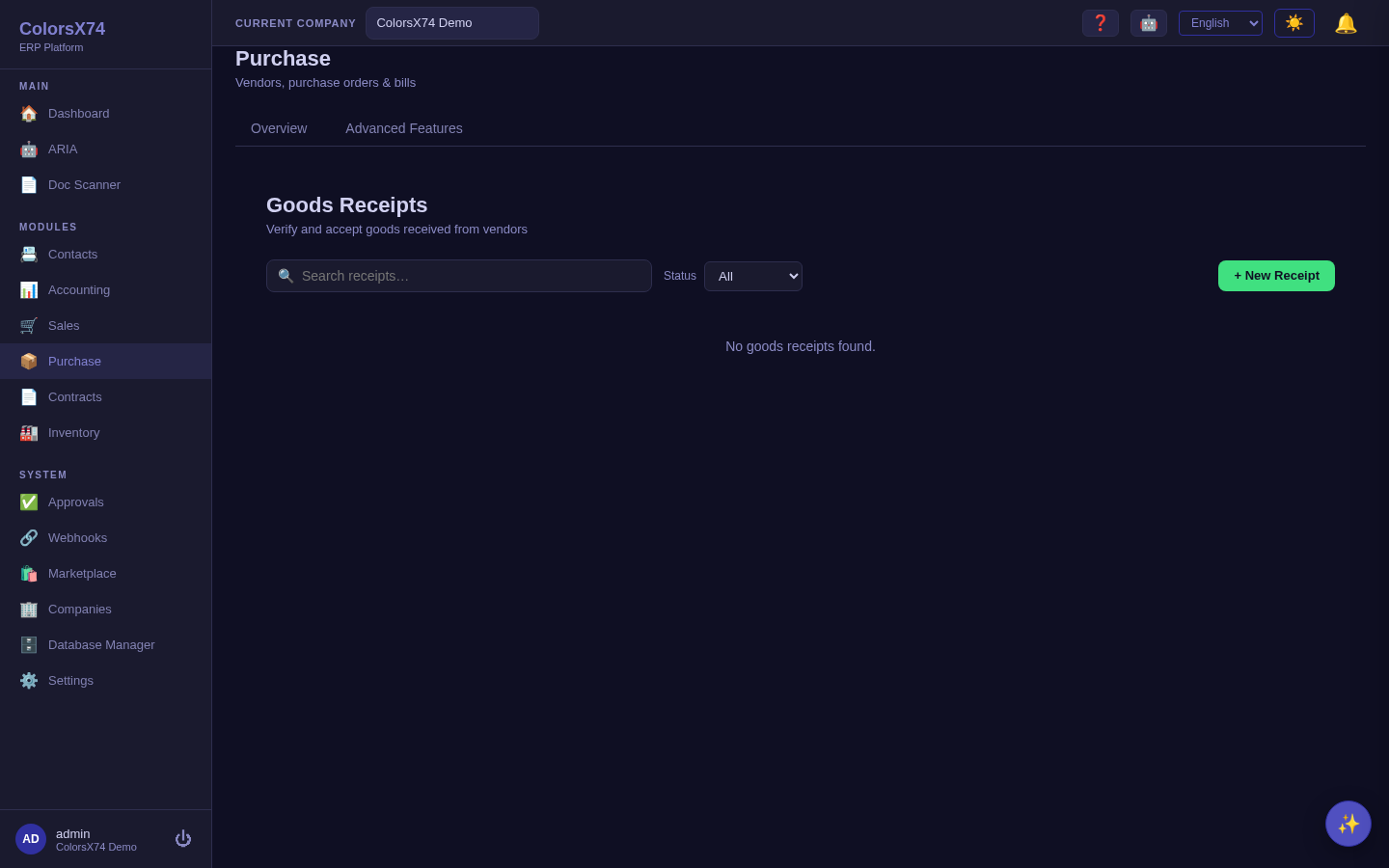
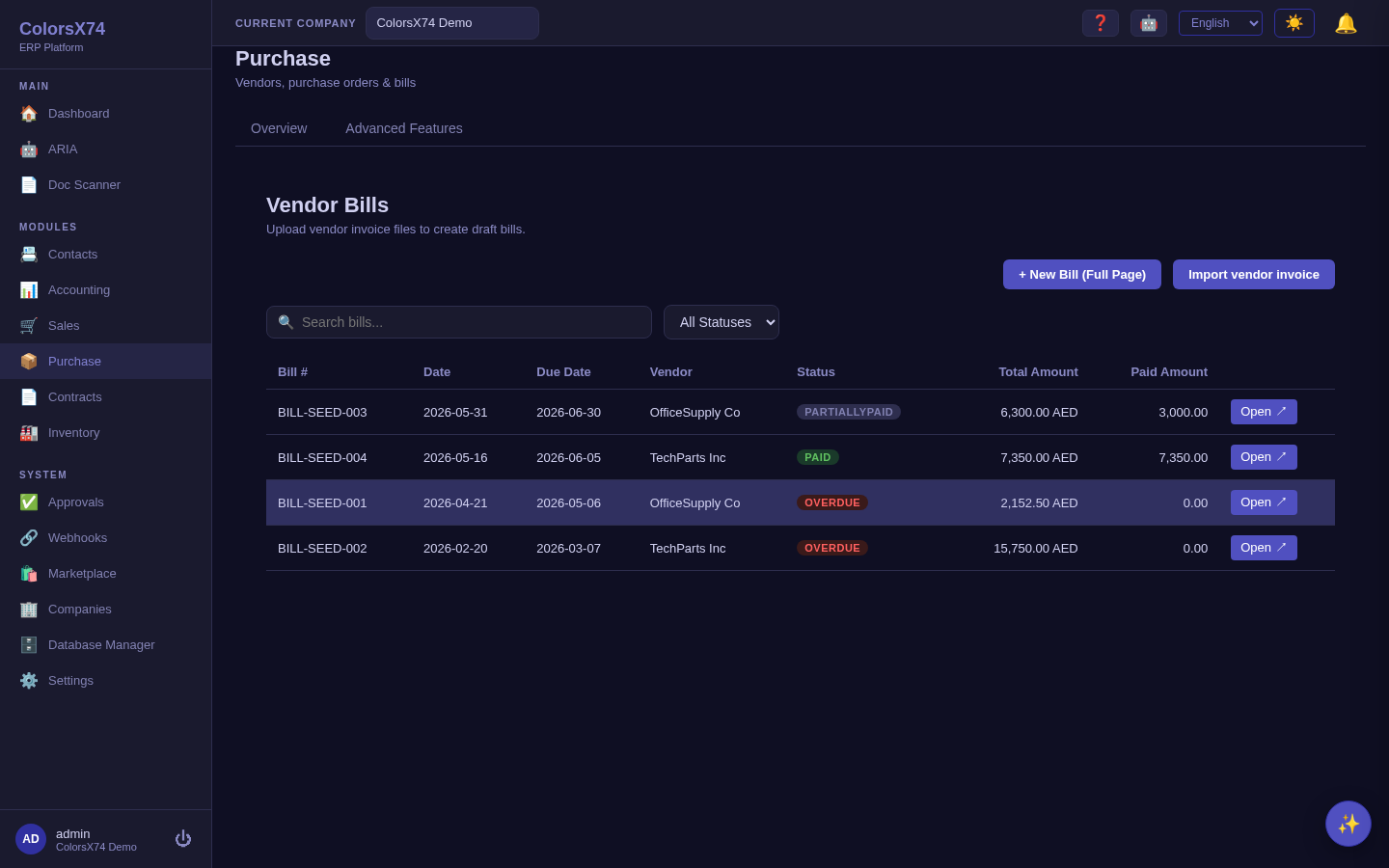
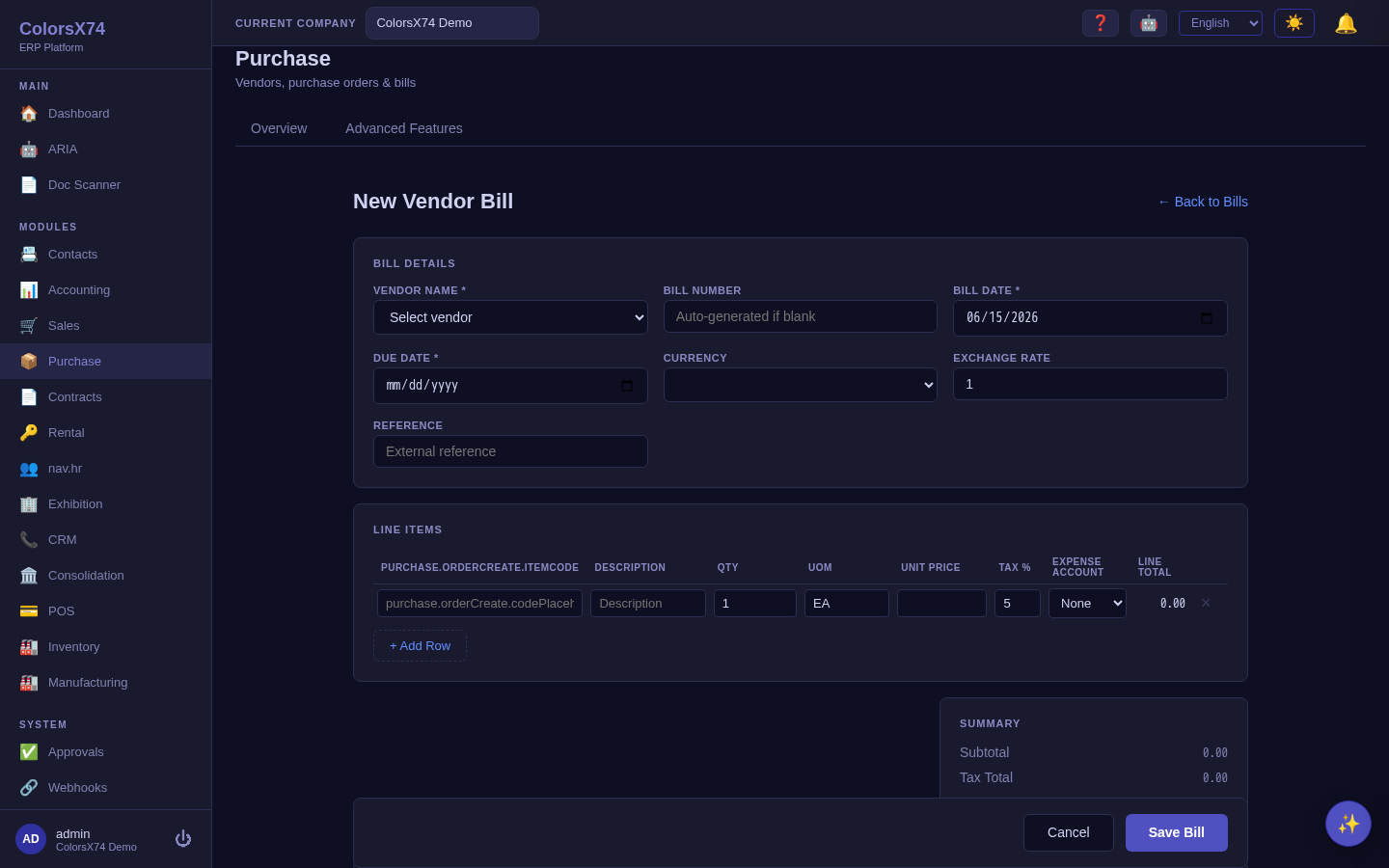
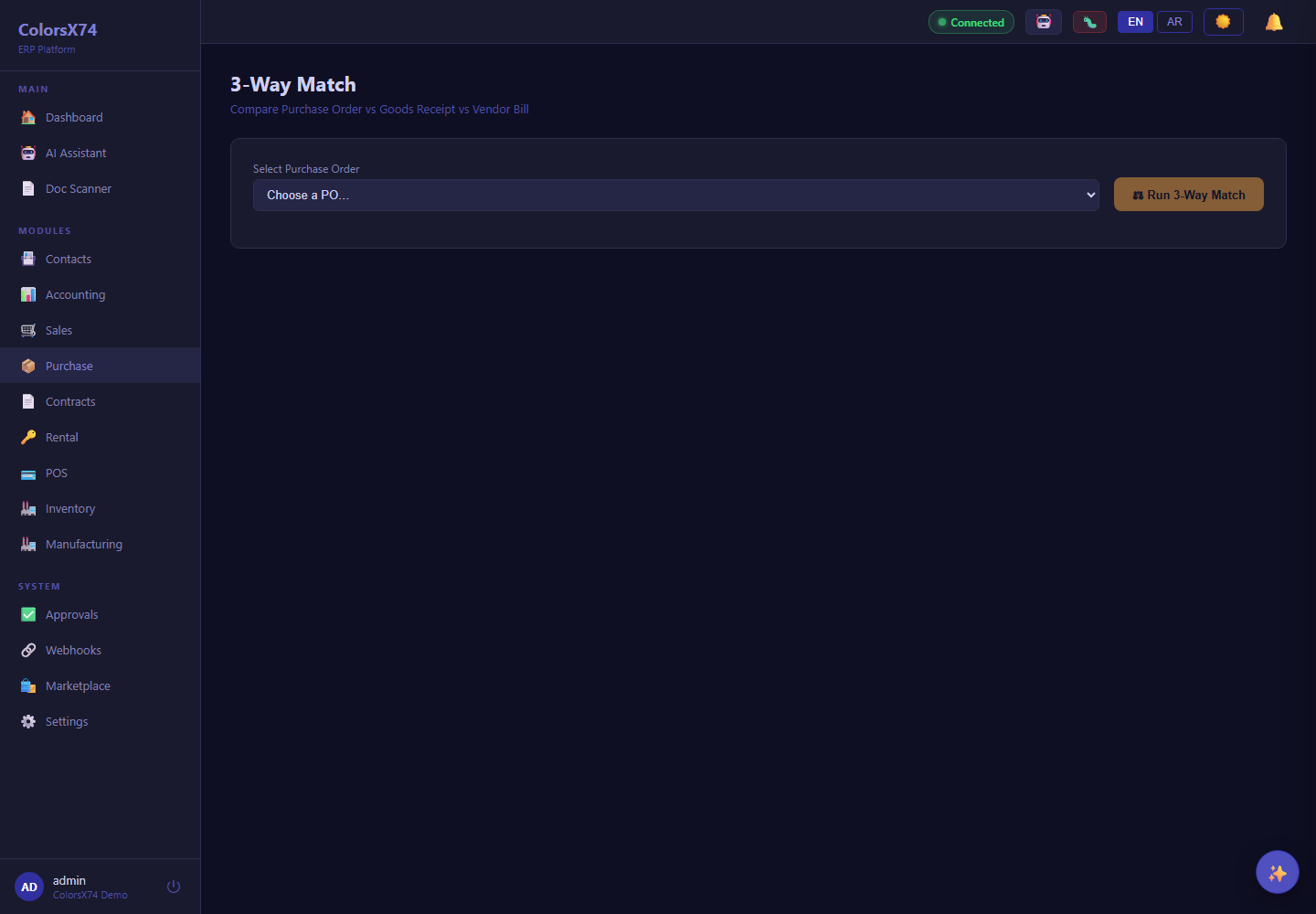
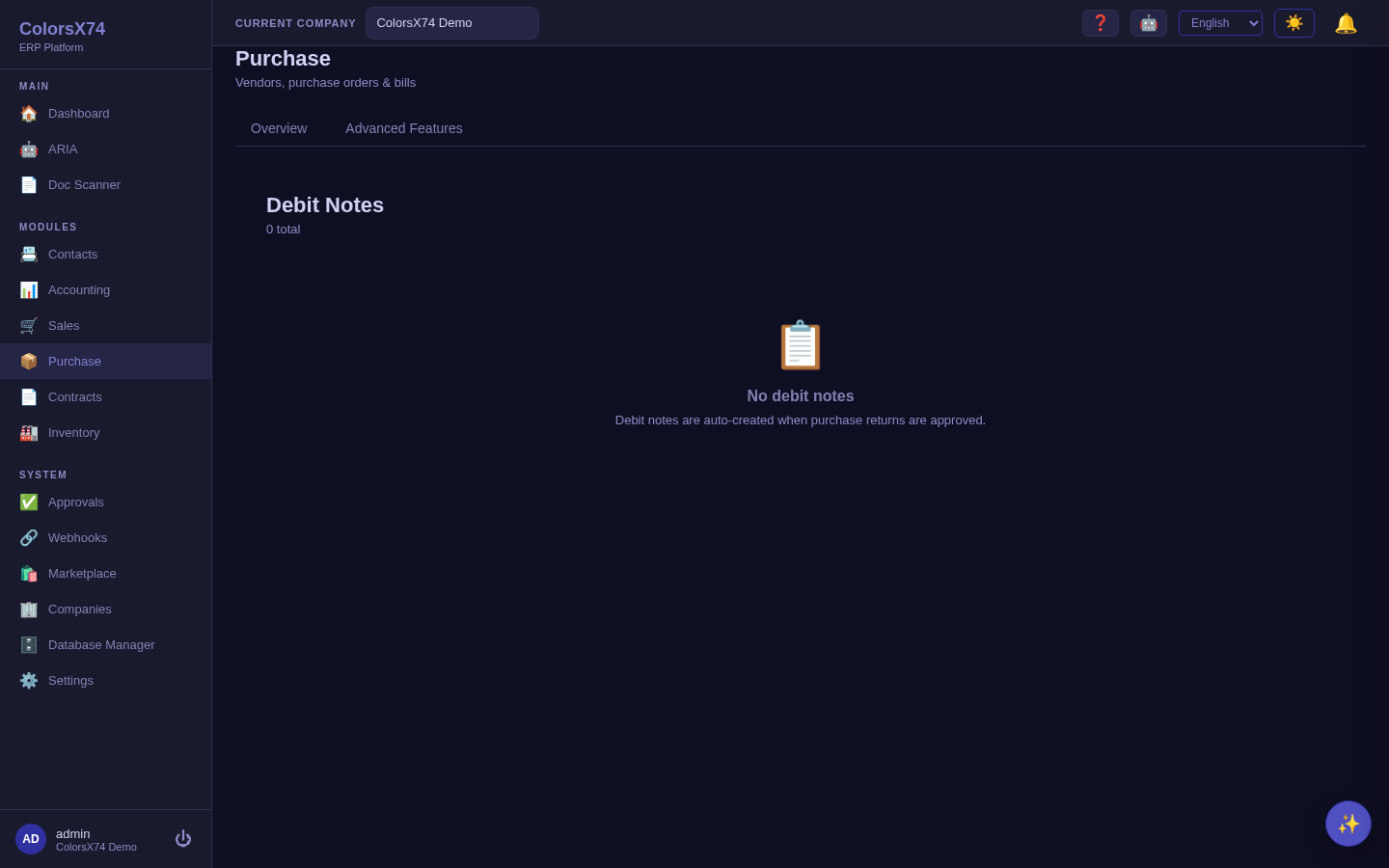
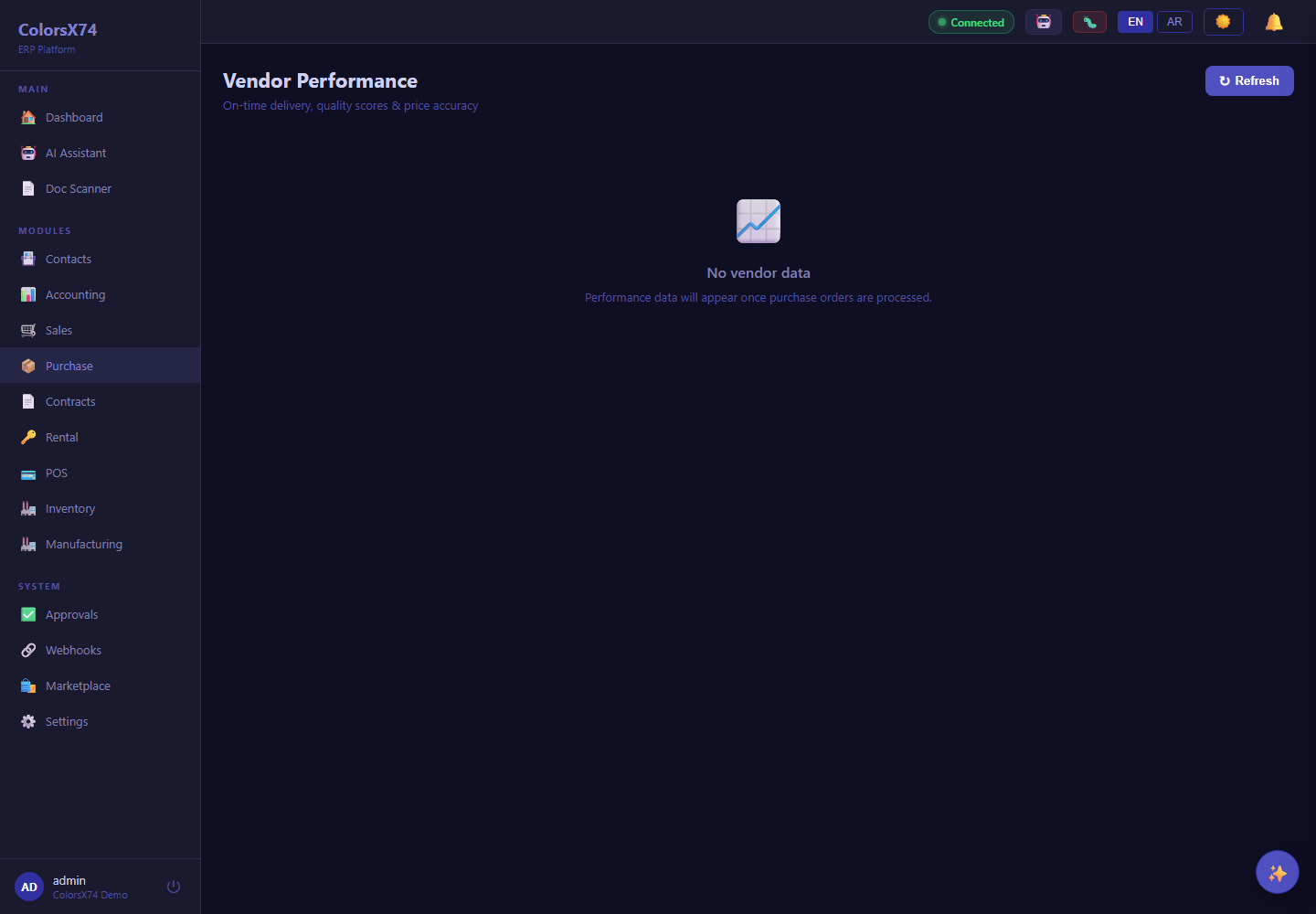
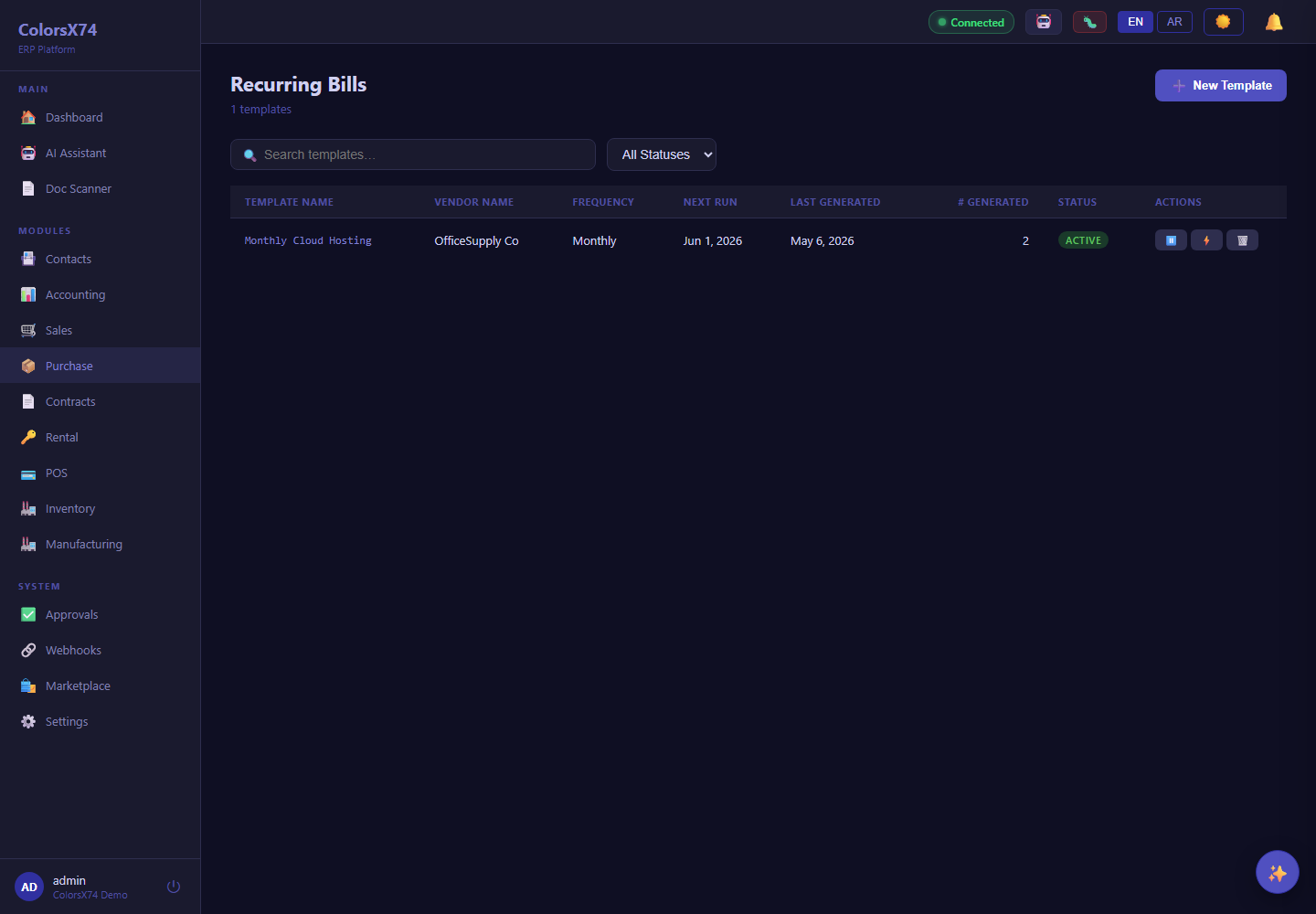
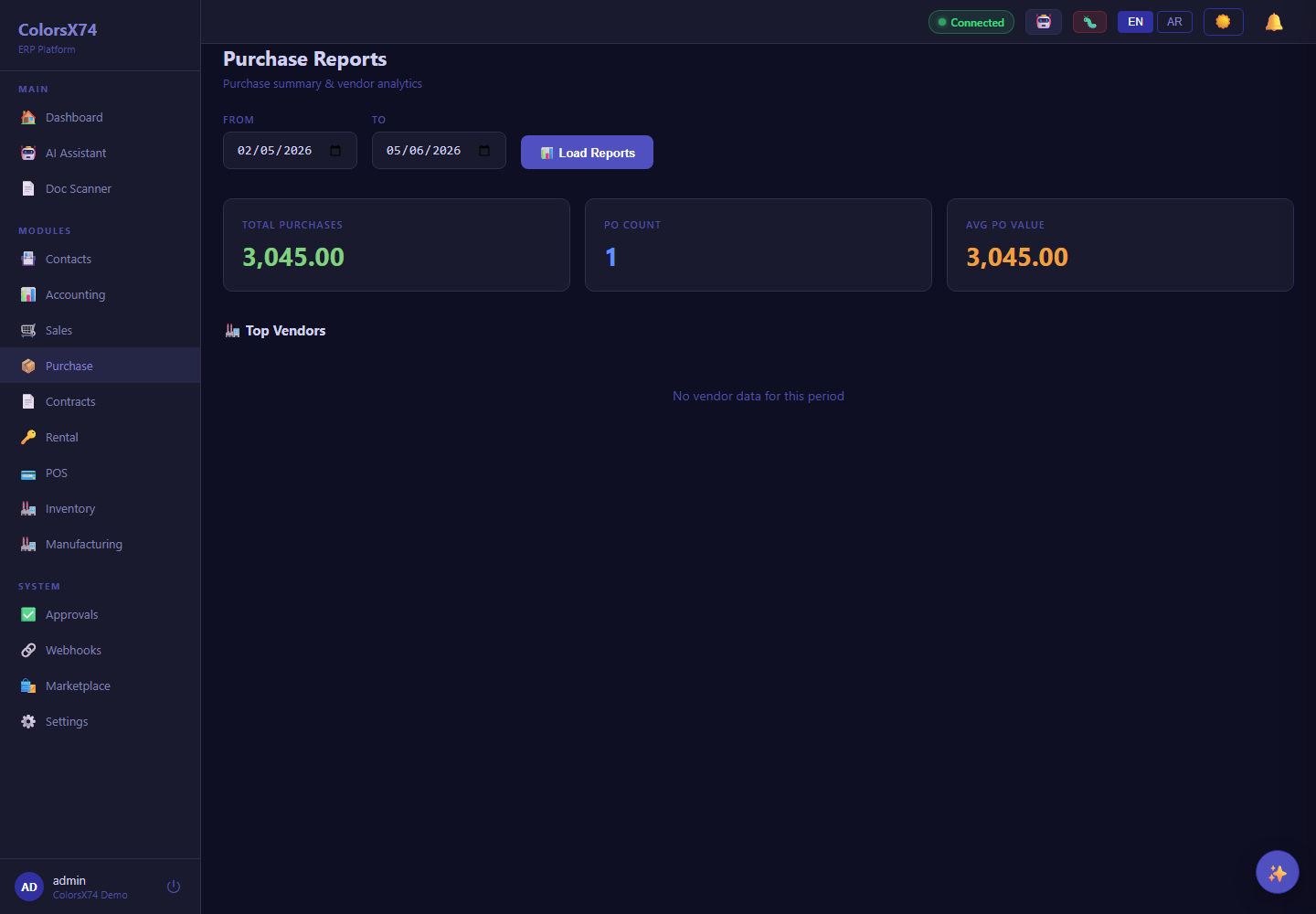
Use it wisely. The three-way match is the single most valuable control here — make it a hard gate before any bill is approved, so you never pay for goods you did not order or did not receive. Use RFQ for material spend to keep suppliers competitive, and let vendor performance, not habit, drive who you buy from. Schedule payments by due date to protect cash without damaging supplier relationships.
Product catalog, line pickers, and by-product reporting
What it is. Products carry module-contributed classification flags — salable and purchasable (core), plus POS-available, material, and manufactured contributed by their add-ons. A searchable product picker on every sales and purchase line links the line to a catalog product (while free-text entry still works), and those links power the by-product reports.
Line pickers. On sales orders, invoices, and quotations the picker suggests salable products; on purchase orders, vendor bills, RFQs, and goods receipts it suggests purchasable ones. Picking a product autofills its code, description, unit of measure, and price (sale price for sales, cost price for purchases) and records the catalog link. You can still type a one-off item that is not in the catalog. On a saved document's detail view, a small 🔗 chip on each line shows which lines are linked to a catalog product.
By-product reports. Sales → Sales by Product and Purchase → Purchase by Product group recognized invoices and bills by the linked product for any date range (free-text lines collapse into a single “Unlinked” row). Each row shows quantity, net amount in the company's base currency, the change versus the equal-length preceding period, the number of documents, and the product's current stock on hand. A top-products bar chart highlights the best lines, and the whole report exports to CSV or PDF.
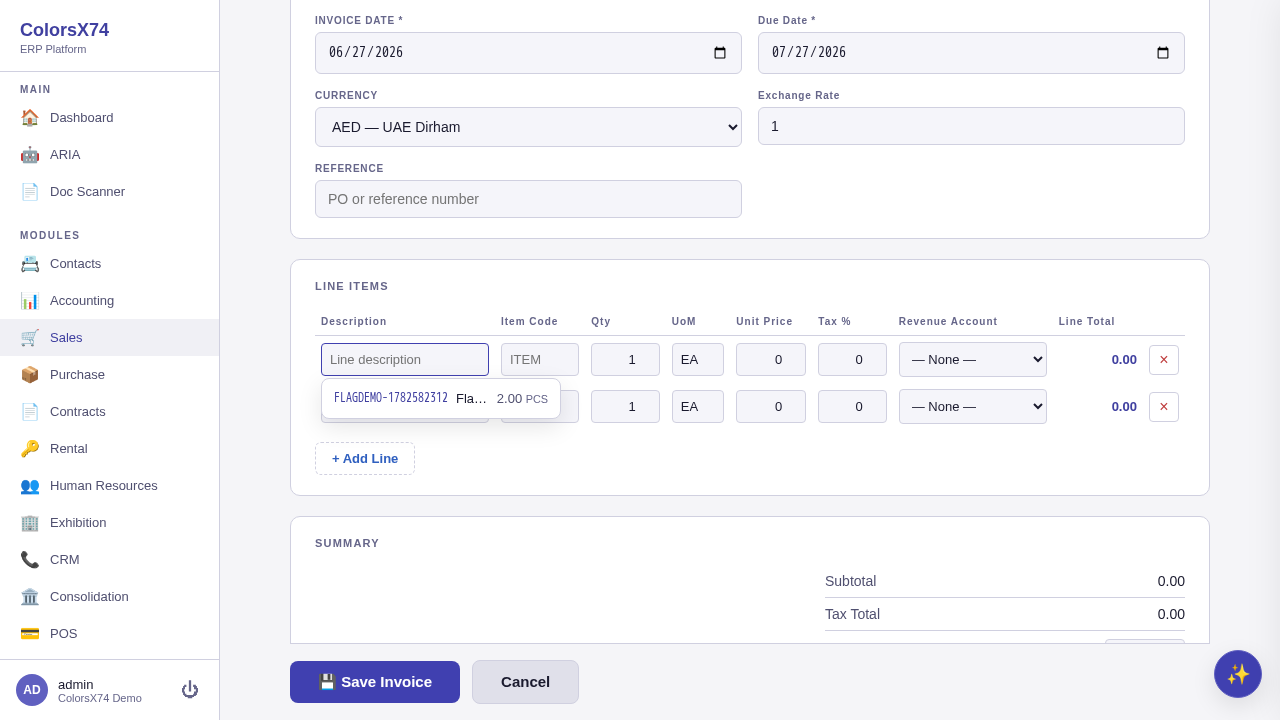
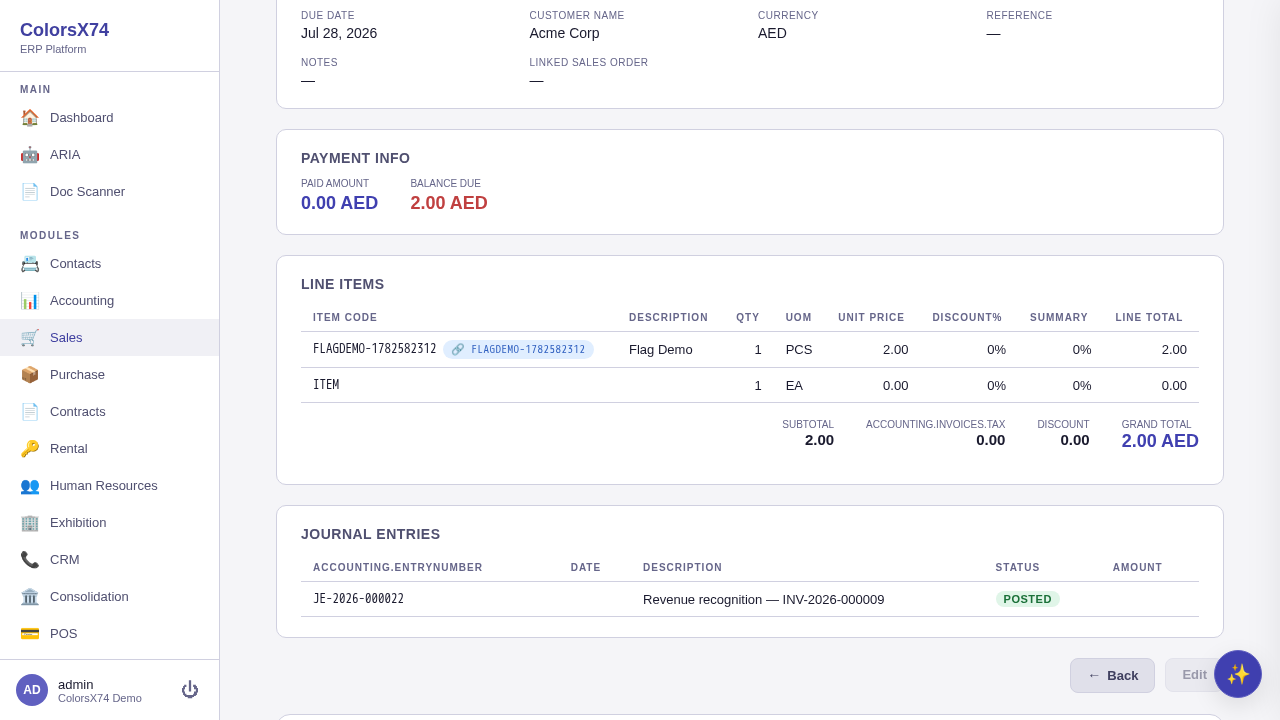
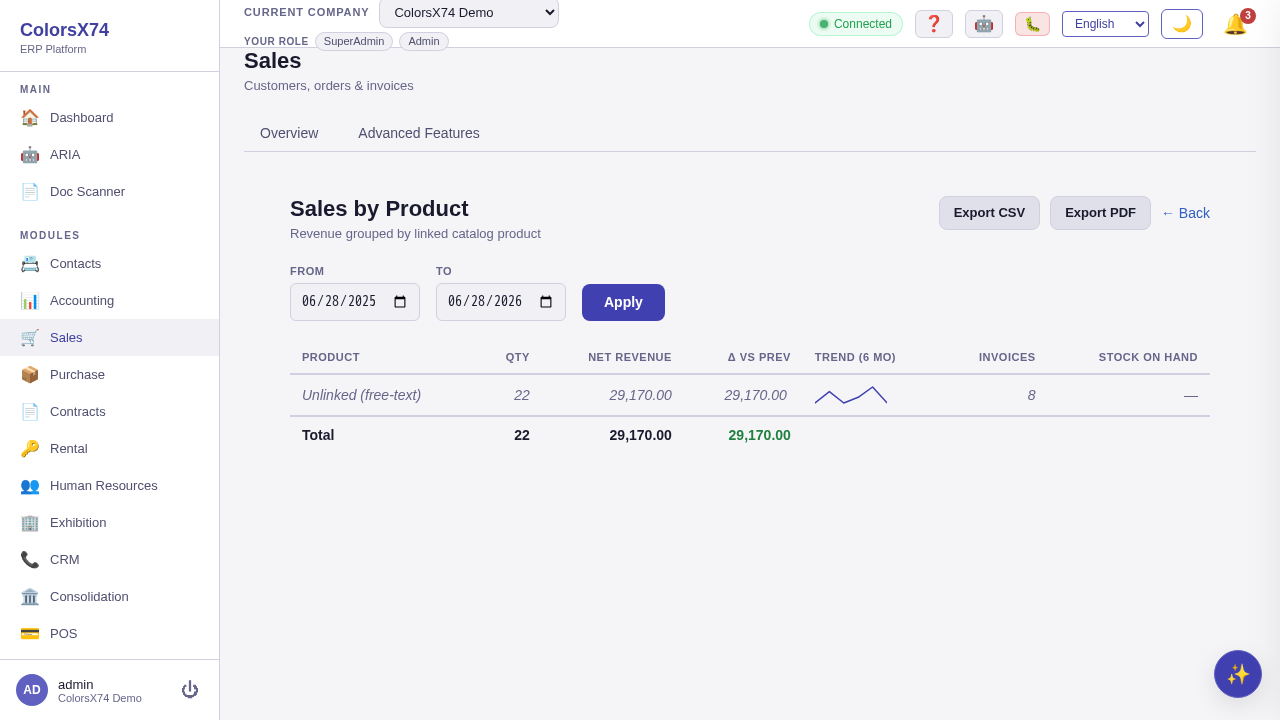
Use it wisely. Tag your catalog and use the pickers so the by-product figures and stock numbers are meaningful; the period-over-period change column is the quickest way to see which products are trending up or down, and the export buttons hand finance a ready-to-share file.
Contracts — lifecycle management
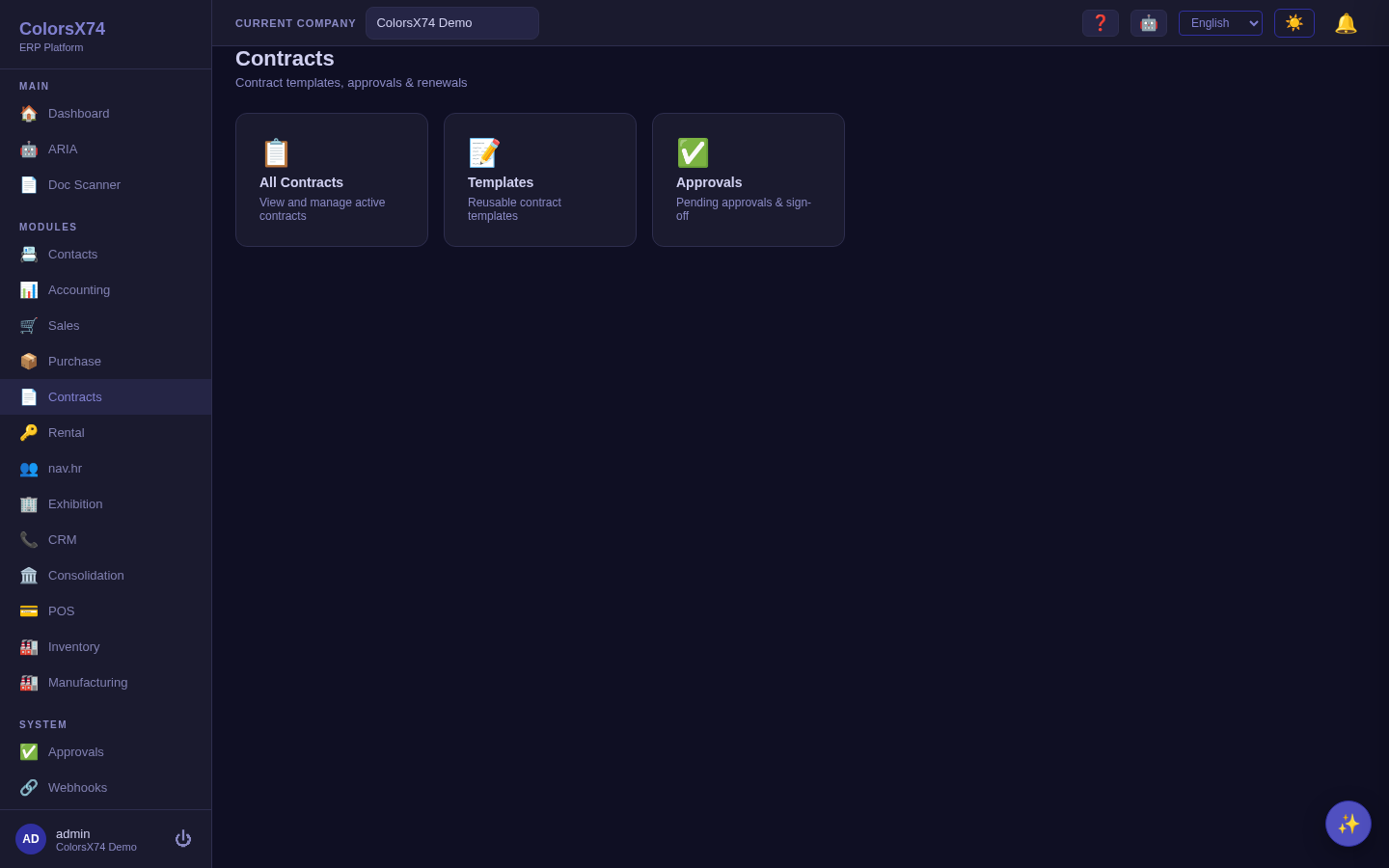
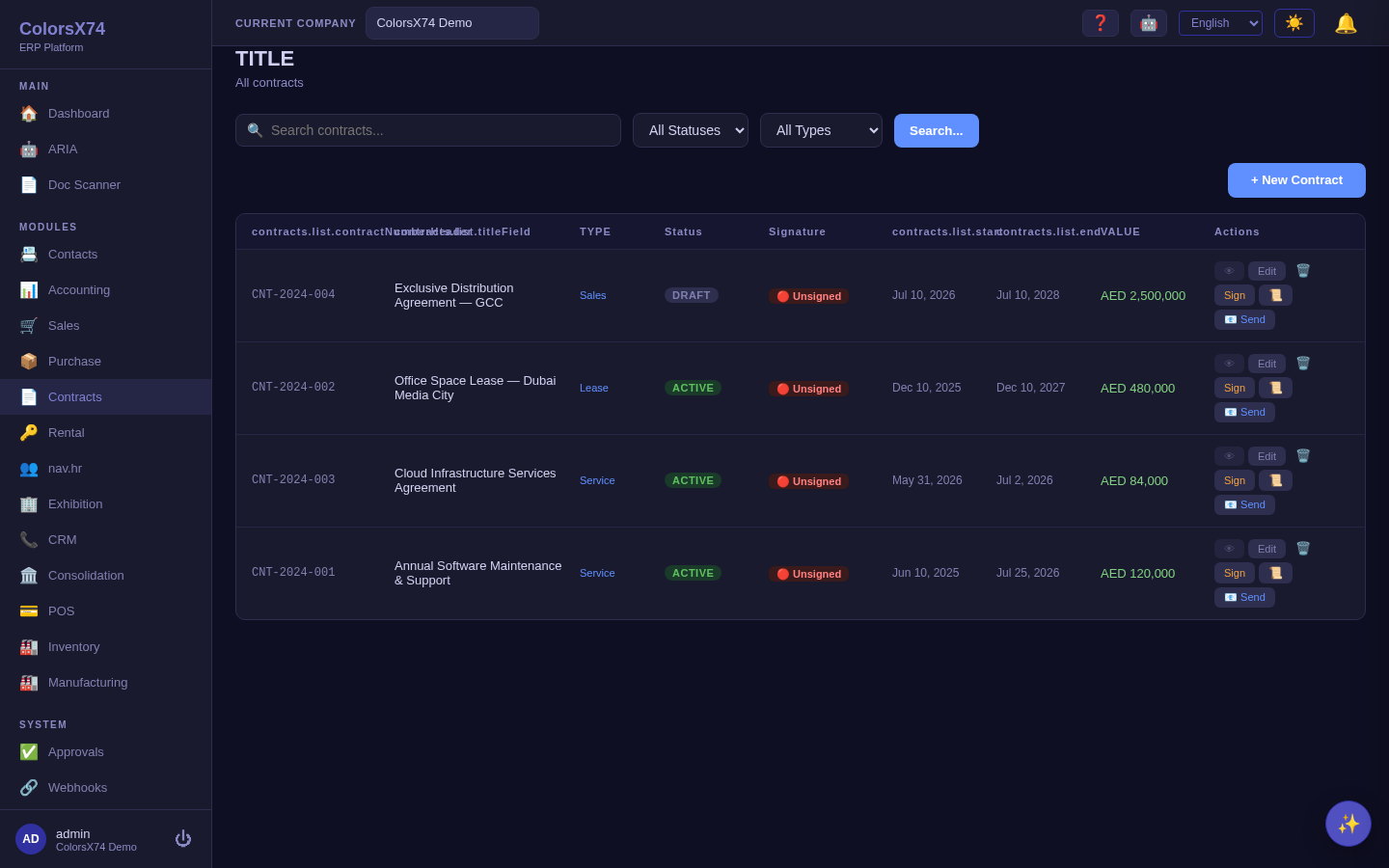
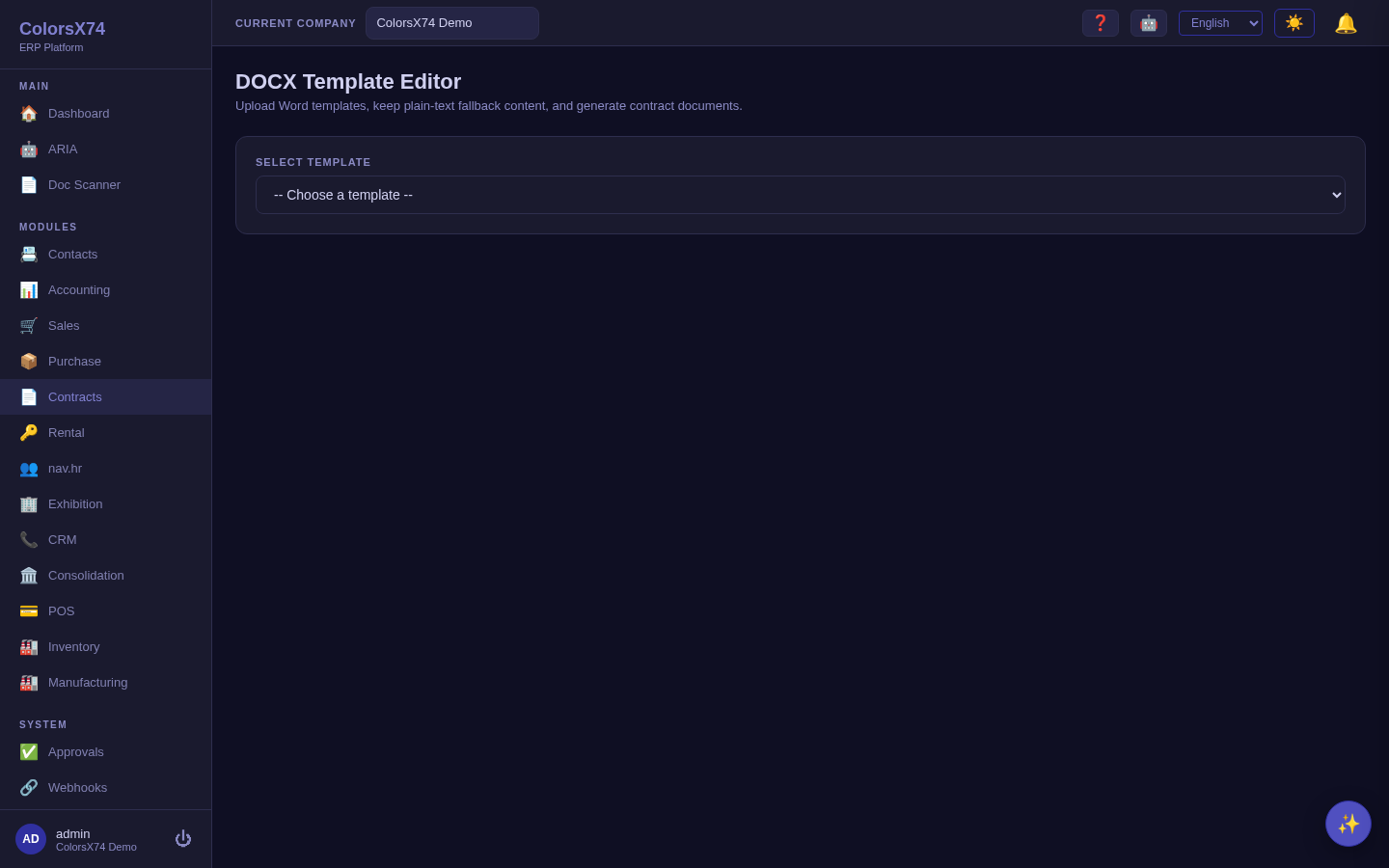
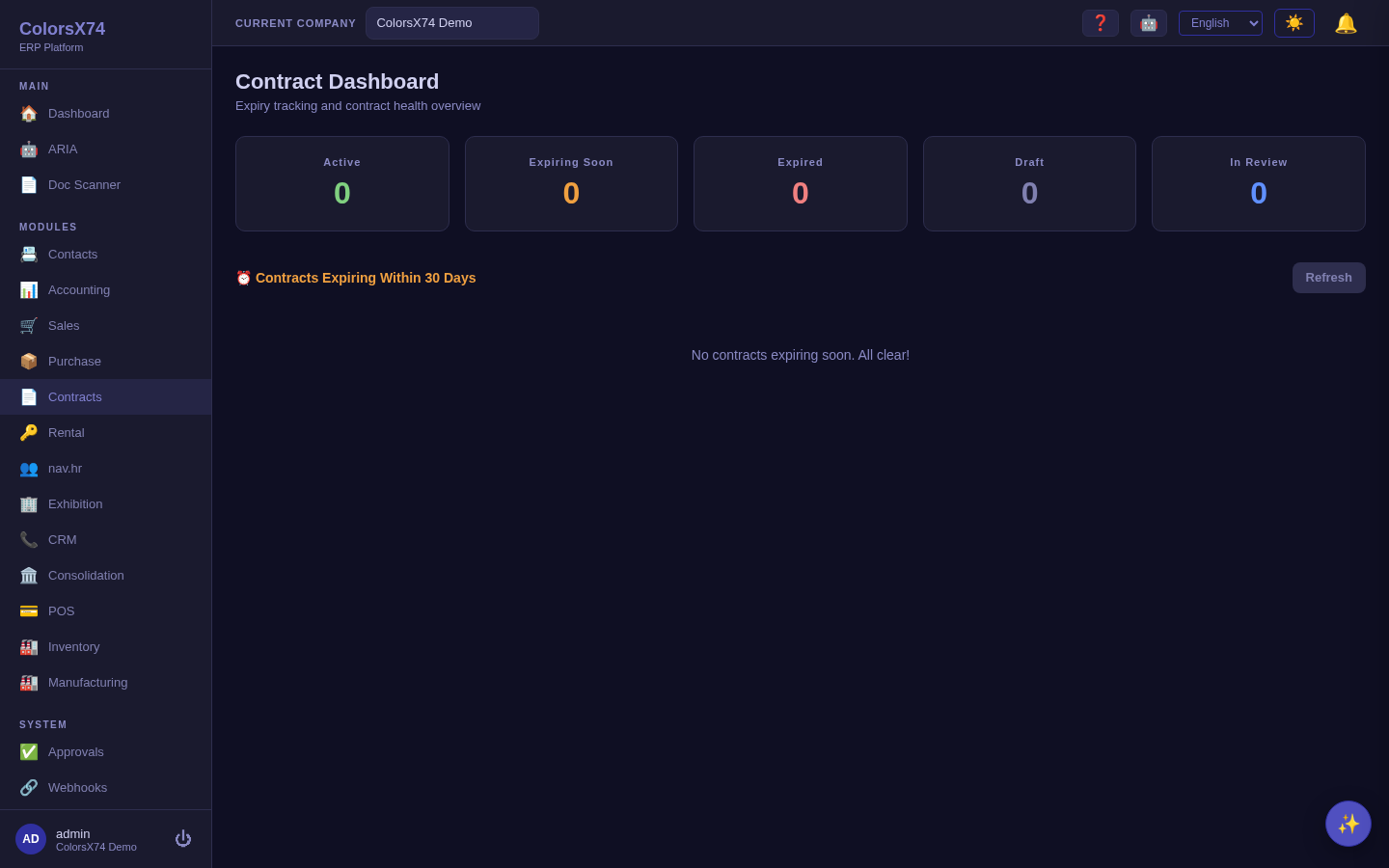
What it is. The Contracts module manages agreements from drafting through renewal. It provides a contract list, a template editor with variable fields, version history and reviews per contract, an alerts screen for upcoming expiries and milestones, and a dashboard that summarises the portfolio.
How to use it. Build reusable templates with variables so new contracts are generated consistently; create a contract and let it carry versions and reviews as it is negotiated; rely on alerts to warn you before renewal or expiry dates; and watch the dashboard for the portfolio view. There is also a public, anonymous external-signing page so a counterparty can sign without a portal login.
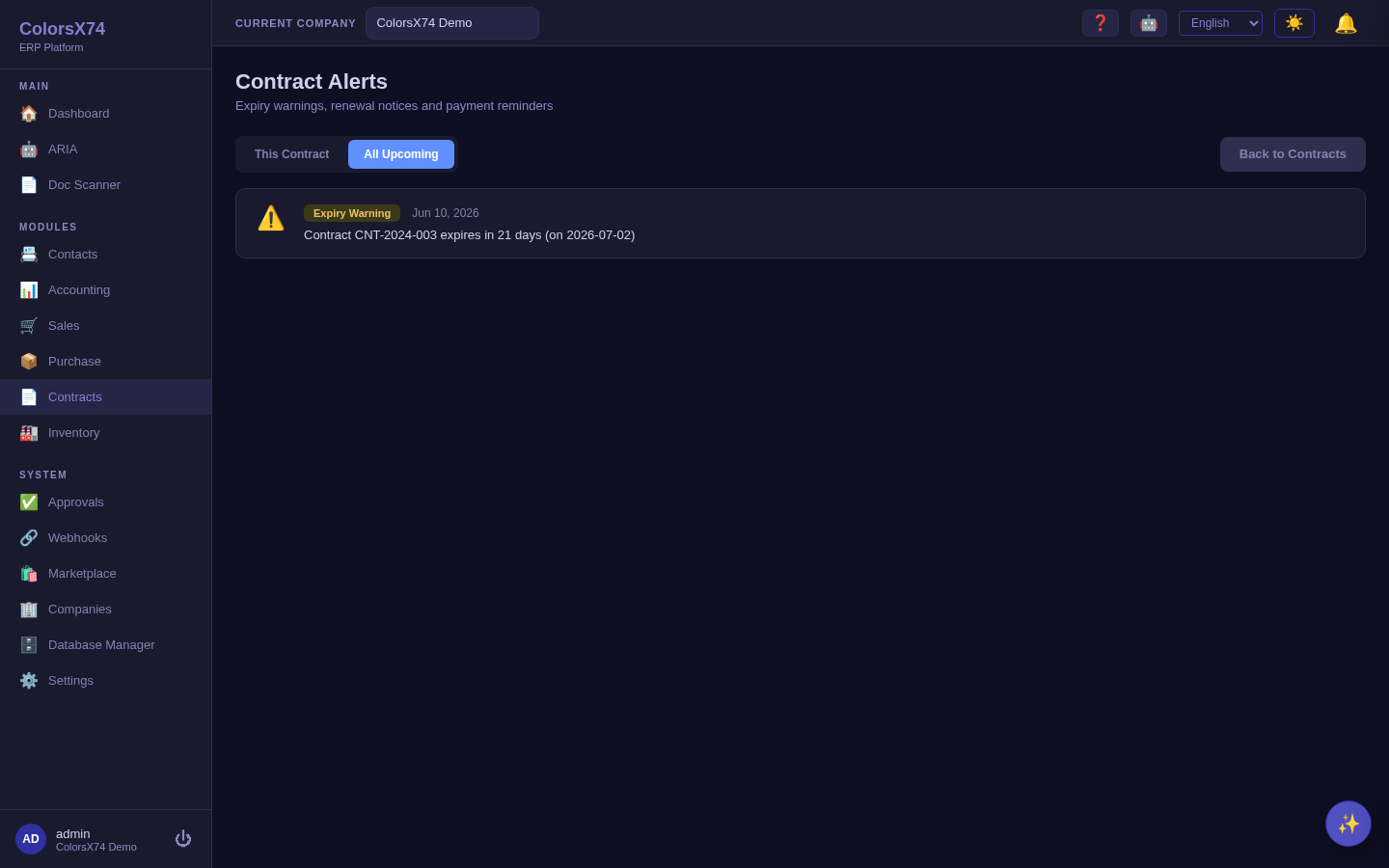
Renewals and expiry happen on their own. A daily sweep watches every active contract. When one passes its end date it either auto-renews — if the contract is marked for automatic renewal, a fresh term of the same length is created, carrying the value forward and logging the renewal — or it moves to Expired so it drops out of your active portfolio and its value stops inflating live-contract reports. Expiry alerts are raised per term, so a renewed contract warns you again as its new end date approaches rather than staying silent because the previous term was already alerted.
Signature status means what it says. A contract counts as signed only once a signature is genuinely completed — sending a signature request, or an envelope that was cancelled or expired, no longer marks the agreement as executed. While an external signature request is outstanding, in-app signing is refused so the designated signer's identity on the envelope is never overwritten.
Approval comes before signature — on every route. A contract must be Approved or Active before it can be sent out for e-signature, which is the same precondition that signing it in-app has always had. Previously the review chain was enforced when you clicked Sign but not when you clicked Send for signature, so a Draft could be emailed to the counterparty and come back fully executed without ever having been reviewed. Submit for review and approve first; a refused send never creates an envelope and never emails anyone.
Use it wisely. Invest in good templates once — they pay back on every contract in consistency and review speed. Set alerts with enough lead time to actually act (renew or renegotiate before, not after, expiry). Use versions and reviews to keep the negotiation history attached to the contract rather than scattered across email.
Rental — asset utilisation (add-on)
What it is. The Rental add-on manages physical assets that go out and come back: an asset register, a booking calendar, pricing rules, handovers and returns, deposits, rental invoices, maintenance, and reports. It is a federated marketplace module and appears in the navigation only when enabled for the organization.
How to use it. Register assets, set pricing rules, book on the calendar to see availability, take a deposit and record a handover when an asset goes out, then a return when it comes back; maintenance tracks servicing and rental invoices bill the usage.
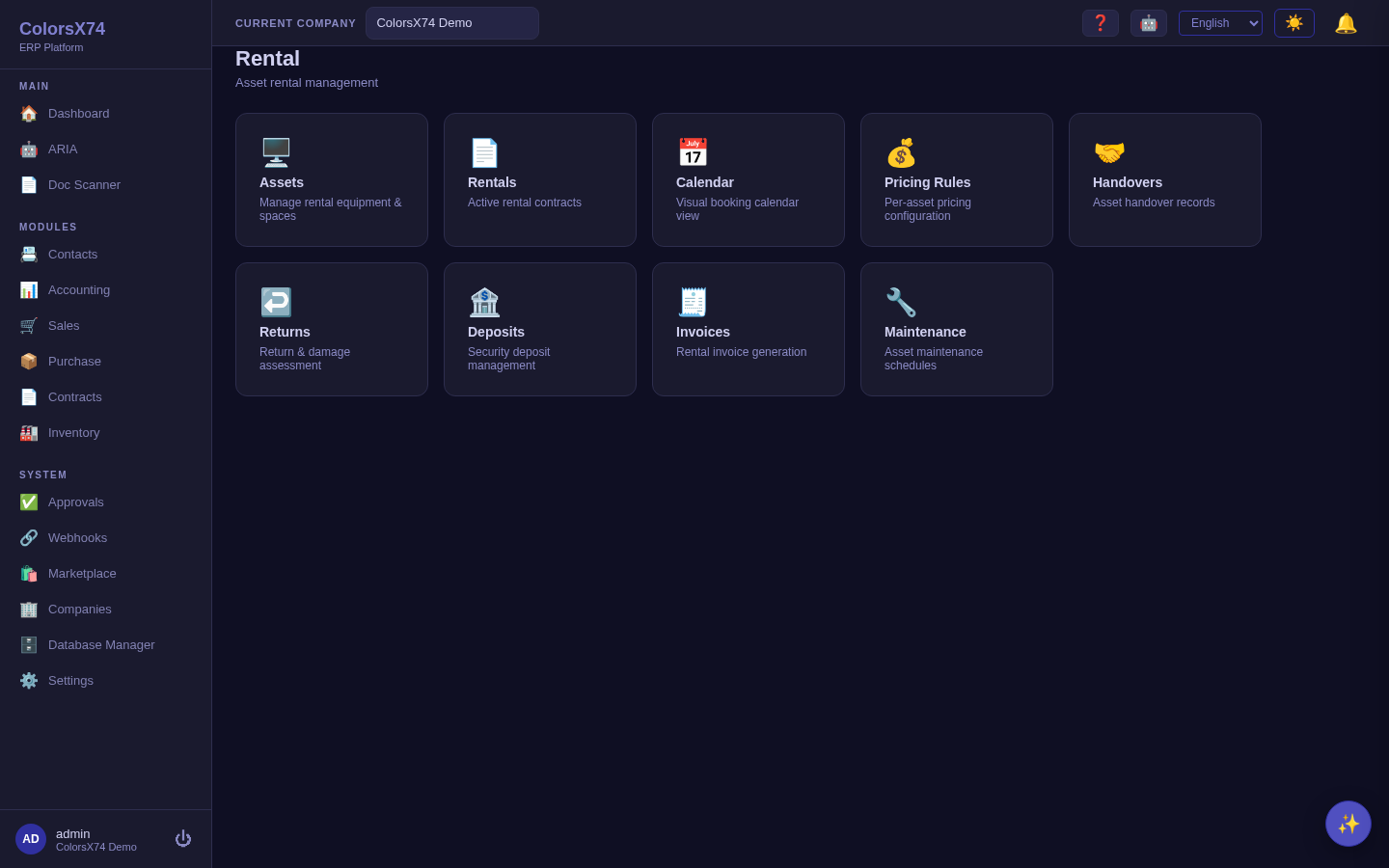
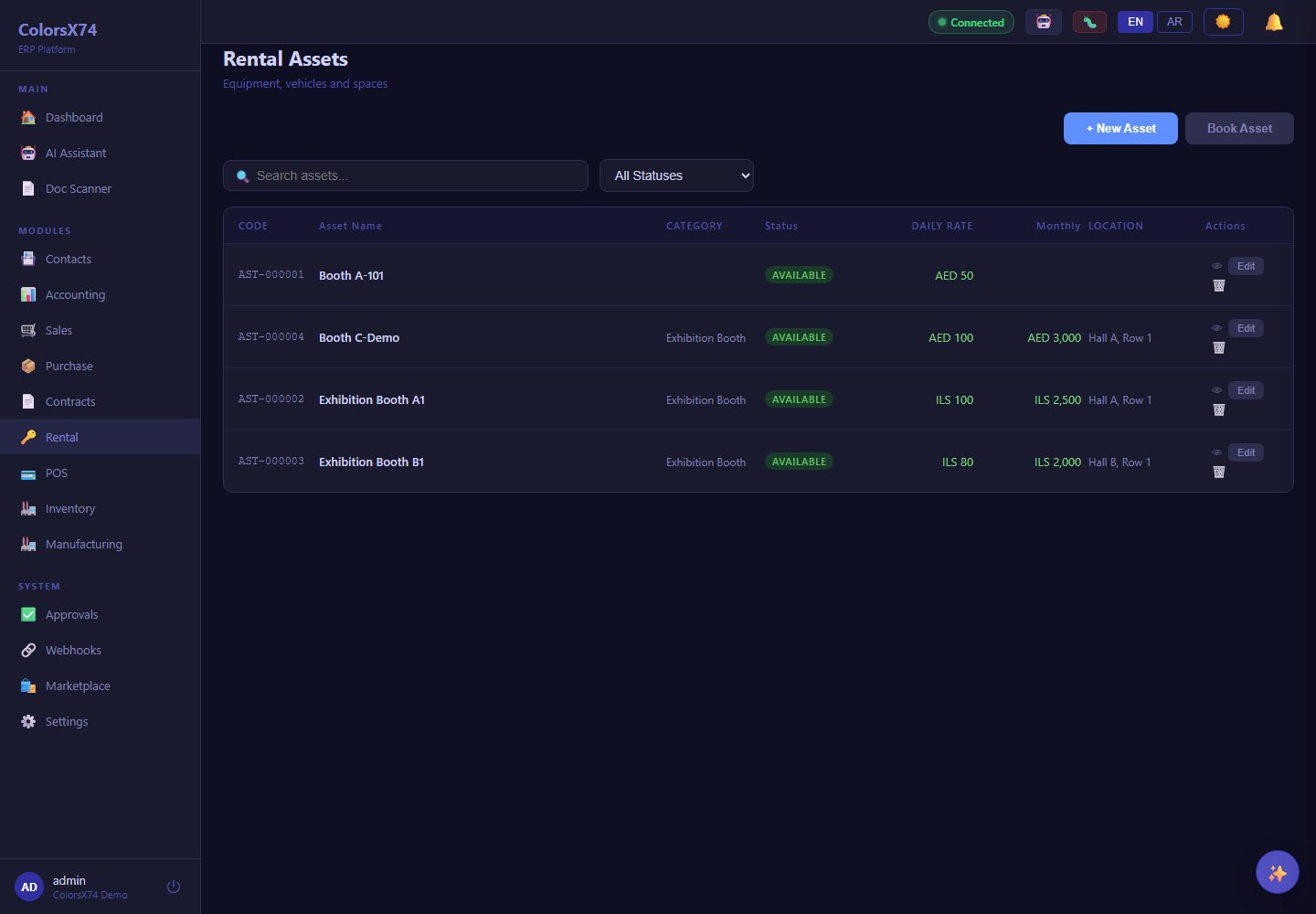
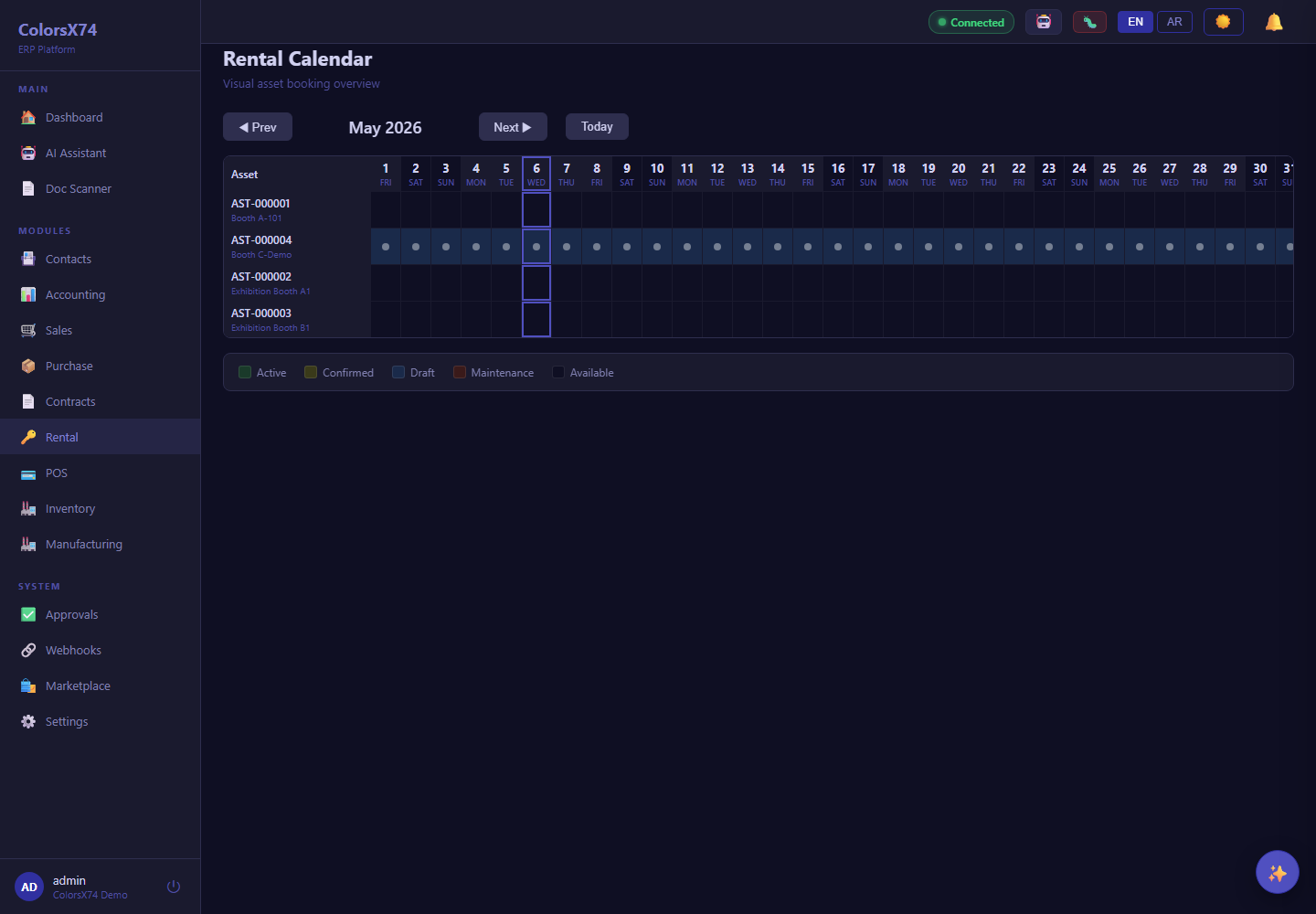
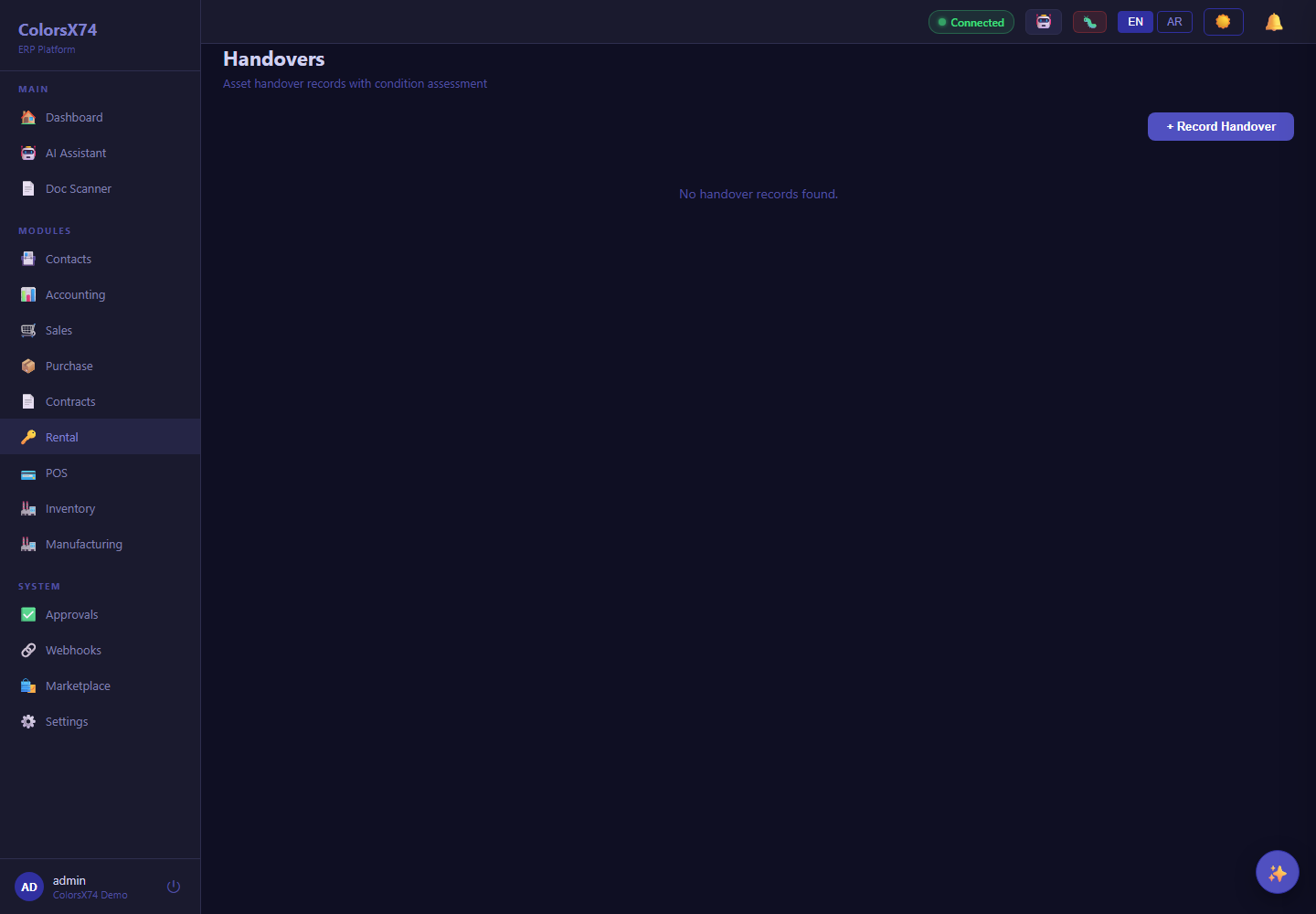
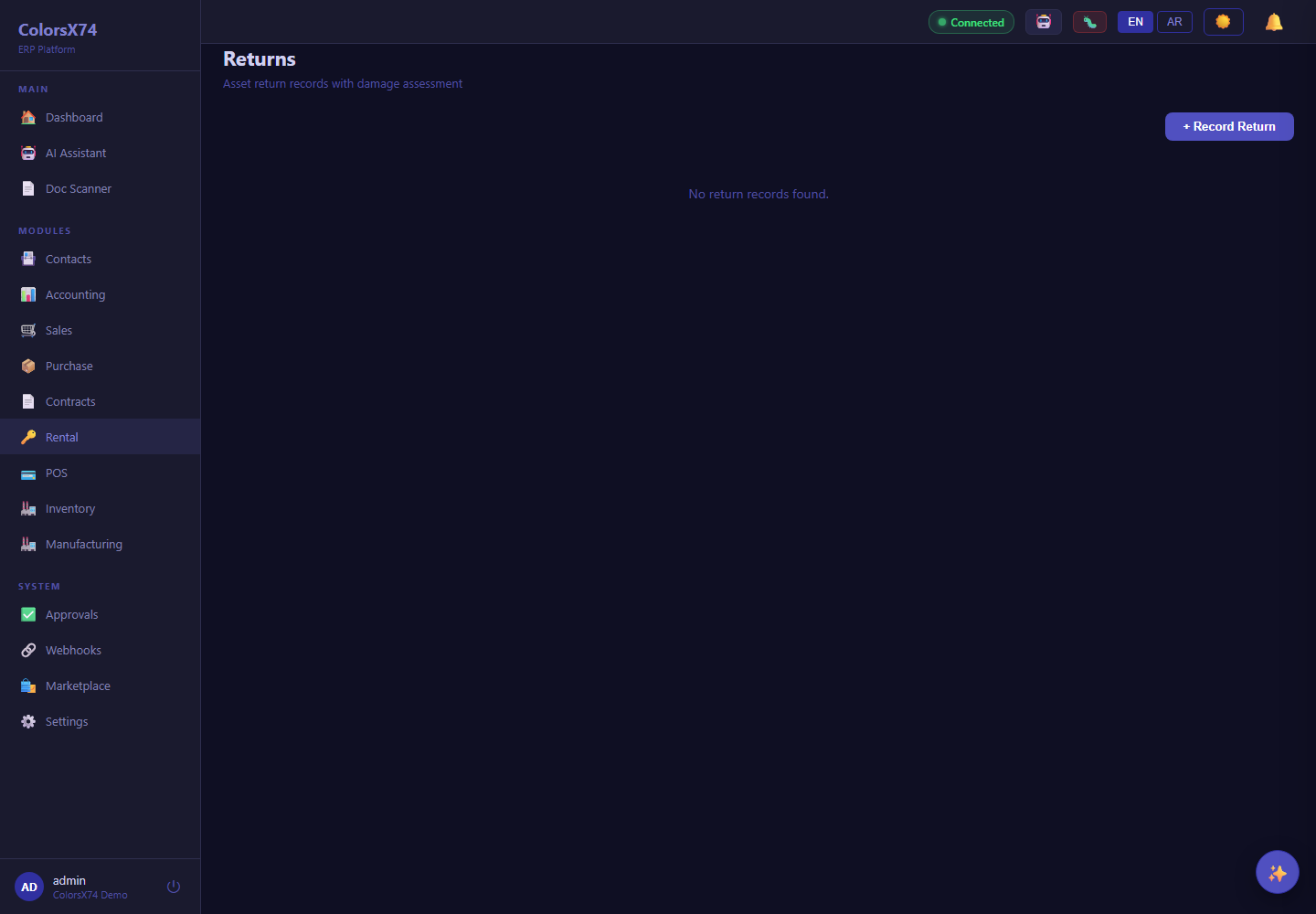
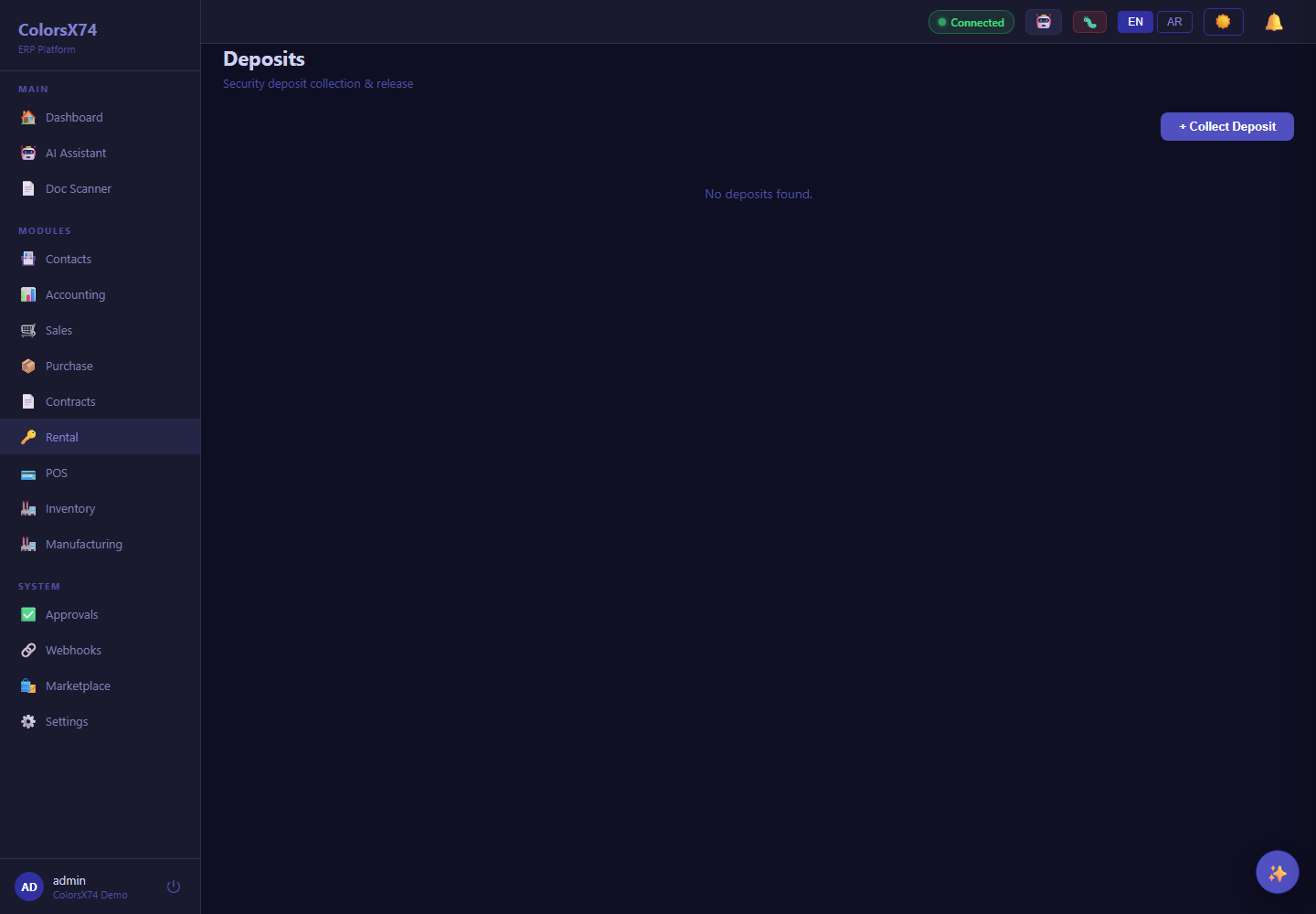
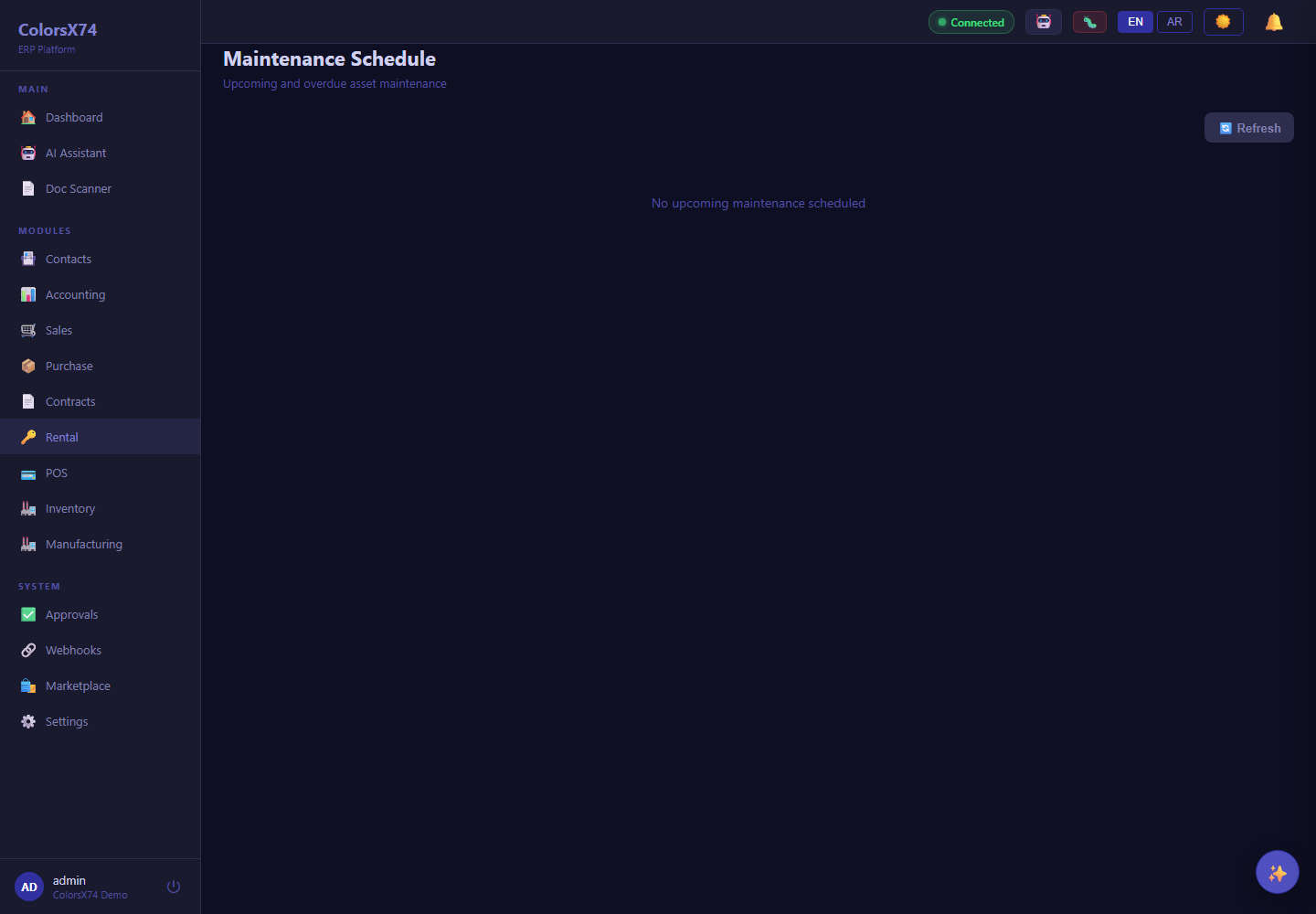
Availability: Rental is a marketplace add-on. If it is not enabled for a tenant, the menu item and routes are gated and you will be redirected to the marketplace — that is expected, not a fault. The screenshots above were captured while the add-on was enabled and are retained as a feature reference.
Use it wisely. Always record condition at both handover and return so deposit disputes have evidence. Keep the calendar authoritative — book through it, not around it — and schedule maintenance between bookings so an asset is never rented out due for service.
Point of Sale — registers, branch roll-up, and the finance bridge (add-on)
What it is. The POS add-on rings sales at the till. Cashiers sell on the web kiosk or the desktop POS — open a session, scan or search products, take split payments (cash/card), hold and resume, void, and refund. Each register (station) belongs to one branch; a branch can run many registers. The in-ERP /pos screen is the reports & KPI dashboard — it is for seeing the numbers, not for ringing sales.
Void vs refund — and why the till insists. Void is for a sale that has not been tendered: discard a held receipt, replace an edited cart, or cancel before payment. Once a receipt is paid it has already posted to the accounts and taken stock, so voiding it is refused and the register points you at Refund instead. A refund reverses the revenue, tax and stock through a credit note and records the money leaving the drawer, so the GL, the stock ledger and the session's Z-report all agree. Voiding a paid sale used to be accepted and did none of that, leaving the books showing a sale the POS reports had dropped.
Opening POS & setting up registers. Enable the POS add-on for the company from the Marketplace page; once enabled, POS (💳) appears in the left navigation (you can also jump to it from the ⌘/Ctrl-K search). It opens the dashboard below. From there, two cards — also direct routes — hold the configuration: Stations (/pos/stations) is where you add each cashier register (code, name, location, currency) and assign it to its branch; Sessions (/pos/sessions) is where you open and close tills and reconcile each session's cash. Products and prices come from Inventory and Sales (POS builds on both).
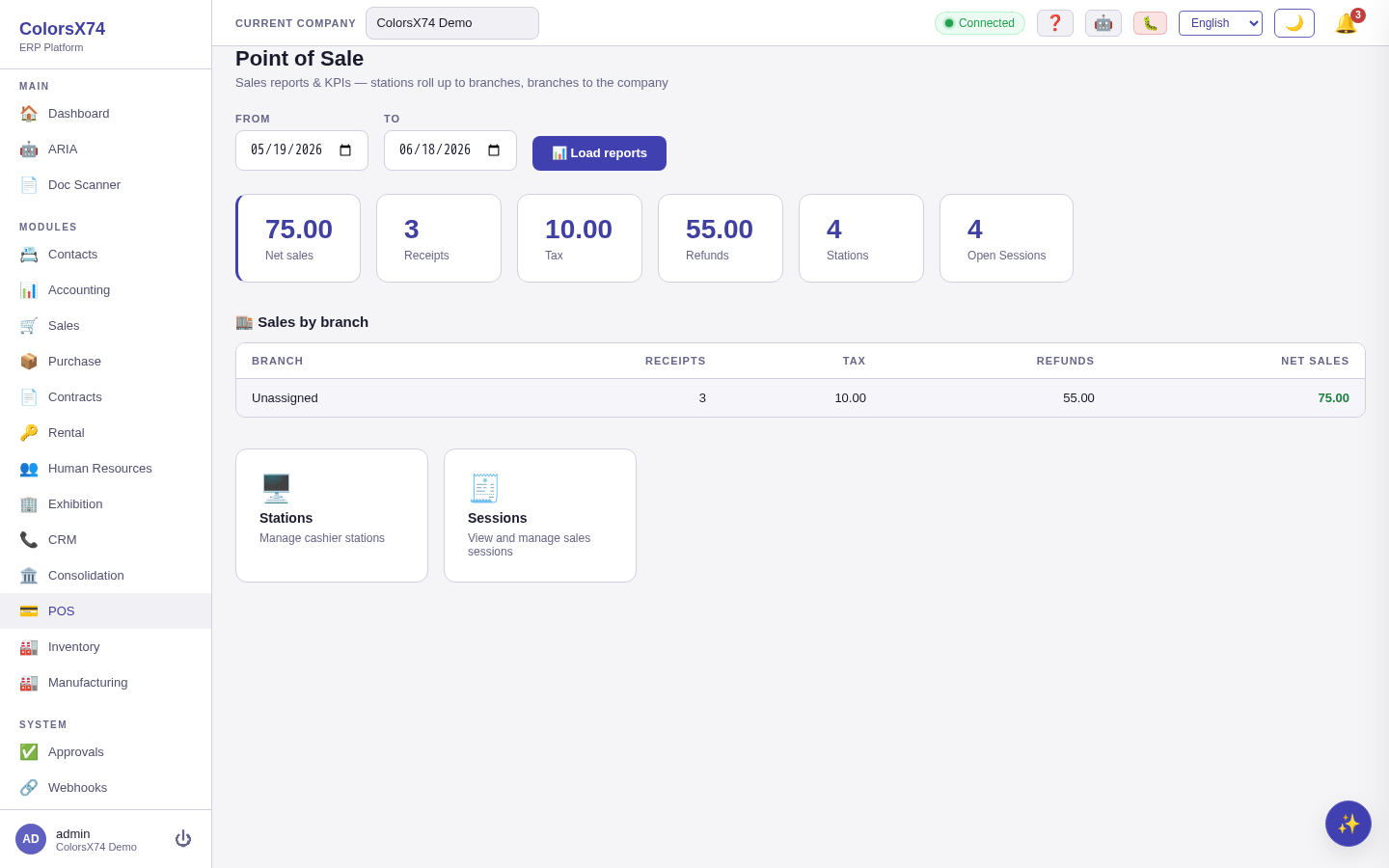
/pos). Date-range KPIs (net sales, receipts, tax, refunds, stations, open sessions) over a per-branch sales roll-up, with quick links to Stations and Sessions.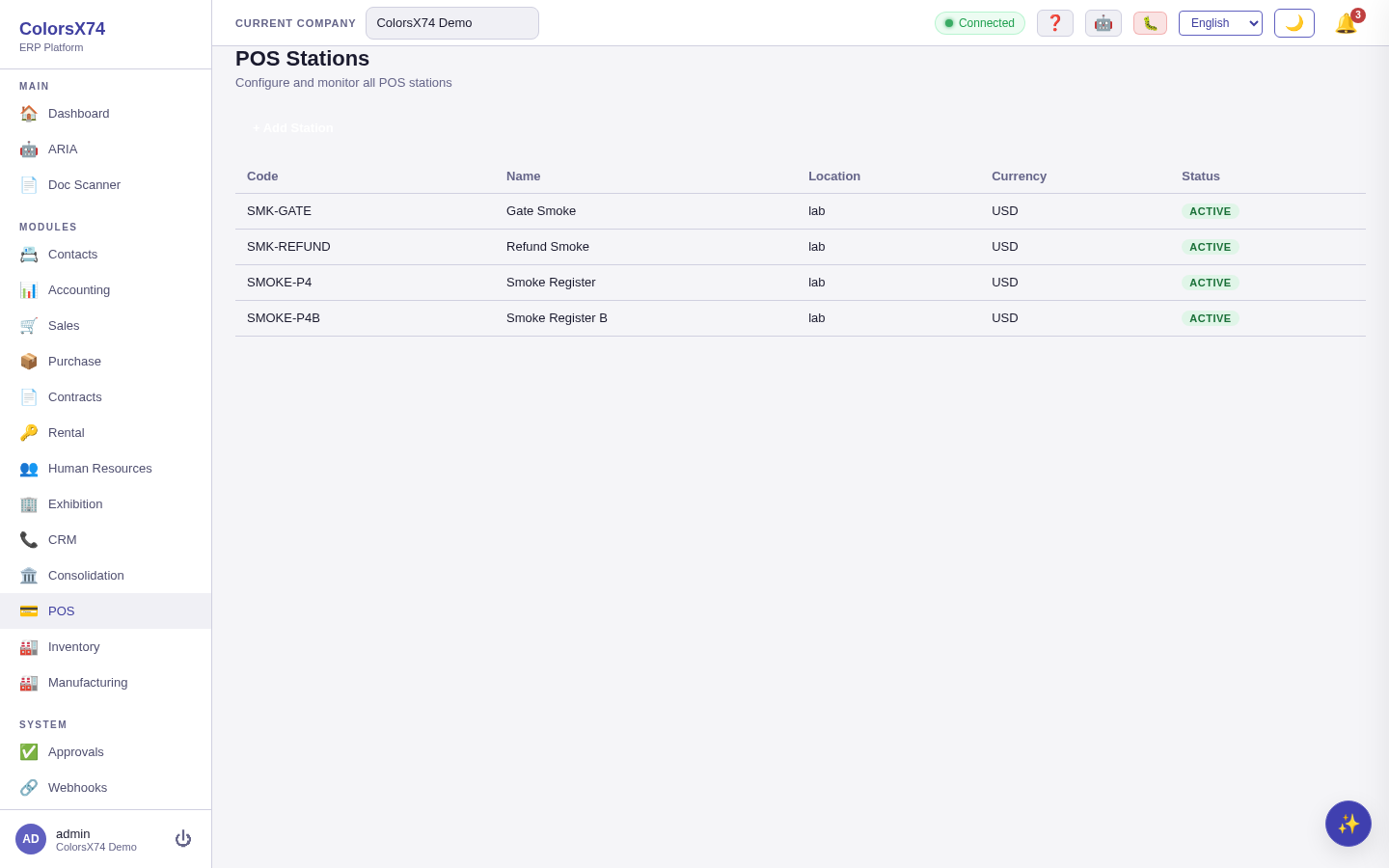
/pos/stations). Add and monitor each register — code, name, location, currency, status. Assign every station to its branch so sales and posted invoices roll up to the right place.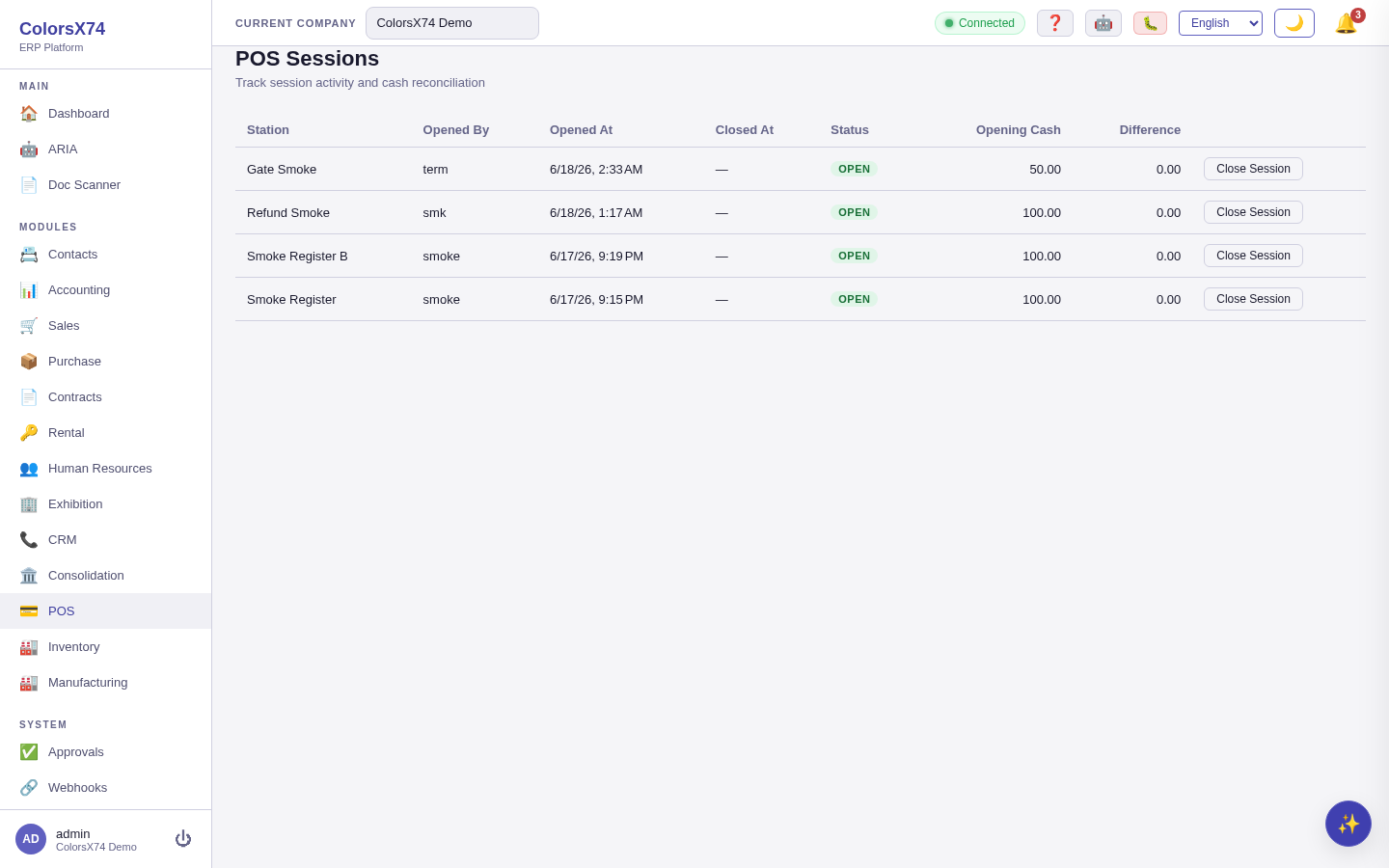
/pos/sessions). Track open/closed tills — who opened it, opening cash, and the close-out difference — and close a session to reconcile its cash.Branch roll-up. Every sale rolls up register → branch → company. The dashboard shows company-wide KPIs (net sales, receipts, tax, refunds) for a date range, with a per-branch table you can expand to see each branch's registers. The same figures are available per station, per branch, and company-wide, so a manager can compare locations and head office sees the consolidated total.
Finance bridge. When a receipt is fully paid it automatically posts to the books: a sales invoice is created for the receipt's branch and recognised in the general ledger (revenue, tax, and cash), settled on the spot. That means POS sales flow into Accounting, into per-branch sales analytics, and into group consolidation with no extra step — the till is no longer an island. A refund — whether you return the whole receipt or just some lines — reverses exactly the refunded amount: it posts a credit that backs out that portion of the revenue, tax, and cash, restocks the returned items, and reduces the branch's sales by the refunded amount, while the original sale stays on record.
Availability: POS is a marketplace add-on; the menu and routes are gated unless it is enabled for the tenant. The finance bridge posts to the general ledger only when the company's chart of accounts / accounting defaults are configured — until then a sale still records and reports, it just is not yet in the GL.
Use it wisely. Assign every register to the correct branch so the roll-up and the posted invoices land in the right place. Reconcile each session's cash at close, and prefer a full refund (whole receipt) when reversing a sale so the books reverse cleanly.
Contacts — shared customers and vendors
What it is. Contacts is the shared directory of parties — customers, vendors, and others — used across Sales, Purchase, Contracts, and Accounting. Sales "customers" and Purchase "vendors" both resolve here, so a party that you both buy from and sell to exists once.
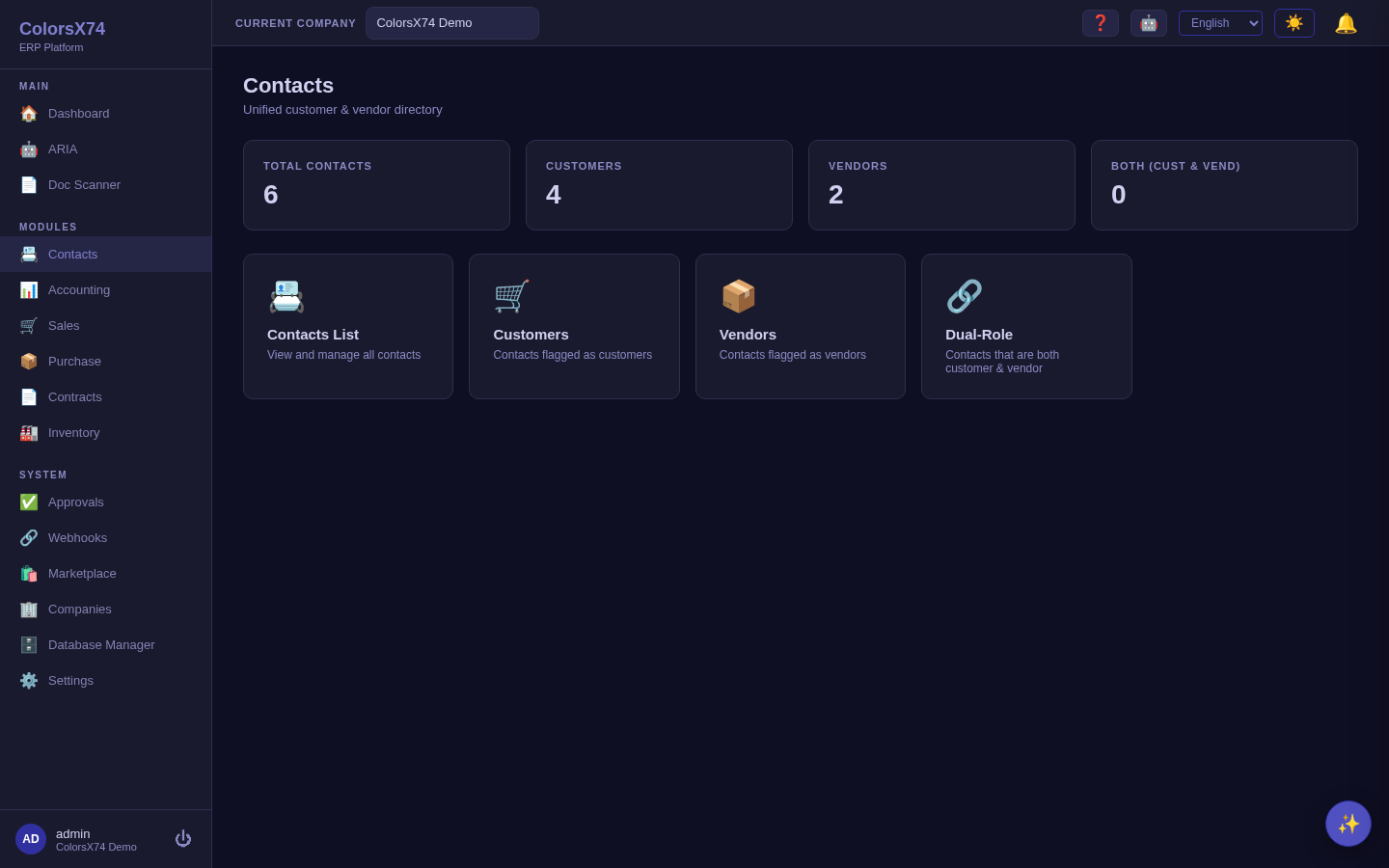
Use it wisely. Avoid duplicate contacts — search before you create, because duplicates fracture a party's history across the system. Keep tax identifiers and payment terms on the contact so documents inherit them automatically.
Suggested demo flow
- Sales: quotation → order → invoice, then show returns/credit notes as the exception path.
- Purchase: RFQ → PO → receipt → bill, landing on three-way match as the headline control.
- Contracts: template editor → a contract with versions/reviews → alerts → dashboard.
- Rental (if enabled): assets → calendar → handover → return, with deposits and maintenance.
- Tie it together in Contacts and remind the audience everything posts into Accounting.
Related pages
- Overview, login, and dashboard
- Accounting, reports, banking, tax, and payments
- Inventory, manufacturing, marketplace, and add-ons
- Exhibition rental management
- AI, ARIA, setup wizard, scan, draft, and settings
- Admin, settings, security, audit, approvals, and notifications
- Troubleshooting, browser requirements, and support handoff