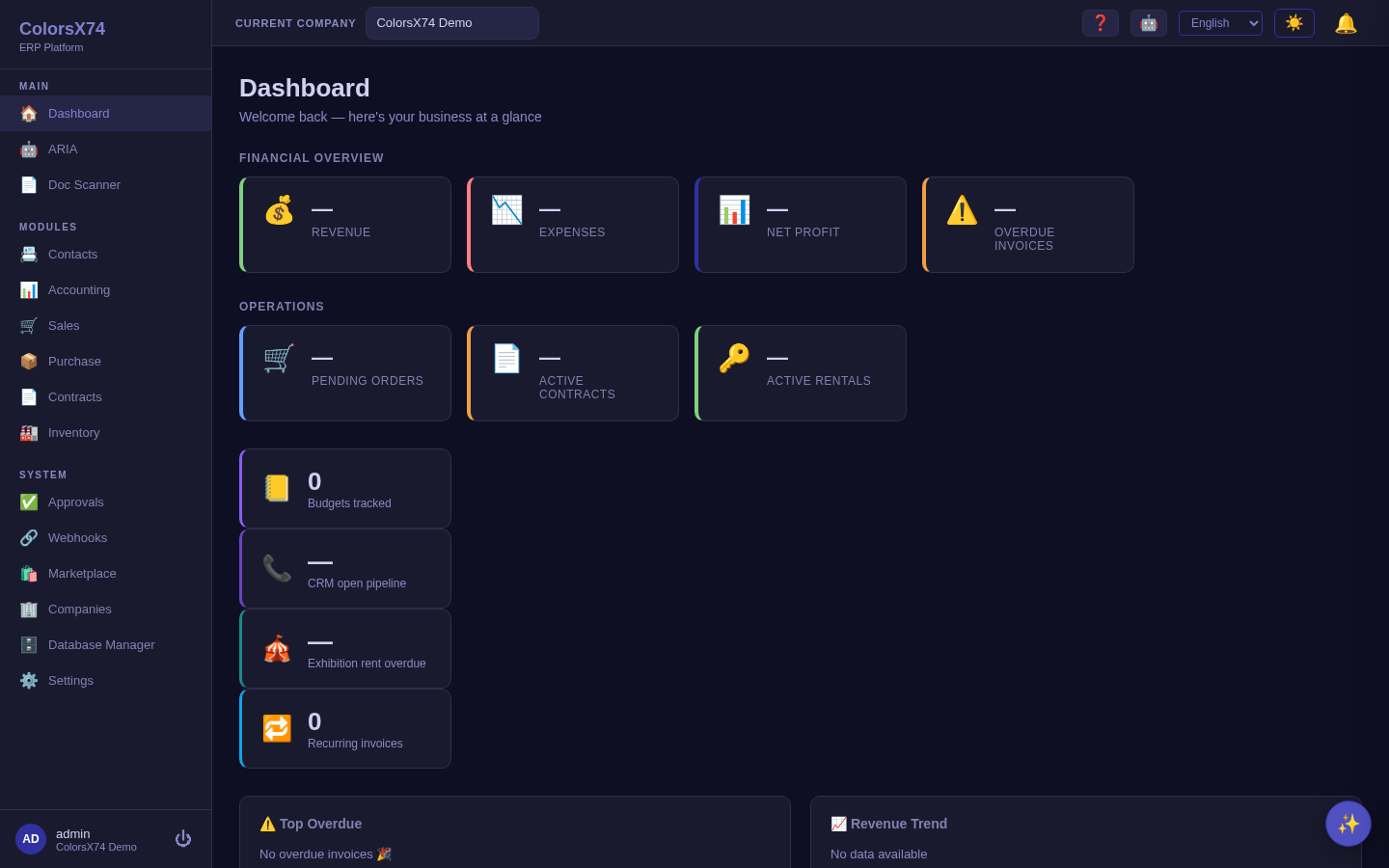
Overview, login, and dashboard
A representative-ready introduction to the ColorsX74 ERP web portal: secure sign-in, the dashboard command center, notifications, and first actions for a guided demo.
Representative-facing static HTML and Markdown documentation for the ColorsX74 ERP web portal.
العربيةDemo data note: Screenshots in these docs use representative demo data. Do not use real customer records, secrets, payment keys, or private documents in public demos.
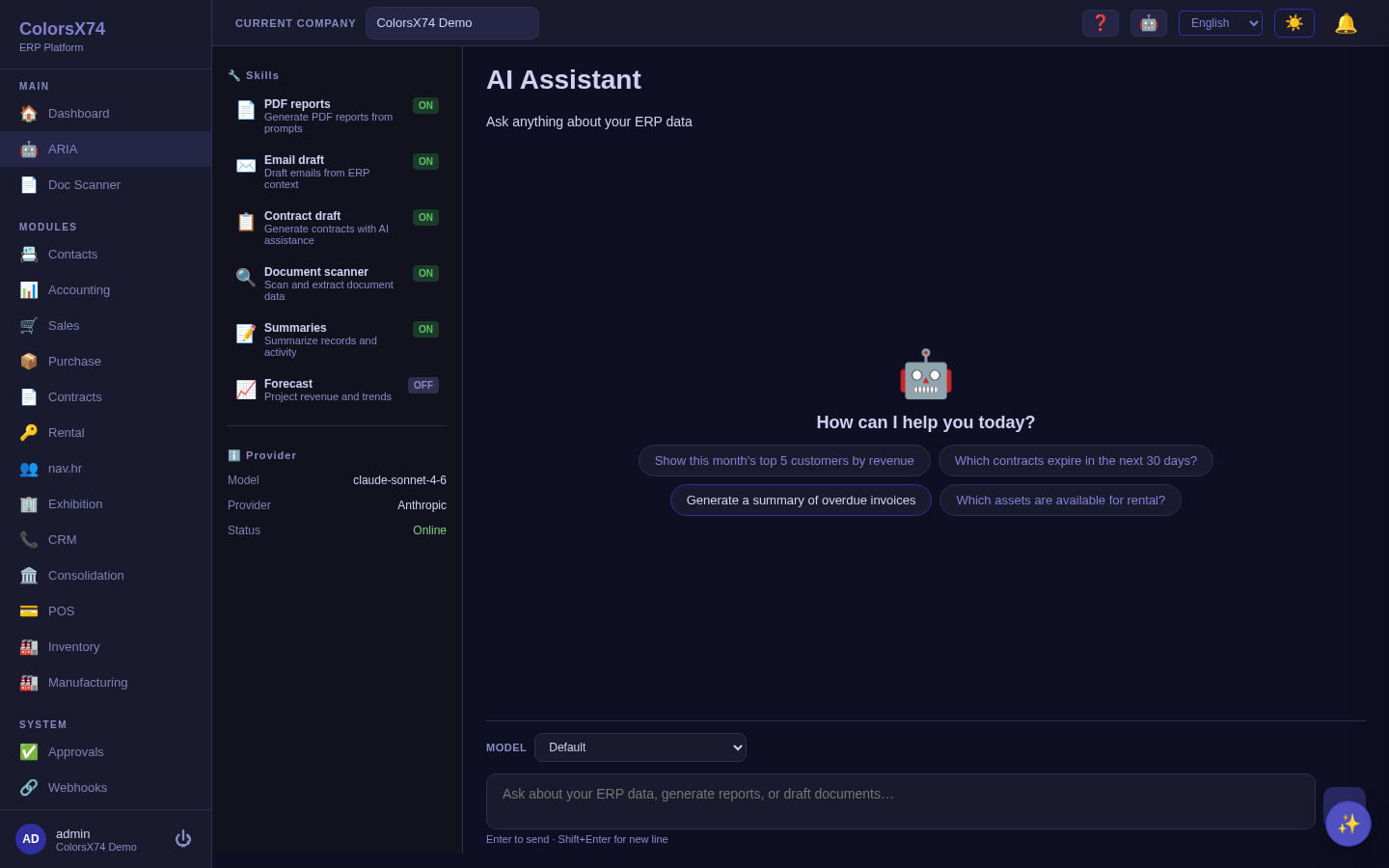
This is the public documentation for ColorsX74 ERP — a single browser workspace that runs finance, sales, purchasing, contracts, inventory, and operations on one shared data model, with an embedded AI assistant (ARIA) and a signed marketplace add-on system. Every page explains, feature by feature, what each area is, how to use it step by step, and how to use it wisely — illustrated with screenshots captured from the live application.
For a guided demo, start with the Overview (login and dashboard), then follow the cycle that matches your audience: Finance for the accounting backbone, Commercial for quote-to-cash and procure-to-pay, Operations for inventory and the marketplace, AI for ARIA and document automation, and Admin for governance.
A representative-ready introduction to the ColorsX74 ERP web portal: secure sign-in, the dashboard command center, notifications, and first actions for a guided demo.
Finance documentation for the double-entry accounting workspace, management reports, bank reconciliation, payments, tax setup, fixed assets, budgets, and multi-currency operations.
Commercial workflow documentation covering quote-to-cash, procure-to-pay, contract lifecycle management, and rental asset operations.
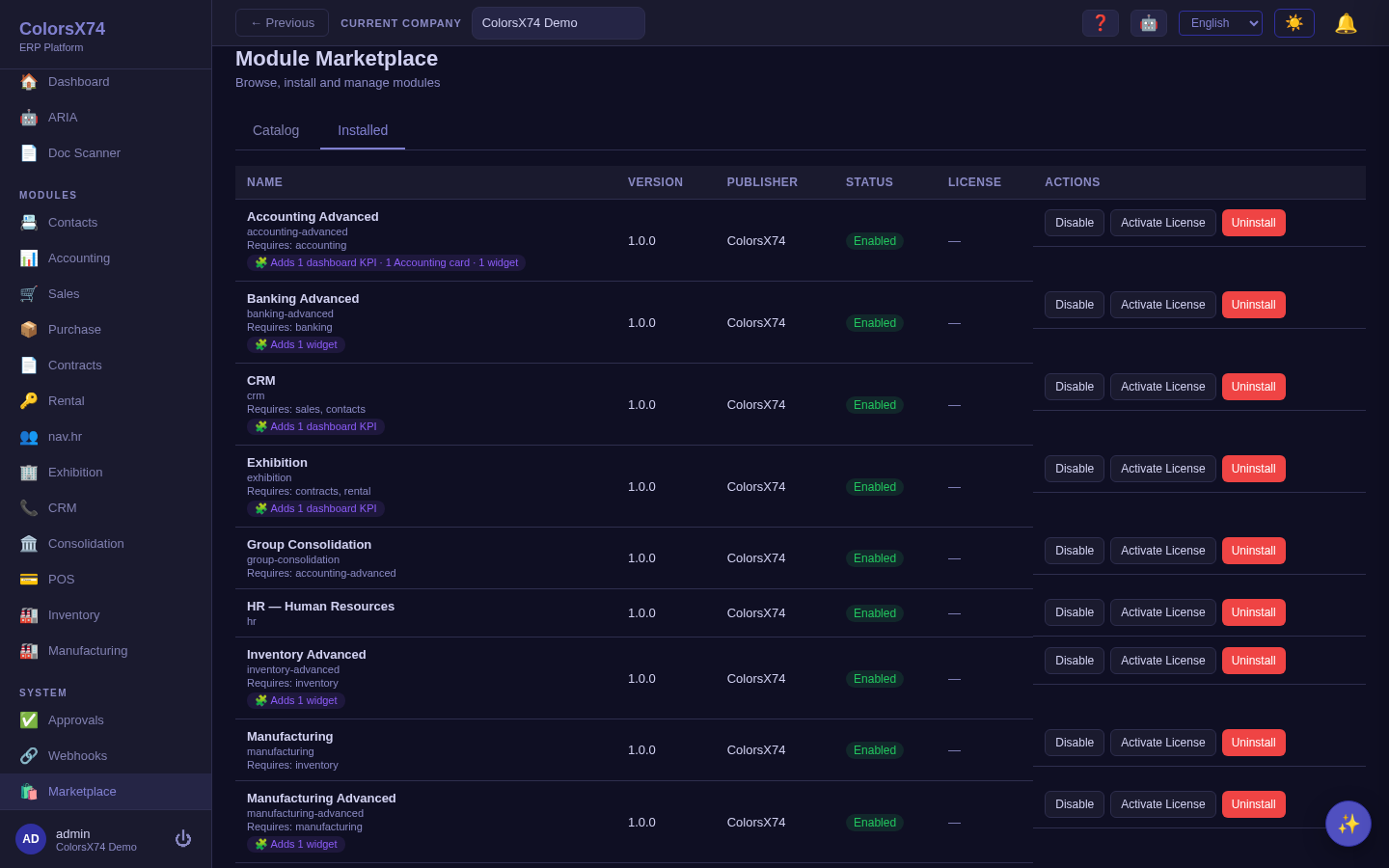
Operations documentation for stock visibility, product and warehouse setup, low-stock awareness, basic manufacturing, and the module marketplace/add-on model.
The rented-terminal marketplace: the organizer owns the booths and card machines, renters sell from them, and the module attributes each bank transaction, takes commission and booth rent, reconciles, and settles the rest to the renter.
A ticket helpdesk on one shared conversation: create and triage tickets, reply to customers, keep private internal notes, run a guarded status workflow with first-response and resolution timing, and assign agents — plus a cross-company queue for the platform team to support every tenant.
AI documentation for assistant conversations, embedded ARIA positioning, document scan, document drafting, provider/settings review, and the guided AI setup wizard.
Administration documentation for system settings, accounting defaults, currencies, exchange rates, display, translations, audit log, approvals, webhooks, and notification handling.
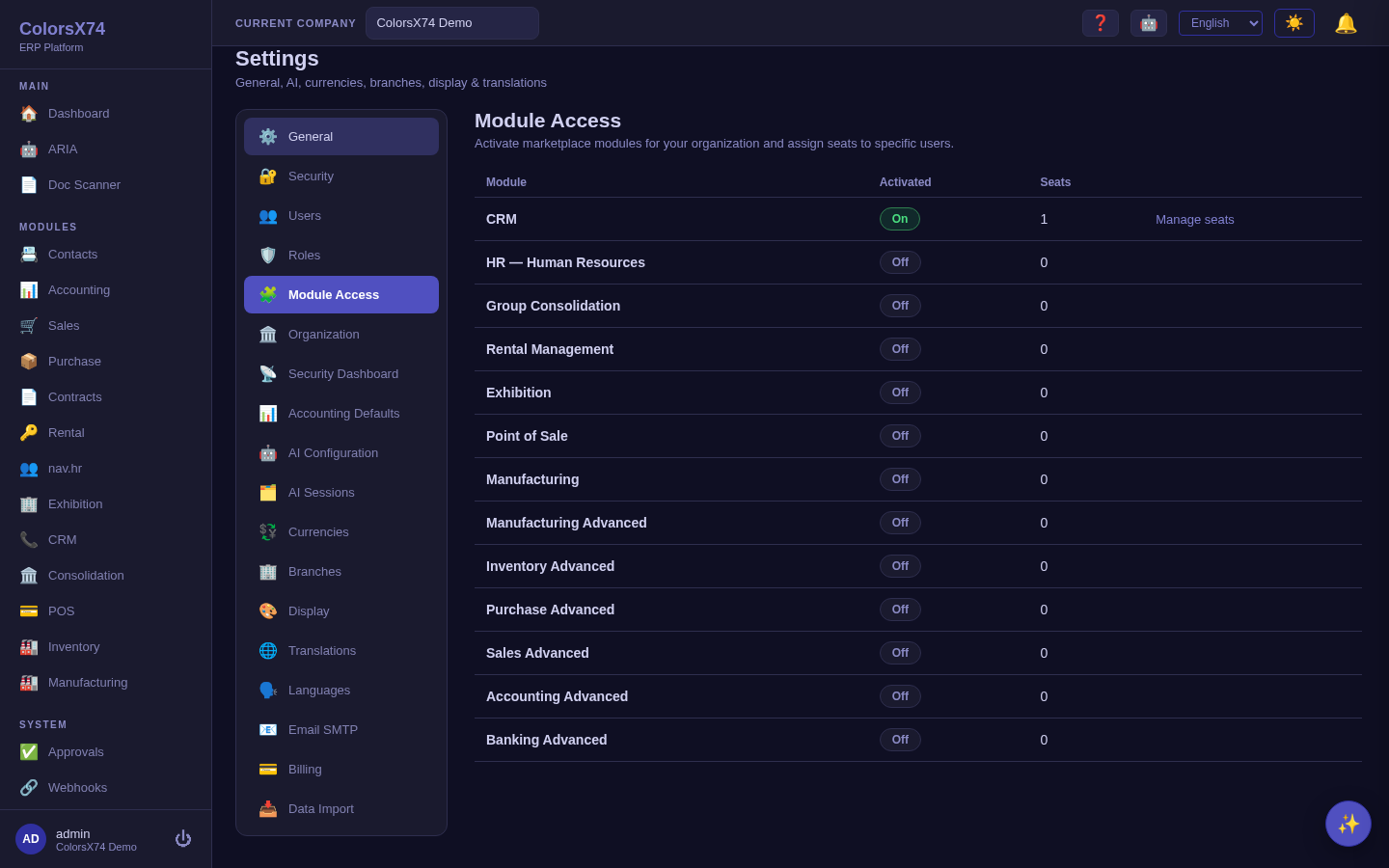
A short, practical setup guide for the owner/operator: create companies in the organization tree, add branches, create users and assign roles, then activate modules and assign seats.
Representative-safe guidance for browser readiness, demo data expectations, gated modules, screenshot limitations, and support handoff without exposing secrets.