Demo data note: Screenshots use representative demo data captured from a live environment. Manufacturing is a marketplace add-on and appears only when enabled. Never use real customer records, secrets, or private packages in a public demo.
How operations fit together
Inventory holds what you stock — products, the categories that organise them, the warehouses that locate them, and a low-stock view that drives replenishment. Manufacturing (an add-on) turns components into finished goods through Bills of Materials and work orders. The Marketplace is how the product itself grows: signed add-ons are browsed, installed, and managed without bloating the core. Stock movements from Purchase receipts, Sales fulfilment, and manufacturing all flow through Inventory, and the values post into Accounting.
Jump to: Inventory · Manufacturing · Marketplace & add-ons.
Inventory — stock visibility and control
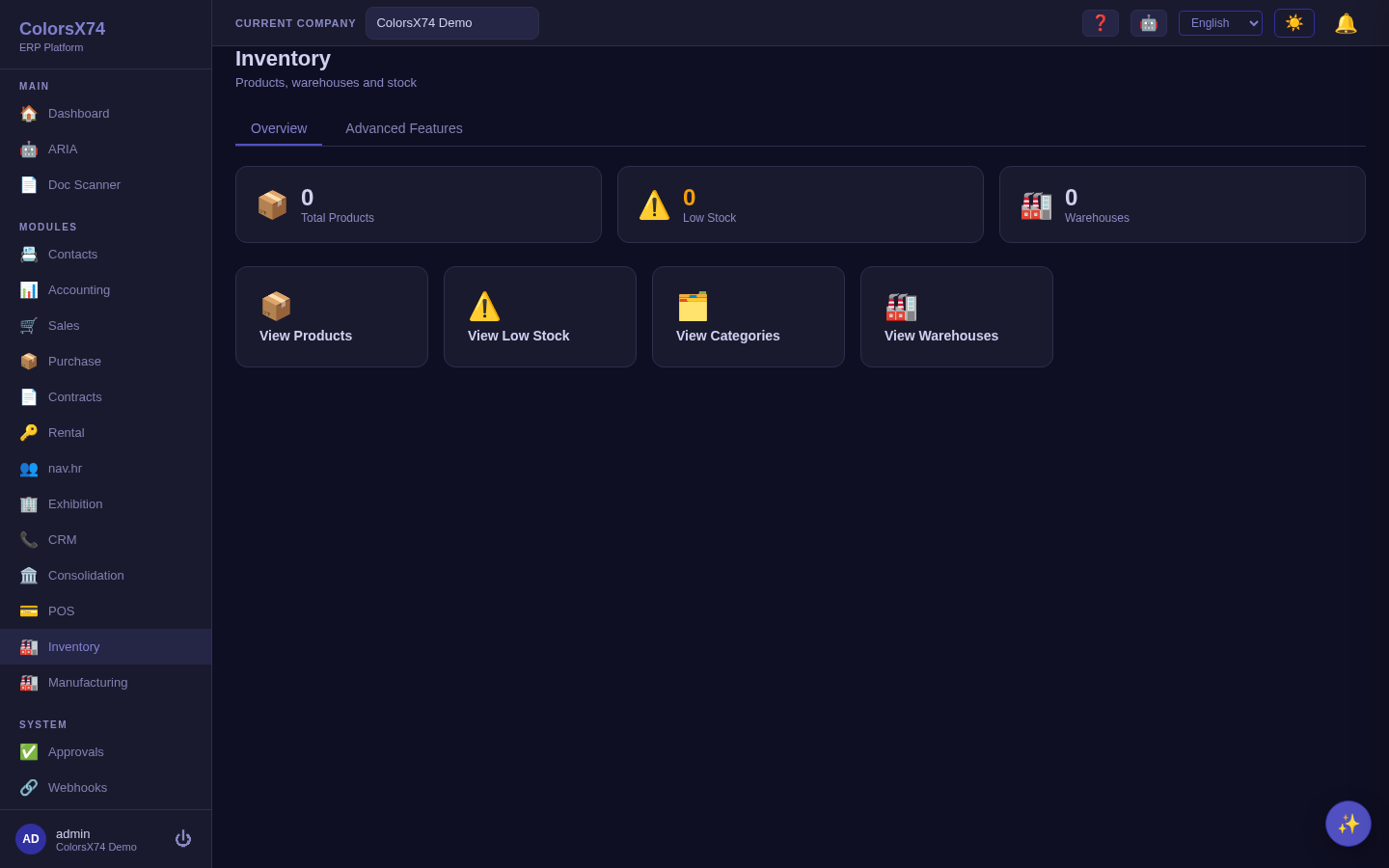
What it is. The Inventory workspace gives operational visibility over stock. From its home you reach Products, Low Stock, Categories, and Warehouses; advanced inventory (deeper warehouse automation) is delivered by the inventory-advanced add-on under Advanced Features.
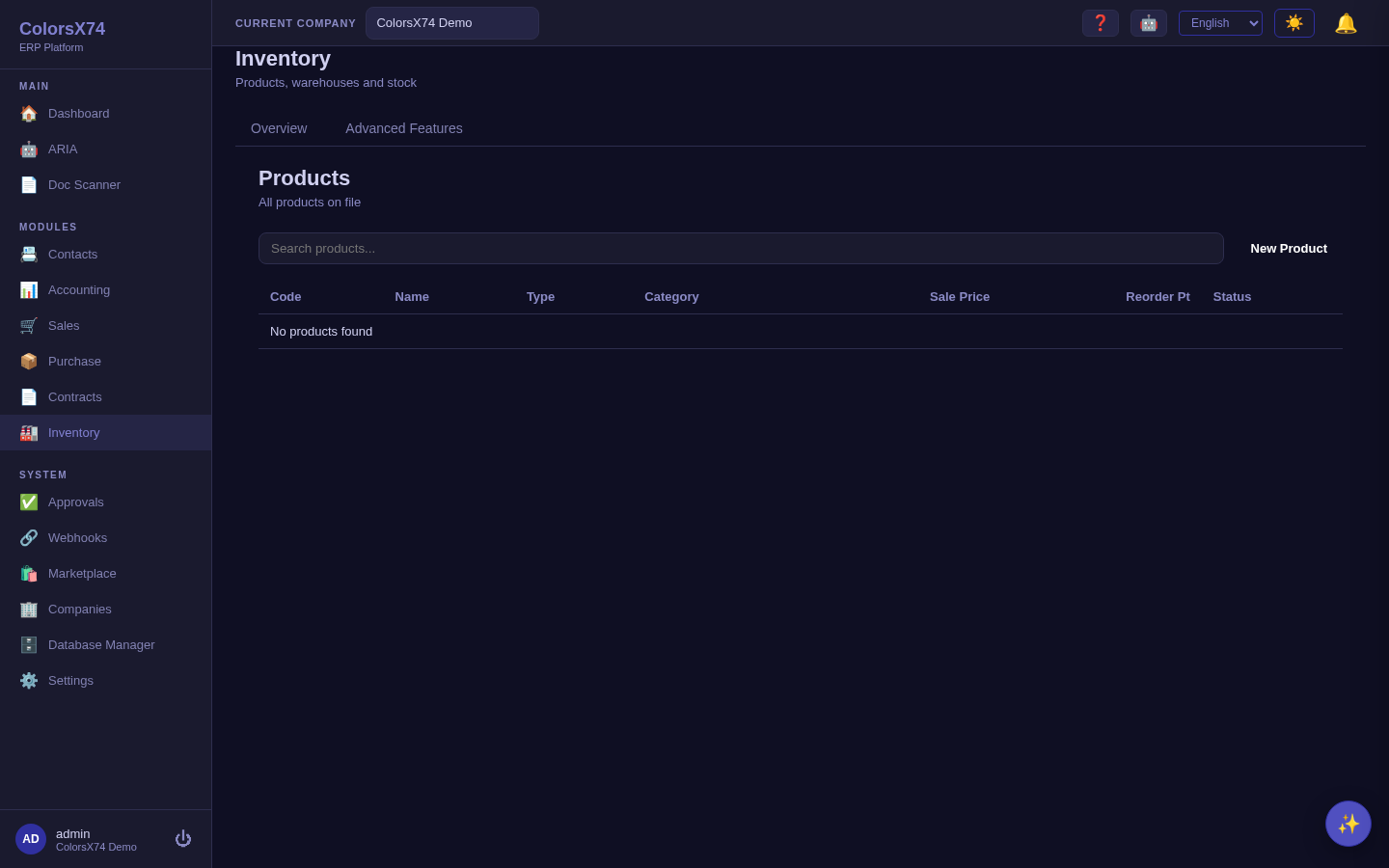
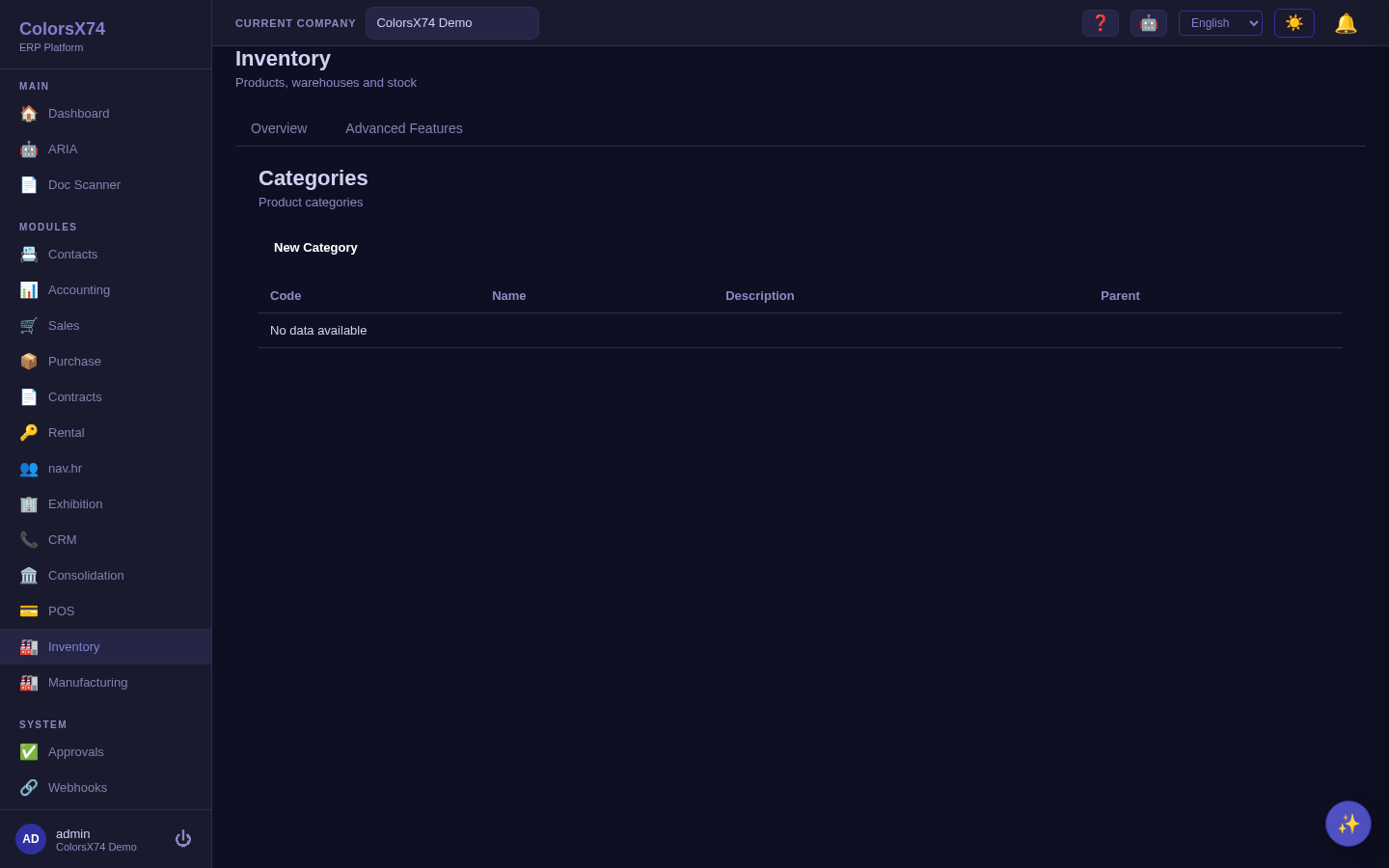
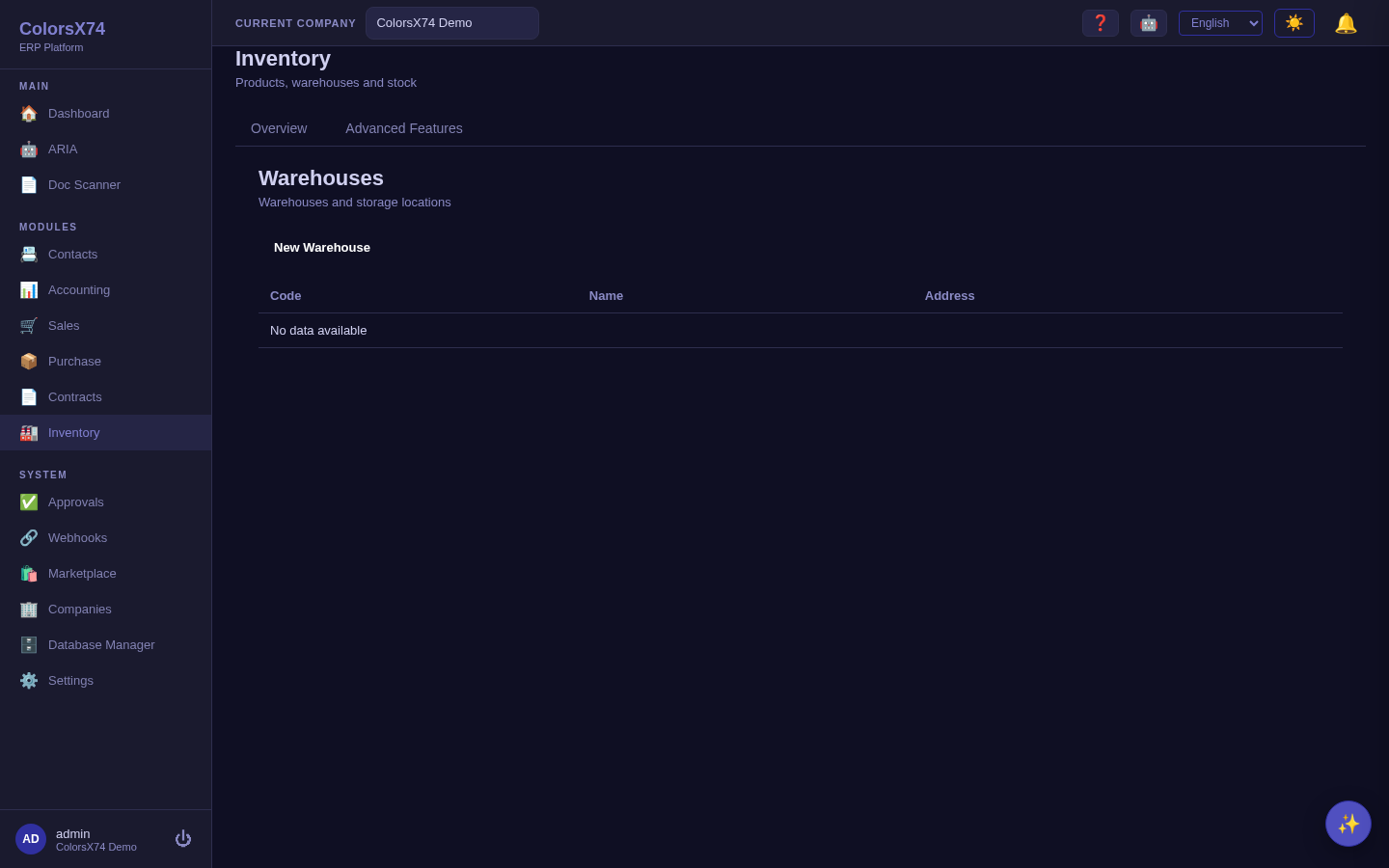
How to use it. Set up Categories and Warehouses first, then create Products assigned to a category with stock levels per warehouse. Use Low Stock as your daily exception list — it shows items at or below their reorder point so you replenish before you run out. Receipts in Purchase increase stock; fulfilment in Sales decreases it.
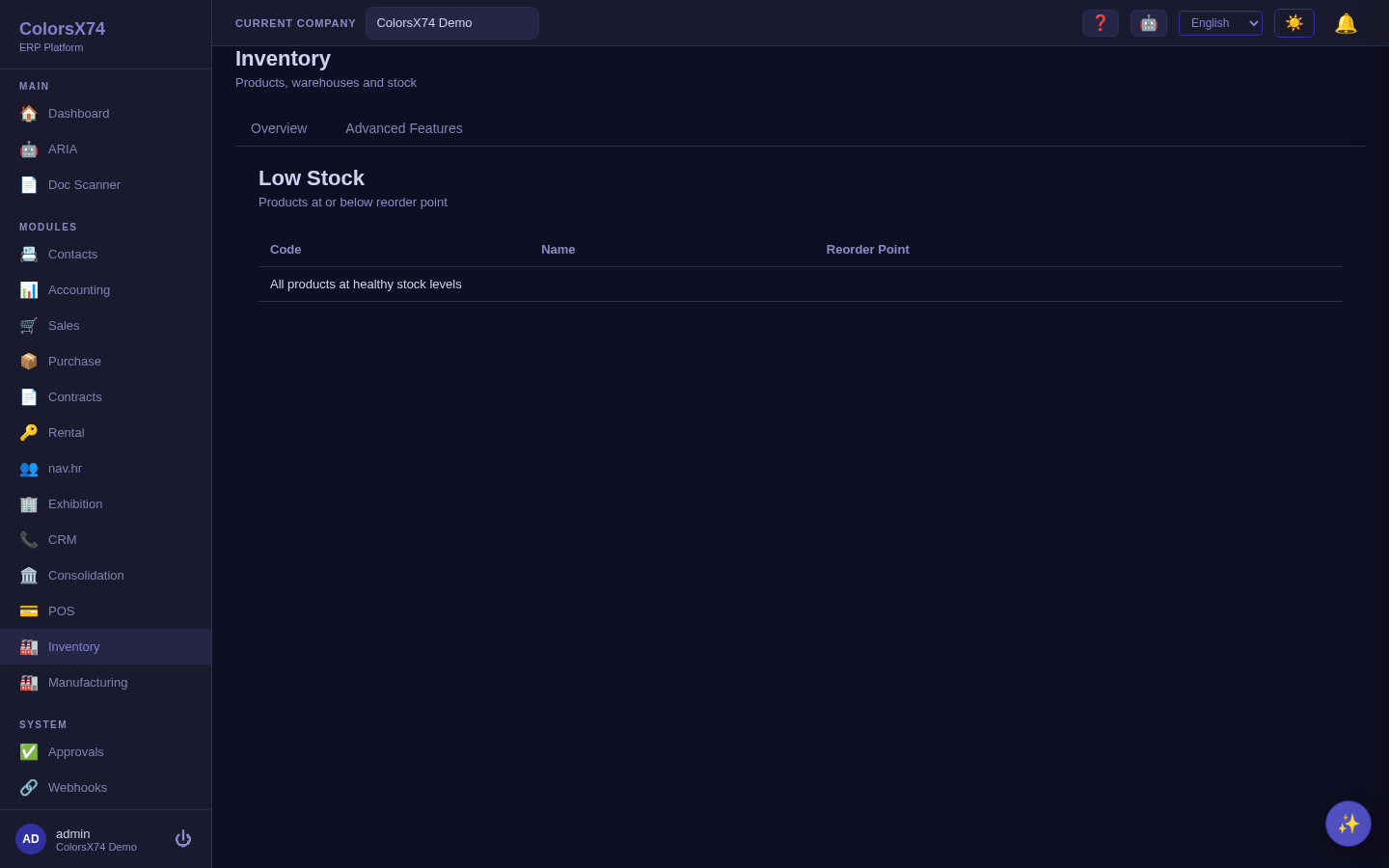
Use it wisely. Establish categories and warehouses before loading products so everything is classified and located from day one. Set realistic reorder points so Low Stock is a true action list rather than constant noise — too low and you stock out, too high and you tie up cash. Reconcile physical counts to the system periodically; inventory accuracy underpins both fulfilment and the balance sheet.
Every document moves stock
What changed. Issuing a sales invoice, completing a POS sale, issuing a credit (or a POS refund), approving a sales return, receiving goods (a goods-receipt note or the purchase order's Receive action), posting a vendor bill and approving a return to a vendor now each move the stock itself — the goods leave or arrive in a warehouse at that moment. Voiding a document puts back exactly what it moved. A draft moves nothing until it is issued. Services move nothing. Your journal entries are unchanged: the stock movement carries no cost of its own, because the invoice or bill already costs itself.
One physical event, one movement. A purchase order's goods can show up twice — on the goods receipt and on the bill — in either order. The system counts them once: a bill after its goods were received adds nothing, a bill raised first brings the goods in and the later receipt adds nothing, and voiding a bill whose goods were received leaves them in stock. This also holds when a bill is entered without choosing its purchase order: it is matched to the same supplier's received goods (purchase orders dated on or before the bill, oldest first). A bill dated before a purchase order is never treated as that order's goods. Linking the bill to its purchase order is still the clearest record.
Which warehouse. In this order: the document's own warehouse; the till's warehouse for a POS sale; the branch's only active warehouse; the company default warehouse; otherwise the first active warehouse by code. A refund or return goes back to the warehouse the sale left from. A company with no warehouse moves no stock until one is created.
Negative stock. If Prevent negative stock is switched on for the company (it is off by default), a POS sale and a back-office invoice that would take a product below zero are refused the same way, before anything is recorded — but only for a product that has been counted in that warehouse (see the opening count below) — counting part of a warehouse protects only what you counted, and each warehouse card shows how many of its products have been counted. Before its first count a warehouse's figures are not yet trustworthy, so nothing is refused there.
Stock reconciliation and the opening count
Why it exists. Documents posted before this change never moved stock, and history is not rewritten — guessing a warehouse for every old document would double-count the manual adjustments people made to compensate. So the stock ledger of an existing company is off by an amount only a physical count can measure. Inventory → Stock Reconciliation shows the gap and closes it.
- By product — the stock the warehouses hold (the move ledger) against what the books value (the cost ledger, perpetual costing only). A difference is highlighted.
- By warehouse — on hand, the document traffic since the warehouse was counted, what the books say should be there (when that can be attributed to one warehouse), and what an opening count at that figure would post.
- Opening count — enter what you physically counted and choose Post opening count. The count starts empty and only the rows you fill in are posted; a product you leave empty is not touched. Count in pages, using search to find products. The warehouse's stock becomes the counted quantity and the warehouse is marked as counted. Under perpetual costing only the difference between the count and the books reaches the general ledger (real shrinkage or gain) — correcting the old, never-maintained stock ledger is not an accounting event. Posting again later is a recount. The confirmation tells you how many products you are posting and, under perpetual costing, that a journal entry will record the value difference.
- Before you count — goods that are billed but not yet received, or invoiced but not yet shipped, are shown per product. Receive what is billed and ship what is invoiced first, or the count will book them as a loss or a gain. Stock still recorded in a deactivated warehouse or with no location is listed apart and is never folded into a count.
- Where sales leave from — set the company default warehouse and each till's warehouse, and see which warehouse every till and branch resolves to.
Use it wisely. Count each warehouse once, soon after this change reaches you, ideally at a quiet moment. From then on a difference on this page is an exception to investigate, not legacy noise. A warehouse must be counted before an online store can sell from it.
Manufacturing — BOMs and work orders (add-on)
What it is. The Manufacturing add-on supports basic production: a Bill of Materials (BOM) defines the components that make a finished product, and a work order executes a build, consuming components and producing output. It is a federated marketplace module and appears only when enabled for the organization.
How to use it. Define a BOM for each manufactured product, then raise work orders to build to stock or to order. Completing a work order draws down component stock and adds finished goods, keeping Inventory and the ledger in step.
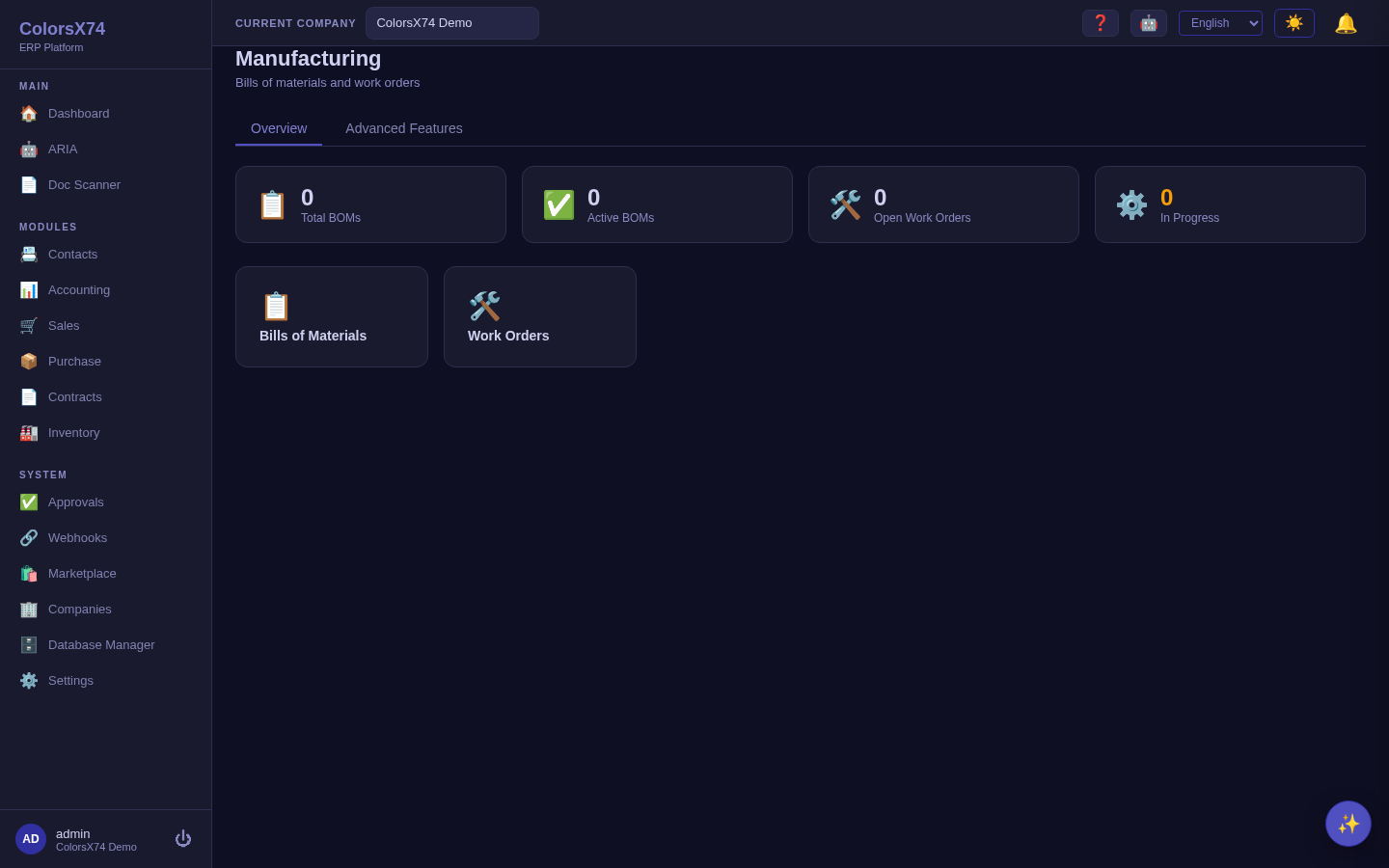
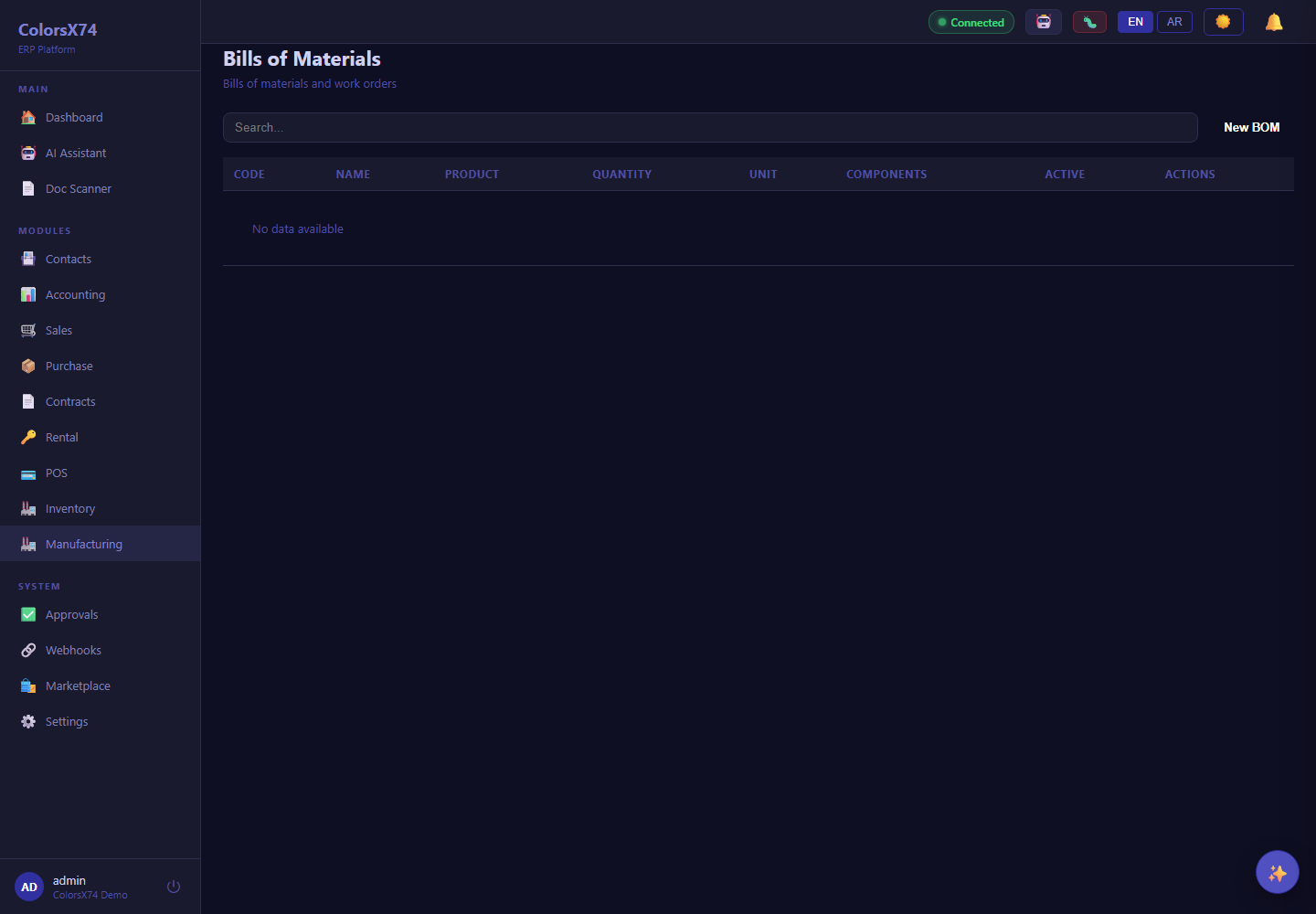
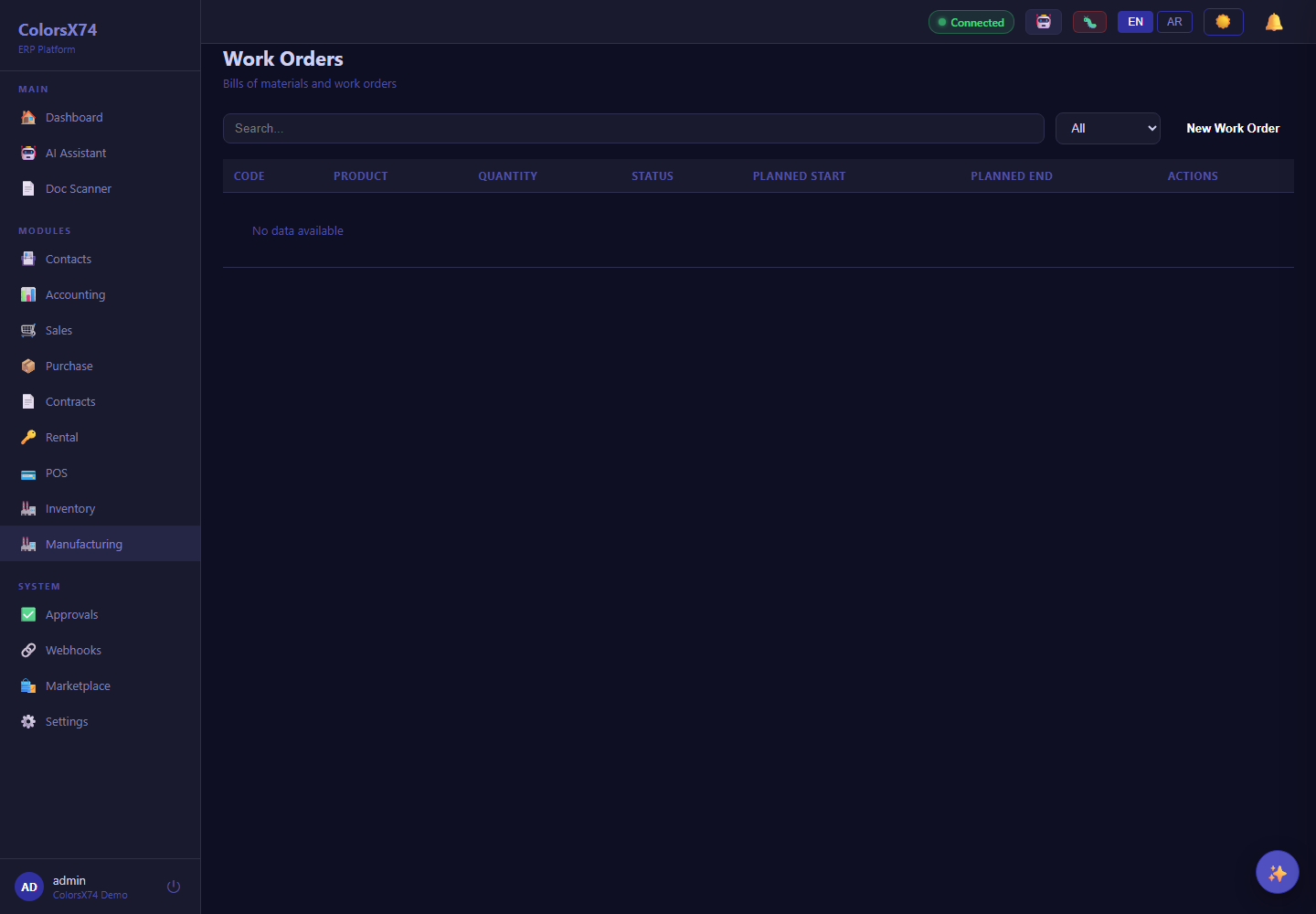
Availability: Manufacturing is a marketplace add-on. When it is not enabled, the menu item and routes are gated and redirect to the marketplace — expected behaviour. The screenshots were captured while the add-on was enabled and are retained as a feature reference.
Use it wisely. Keep BOMs accurate — an out-of-date recipe quietly misstates both stock consumption and product cost. Raise work orders rather than manually adjusting stock for builds, so the relationship between components and output is recorded and costed.
Marketplace and the add-on model
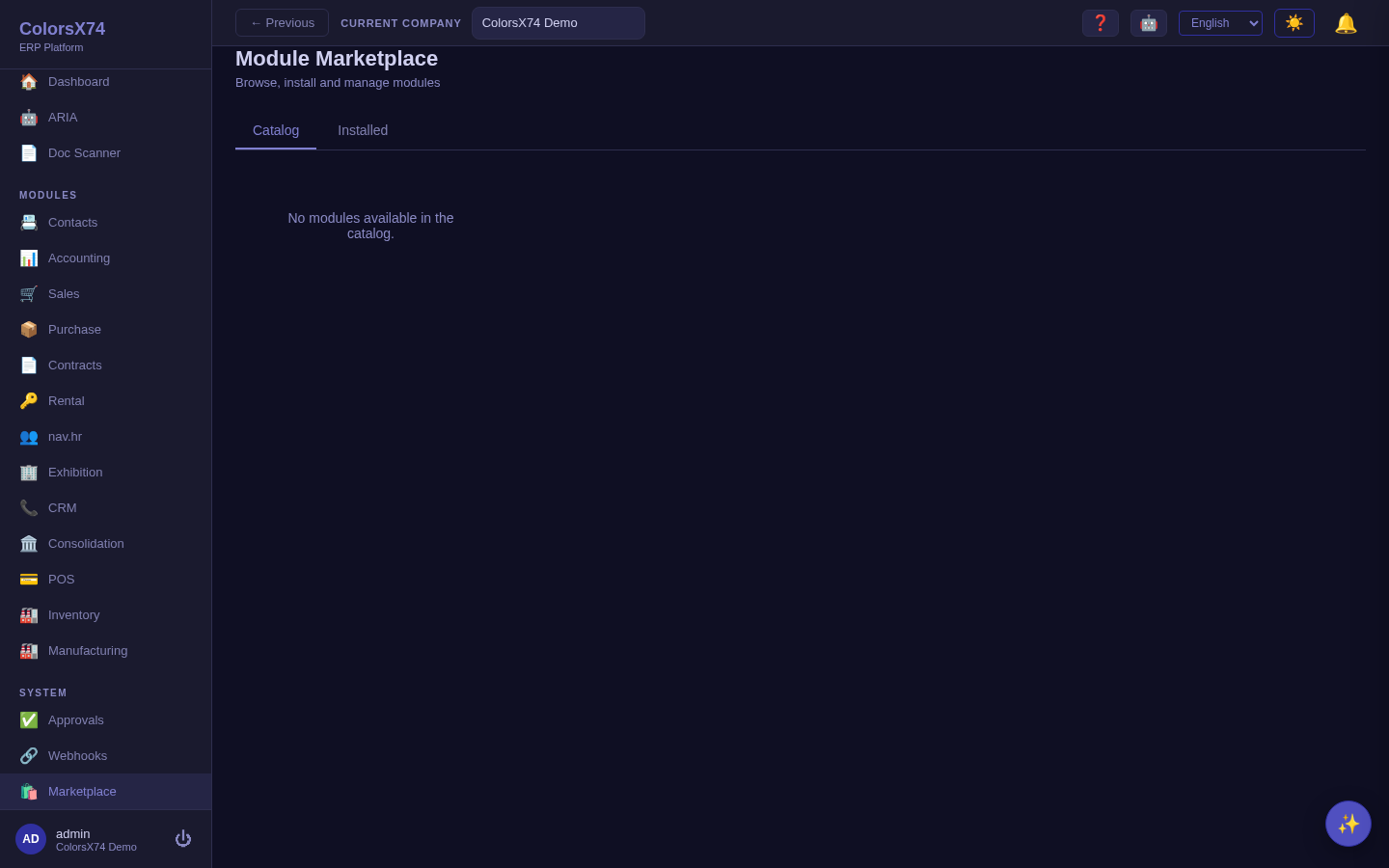
What it is. The Marketplace is how ColorsX74 ERP extends without bloating the core. The Catalog lists available add-ons; Installed shows what is present and lets you manage it. Add-ons are signed packages — the system refuses to load an unsigned module — and they declare their dependencies, so the platform installs and enables them in the right order. Advanced features for the core modules (accounting-advanced, sales-advanced, and so on) are delivered exactly this way.
How to use it. Browse the Catalog to find a capability, install it, then enable it for the organization. Entitlement and seat assignment are then managed under Settings → Module Access (see the Admin page). Once enabled, the add-on's navigation and routes appear in the shell.
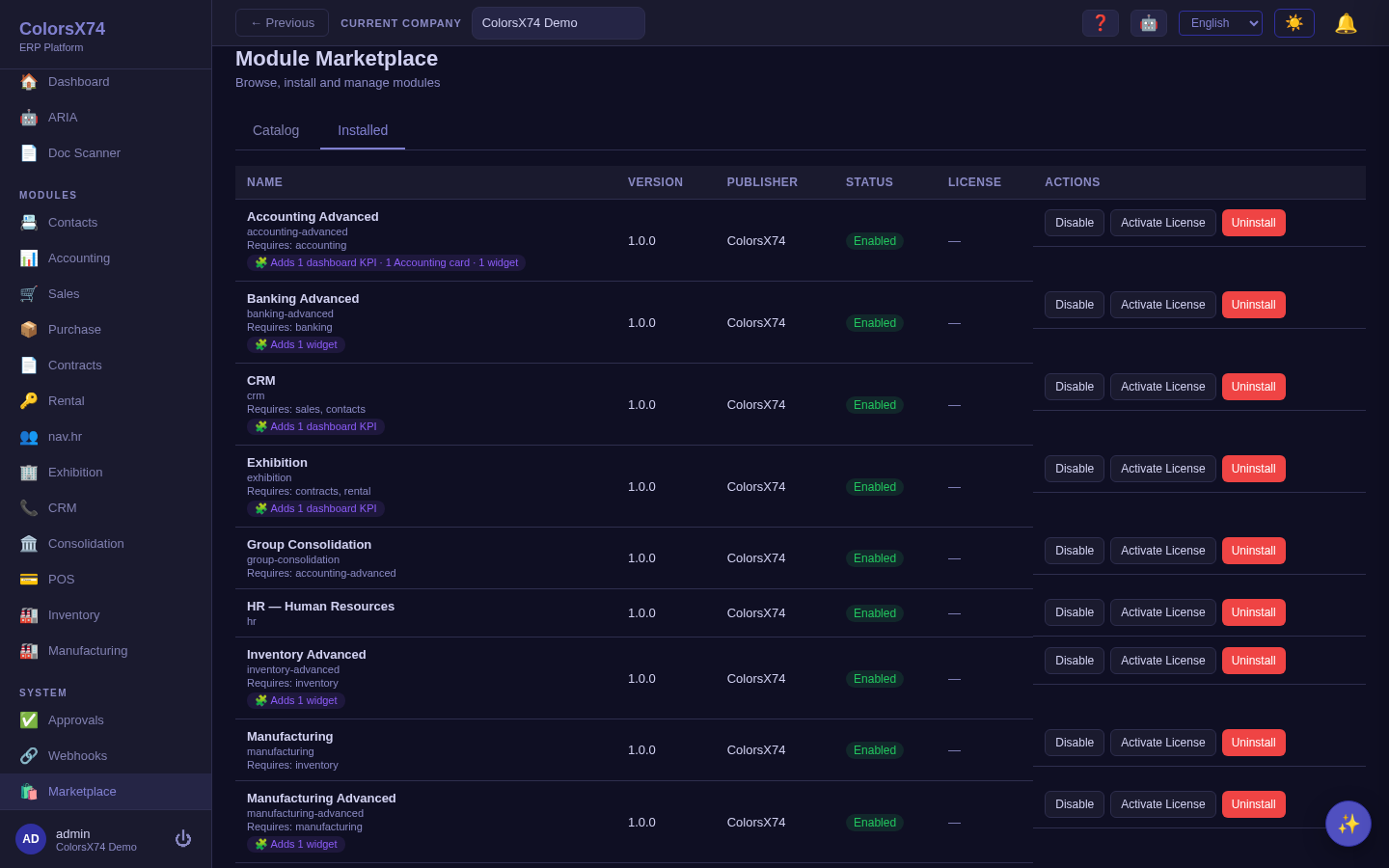
Use it wisely. Install only what a customer will use — every enabled module adds navigation and surface area. Lean on the signing and dependency model as a trust story: nothing unsigned loads, and dependencies are resolved for you. When a route redirects to the marketplace, that is the entitlement system working, not a defect — it is the cue to enable the module via Module Access.
Suggested demo flow
- Inventory: categories → warehouses → products, then Low Stock as the daily exception list.
- Manufacturing (if enabled): a BOM, then a work order that builds from it.
- Marketplace: browse the Catalog, then Installed, and explain signing, dependencies, and Module Access.
- Close by noting how stock movements post into Accounting for valuation.
Related pages
- Overview, login, and dashboard
- Accounting, reports, banking, tax, and payments
- Sales, purchase, contracts, and rental
- Exhibition rental management
- AI, ARIA, setup wizard, scan, draft, and settings
- Admin, settings, security, audit, approvals, and notifications
- Troubleshooting, browser requirements, and support handoff